Nano Banana Pro: Revolutionary Image Editing with a Brush
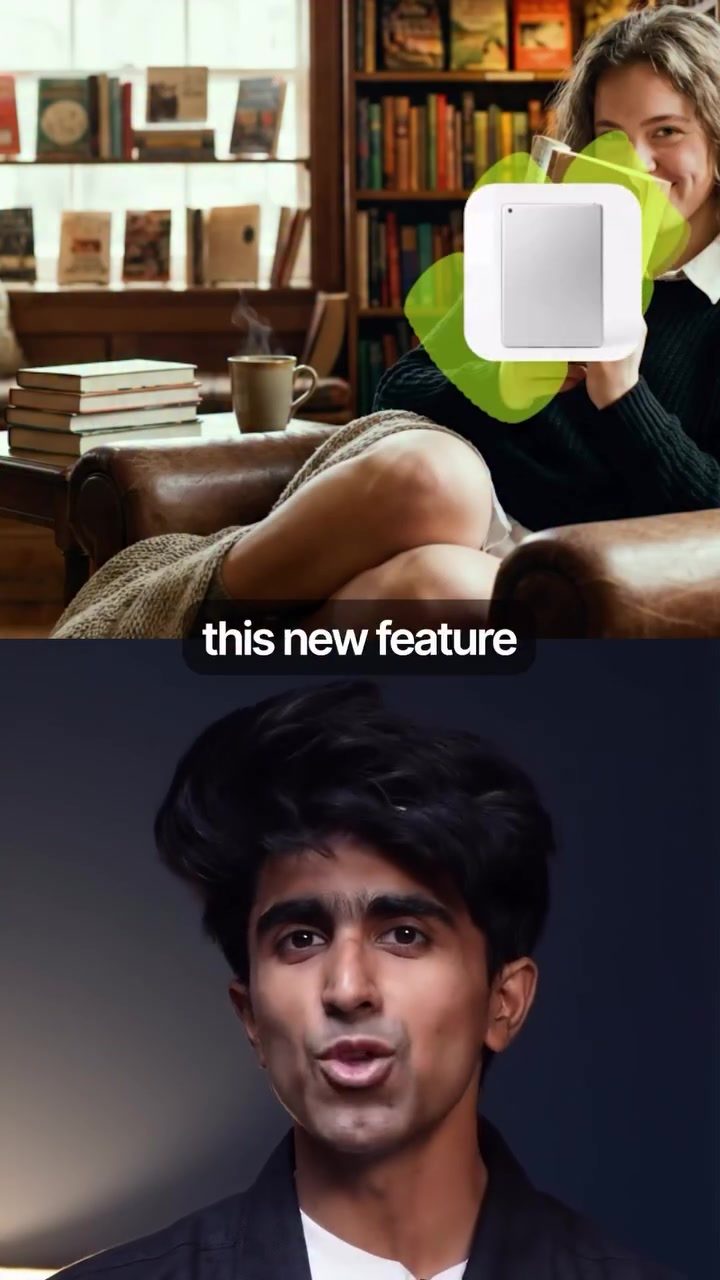
Nano Banana Pro has introduced a game-changing feature that simplifies image editing, allowing users to make changes with a simple brush stroke. This innovative tool eliminates the need for complex layers and the headaches associated with traditional editing software like Photoshop. The process is straightforward: select the area you want to edit, type your prompt, and watch as the changes are applied instantly.
Why This Matters
Traditional image editing software can be overwhelming for beginners and time-consuming for professionals. The layers, masks, and complex tools often lead to a steep learning curve and a lot of frustration. Nano Banana Pro aims to change this by offering a more intuitive and efficient way to edit images, making it accessible to everyone, regardless of their skill level.
Main Discussion
The Power of Brush Editing
One of the standout features of Nano Banana Pro is its brush editing capability. This feature allows users to select specific parts of an image and apply edits directly to those areas. By brushing over the part of the image you want to change and typing a prompt, you can see the changes applied almost instantly.
No Layers, No Headaches
Unlike traditional editing software, Nano Banana Pro doesn't require users to deal with multiple layers and complex tools. This simplicity makes it an excellent choice for those who want to edit images without the hassle. Whether you’re a professional photographer or a casual user, the straightforward interface and intuitive tools make the editing process a breeze.
How to Get Started
To try out Nano Banana Pro for free, head to Hicksfield. Here’s a step-by-step guide to get you started:
- Head to Hicksfield: Visit the Hicksfield platform and navigate to the editing section.
- Choose Nano Banana Pro: Select Nano Banana Pro from the available editing tools.
- Upload Your Image: Upload the image you want to edit.
- Tap the Brush Icon: Once your image is uploaded, tap the brush icon to start editing.
- Paint the Area: Use the brush tool to paint over the area you want to edit.
- Type Your Prompt: Type in the prompt for the changes you want to apply.
- Done: That’s it! Your changes will be applied instantly, and you’ll have a beautifully edited image in no time.
Hicksfield's Special Offer
Currently, Hicksfield is running a massive 80% off promotion for Nano Banana Pro, making it an ideal time to try out this powerful tool. Whether you’re a seasoned editor or new to the world of image editing, this offer provides an excellent opportunity to experience the simplicity and efficiency of Nano Banana Pro.
Practical Tips
Mastering the Brush Tool
The brush tool in Nano Banana Pro is incredibly versatile. Here are a few tips to help you get the most out of it:
- Start Small: Begin with small edits and gradually work your way up to more complex changes.
- Experiment with Prompts: Try different prompts to see what works best for your image. The more specific you are, the better the results.
- Use Layers Wisely: Although Nano Banana Pro simplifies the editing process, you can still use layers for more detailed work if needed.
Utilizing Prompts Effectively
Prompts are a crucial part of the editing process in Nano Banana Pro. Here are some tips to help you get the best results:
- Be Specific: The more specific your prompt, the better the tool can understand what you want to achieve.
- Use Descriptive Language: Descriptive language helps the tool interpret your request more accurately.
- Try Different Variations: Experiment with different variations of your prompt to see which one works best.
Exploring Advanced Features
While Nano Banana Pro is designed to be user-friendly, it also offers advanced features for those who want to delve deeper. Here are a few advanced tips:
- Fine-Tuning Edits: Use the fine-tuning tools to make precise adjustments to your edits.
- Batch Editing: If you have multiple images to edit, use the batch editing feature to save time.
- Integration with Other Tools: Nano Banana Pro can be integrated with other tools for a seamless workflow.
Important Takeaways
- Nano Banana Pro revolutionizes image editing with its brush tool, making it accessible to everyone.
- The tool eliminates the need for complex layers and tools, providing a hassle-free editing experience.
- Hicksfield’s 80% off promotion is a great opportunity to try out Nano Banana Pro.
- Prompts are crucial for achieving the desired edits. Be specific and descriptive for the best results.
- Advanced features like fine-tuning and batch editing offer additional flexibility for power users.
Conclusion
Nano Banana Pro is a game-changer in the world of image editing. Its brush tool and intuitive interface make it a powerful yet accessible tool for both beginners and professionals. For anyone looking to simplify their editing process, Nano Banana Pro is definitely worth trying out.
Questions readers ask
What makes Nano Banana Pro's brush tool unique compared to traditional editing software?
Nano Banana Pro's brush tool stands out by allowing users to edit images with simple brush strokes and typed prompts, unlike traditional software that requires navigating complex layers and tools. This approach makes the editing process more intuitive and less time-consuming.
Can beginners use Nano Banana Pro for image editing?
Yes, Nano Banana Pro is designed to be accessible for all skill levels. The brush tool's simplicity makes it an excellent choice for beginners who may find traditional editing software overwhelming.
How does the brush tool in Nano Banana Pro work?
To use the brush tool, select the area of the image you want to edit, type your desired changes as a prompt, and the tool will apply the edits instantly. This streamlined process eliminates the need for complex tools and layers.
Is Nano Banana Pro a good alternative to Photoshop?
Yes, Nano Banana Pro can be a great alternative to Photoshop, especially for those who find Photoshop's extensive features and complex interface daunting. The brush tool simplifies the editing process, making it an attractive option for many users.
What are the benefits of using Nano Banana Pro for photo editing?
Nano Banana Pro offers a more efficient and user-friendly way to edit photos. By using simple brush strokes and typed prompts, users can achieve professional-looking results without the steep learning curve associated with traditional editing tools.
How does typing prompts help in image editing with Nano Banana Pro?
Typing prompts in Nano Banana Pro allows users to specify exactly what changes they want to make to the image. This feature, combined with the brush tool, ensures precise and accurate edits without the need for complex manual adjustments.
What kind of edits can be made using Nano Banana Pro's brush tool?
The brush tool in Nano Banana Pro can handle a variety of edits, including color adjustments, object removal, and enhancements. The exact capabilities can be explored through the tool's prompts, making it a versatile option for different editing needs.
Related deep dives
Similar reads based on topic and creator.




Recent articles
Fresh deep dives from the latest Reels we unpacked.




Comments
Be the first to comment.