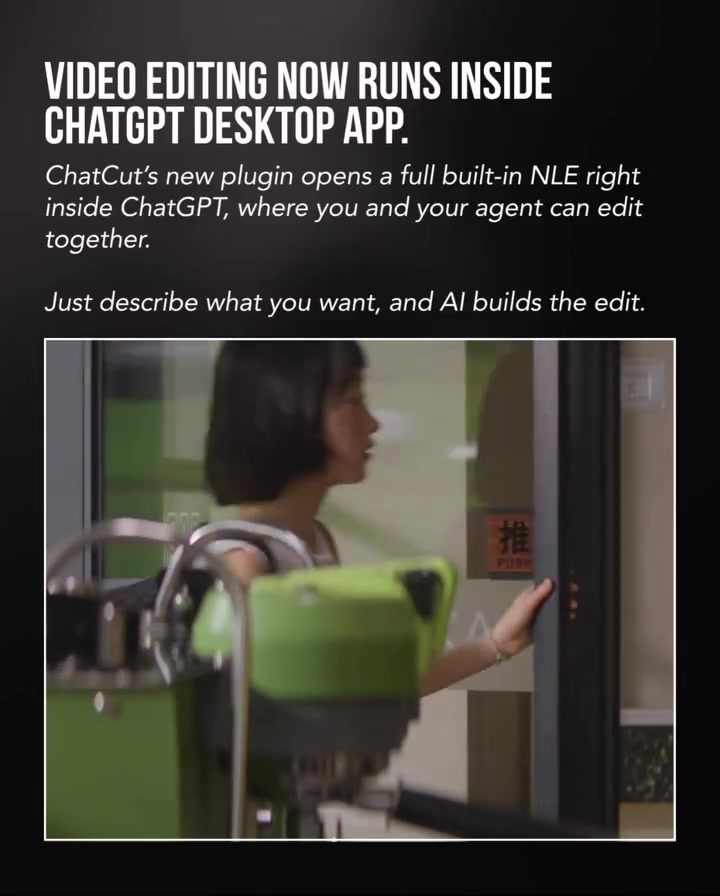
Video Editing with AI: How ChatCut Streamlines the Process
AI has revolutionized the way creatives approach video production, from ideation to scripting. However, the editing process remains a time-consuming task that often requires switching between multiple tools. ChatCut, a desktop application, aims to solve this issue by integrating video editing directly into ChatGPT. This seamless integration allows creators to edit videos using natural language, significantly streamlining the workflow.
Why This Matters
For video creators, time is a precious resource. The ability to edit videos more efficiently can lead to increased productivity and creativity. ChatCut's integration with ChatGPT offers a new way to approach video editing, making it faster and more intuitive. This is particularly beneficial for creators who already use AI tools for other aspects of their workflow, such as research and scripting.
Main Discussion
Seamless Integration with ChatGPT
ChatCut's standout feature is its integration with ChatGPT. Instead of juggling multiple tools, creators can now describe their desired edits in natural language, and the AI will build the edit accordingly. This approach not only saves time but also keeps the workflow cohesive, as users can stay within the familiar ChatGPT environment. The plugin opens a full built-in non-linear editor (NLE) inside ChatGPT, allowing for collaborative editing between the user and the AI.
Natural Language Editing
One of the most innovative aspects of ChatCut is its use of natural language for editing. Creators can simply describe what they want, and the AI will handle the technical aspects. Whether it's cutting footage, adding captions, generating B-roll, or creating motion graphics, ChatCut can manage many repetitive tasks, freeing up the creator's time for more creative endeavors.
Progress Tracking
Efficiency is further enhanced by ChatCut's progress tracking feature. As the AI builds the edit, users can monitor the process, ensuring that everything is progressing as expected. This real-time tracking adds a layer of control and transparency, making the editing process more manageable and less stressful.
Collaboration with Codex
ChatCut's collaboration with Codex further integrates natural language into the video editing process. This collaboration allows for an even more seamless experience, as creators can leverage the power of both tools to streamline their workflow. Codex, known for its advanced language models, complements ChatCut's editing capabilities, making the entire process more intuitive and user-friendly.
Practical Tips
Describing Your Edits
To get the most out of ChatCut, be as descriptive as possible when outlining your desired edits. The more detailed your instructions, the better the AI can execute your vision. For example, instead of saying "cut the footage," specify the exact points where you want the cuts, such as "cut the footage from 1:05 to 1:10."
Utilizing Progress Tracking
Make use of the progress tracking feature to stay updated on the editing process. This will help you identify any discrepancies early and make adjustments as needed. Regularly checking the progress can also help you plan your next steps more effectively, ensuring a smoother workflow.
Leveraging AI for Repetitive Tasks
Take advantage of AI's ability to handle repetitive tasks. Let the AI manage tasks like adding captions, generating B-roll, and creating motion graphics. This will free up your time to focus on more creative aspects of the project, such as conceptualizing new ideas or refining the narrative.
Important Takeaways
Efficiency and Control
ChatCut offers a unique blend of efficiency and control. By integrating video editing into ChatGPT, it streamlines the workflow and saves time. However, it also provides users with full control over the final edit, ensuring that the creative vision is preserved.
Natural Language Integration
The use of natural language for editing is a game-changer. It makes the process more intuitive and accessible, even for those who may not be experienced with video editing tools. This democratizes the editing process, allowing a broader range of creators to produce high-quality content.
Seamless Collaboration
The collaboration between ChatCut and Codex further enhances the user experience. By leveraging the strengths of both tools, creators can achieve a more cohesive and efficient workflow, ultimately leading to better results.
Real-Time Tracking
The progress tracking feature is a valuable addition that adds a layer of control and transparency to the editing process. It helps users stay on top of the editing tasks and make adjustments as needed, ensuring a smoother workflow.
Conclusion
ChatCut's integration of video editing with AI within ChatGPT represents a significant leap forward in the world of video production. By allowing creators to edit videos using natural language, it simplifies the process and makes it more accessible. The seamless collaboration with Codex and the real-time progress tracking feature further enhance the user experience, making ChatCut a valuable tool for any video creator looking to streamline their workflow.
Questions readers ask
How does ChatCut integrate with ChatGPT to enhance video editing?
ChatCut merges video editing with ChatGPT, allowing users to issue language commands to make edits, this way, the editing process becomes more intuitive and efficient. This integration eliminates the need for manual editing tools, thereby streamlining the workflow.
What are the benefits of using natural language video editing with ChatCut?
Using natural language to edit videos with ChatCut allows for a more intuitive and efficient process. Creators don't need to learn complex software, instead, they can simply describe the edits they want and the AI will execute them. This boosts productivity and creativity.
Can I use ChatCut if I am not familiar with AI tools?
Yes, ChatCut is designed to be user-friendly, even for those who are not familiar with AI tools. The natural language interface means you can edit videos using simple, everyday language, making it accessible for beginners and experienced users alike.
What kind of video editing tasks can I perform with ChatCut's AI video editing commands?
With ChatCut, you can perform a wide range of video editing tasks using AI commands. This includes cutting and trimming clips, adding transitions, applying filters, and even generating subtitles or captions. The AI handles the technical details, allowing you to focus on your creative vision.
How does ChatCut help in boosting video productivity?
ChatCut boosts video productivity by allowing creators to edit videos more efficiently. By using natural language commands, you can make edits quickly and intuitively, reducing the time spent on technical tasks. This allows you to create more content in less time, enhancing overall productivity.
Is ChatCut available on all platforms?
As of now, ChatCut is a desktop application. This means it's designed to run on computers, providing a stable and powerful environment for video editing. To use ChatCut, you'll need to have a compatible desktop device.
Related deep dives
Similar reads based on topic and creator.




Recent articles
Fresh deep dives from the latest Reels we unpacked.




Comments
Be the first to comment.