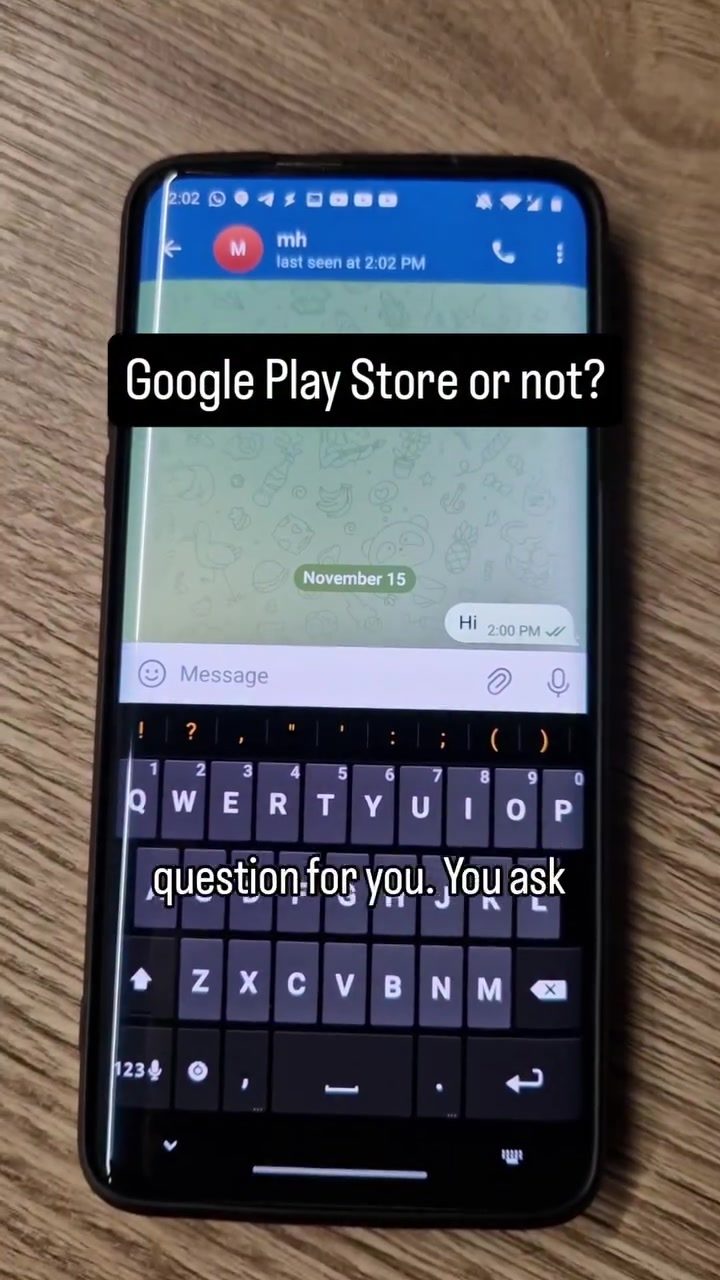
App Recommendations and Smartphone Safety
The safety of smartphone applications is a vital concern in today's digital age. When someone you trust recommends an app, would you download and install it without hesitation? This scenario raises important questions about app verification and smartphone safety.
Why this matters
The rise of smartphones has made mobile applications an integral part of daily life. From productivity tools to social media and entertainment, apps serve a multitude of purposes. However, the convenience they offer comes with risks, particularly from malicious apps that can compromise personal data and device security.
Main discussion
The app in question, GPT Trade, is showcased on the Google Play Store. The store listing reveals some key details: a 4.3-star rating, over 2.6K reviews, and more than 100K downloads. These metrics suggest a level of popularity and user satisfaction, but they don't guarantee the app's legitimacy. Let's delve into the critical aspects of verifying app safety and the importance of such verification.
Understanding App Recommendations
App recommendations often come from friends, family, or trusted sources. These recommendations can be a useful starting point, but they should not be the sole basis for deciding whether to install an app. It's crucial to verify the app's authenticity and safety through several steps.
The Role of the Google Play Store
Google Play Store is the primary platform for Android users to download apps. It offers a range of tools to help users verify the legitimacy of an app, including:
- Developer Information: Check the developer's name and their other apps. A reputable developer will have a history of creating trustworthy apps.
- User Reviews: Read through user reviews to gauge the app's performance and user satisfaction. Look for patterns in the reviews, such as consistent praise or consistent complaints.
- Rating: The app's rating is a quick indicator of its overall quality. However, it should be considered alongside other factors.
Risks of Unverified Apps
Downloading and installing unverified apps can lead to several risks, including:
- Data Theft: Malicious apps can steal personal data, including passwords, financial information, and personal details.
- Malware: Some apps contain malware that can infect your device, causing it to malfunction or spread the infection to other devices.
- Unwanted Behavior: Unverified apps may exhibit unwanted behavior, such as displaying excessive ads, sending unwanted notifications, or draining your battery.
Verifying App Authenticity
Verification of an app’s authenticity is essential in mitigating these risks. Here are some practical steps to verify an app:
- Check for HTTPS: Ensure the app's download link uses HTTPS, indicating that the data is encrypted in transit.
- Look for Encryption: Confirm that the app encrypts data, both in transit and at rest. This information is often available in the app’s privacy policy or description.
- Read Permissions: Carefully review the permissions the app requests. Be wary of apps that ask for excessive permissions, especially if they are not relevant to the app's functionality.
Practical Tips
How to Stay Safe While Downloading Apps
- Use Reliable Sources: Stick to trusted app stores like Google Play Store, which have measures in place to verify app safety.
- Check Reviews and Ratings: Pay close attention to user reviews and ratings. Look for detailed reviews that provide insights into the app's performance and safety.
- Update Regularly: Keep your smartphone and apps updated. Updates often include security patches that protect against new threats.
- Avoid Third-Party Stores: While third-party app stores might offer exclusive apps, they often lack the same level of security as official stores.
What to Do if You Suspect an App is Malicious
- Uninstall the App: Immediately uninstall the app if you suspect it is malicious.
- Scan Your Device: Use a reputable antivirus app to scan your device for malware.
- Report the App: Report the suspicious app to the app store and relevant authorities. This helps protect other users from the same threat.
Important takeaways
Key Points to Remember
- Trust but Verify: Recommendations from trusted sources are a good starting point, but they should not be the only factor in deciding to install an app.
- Use Official Stores: Stick to official app stores like Google Play Store, which have measures in place to verify app safety.
- Check Reviews and Ratings: Regularly read and verify the reviews and ratings of the app.
- Look for Encryption and HTTPS: Ensure that the app encrypts data both in transit and at rest, and that it uses HTTPS.
- Review Permissions: Be cautious of apps that ask for excessive permissions.
Final Thoughts on App Recommendations
In conclusion, while app recommendations can be a useful starting point, they should not be the only factor in deciding to install an app. Verifying the app's authenticity and safety is crucial to protect your personal data and device security. By following the tips and guidelines outlined in this article, users can navigate the world of smartphone apps more safely and confidently.
Questions readers ask
How can I verify the legitimacy of an app recommended by a friend or on social media?
To verify an app's legitimacy start by checking the app store listing. Look for a verified developer or publisher, positive user reviews, and a reasonable number of downloads. Additionally, cross-reference the app with other reliable sources to ensure it's genuine.
What should I check on the Google Play Store to ensure an app is safe to download?
On the Google Play Store, pay attention to the app's developer information, user reviews, and ratings. A high rating and plenty of downloads can indicate a safe app. Check the app’s permissions, comparing them to what you'd expect the app to need, and look for any signs of suspicious activity reported by users.
What steps should I take to protect my mobile data when downloading a new app?
Before downloading, ensure the app comes from a reputable source and check its permissions to confirm it doesn’t request access to too much personal information. Regularly review and update your app permissions and device settings to control what data the app can access.
How can I maintain app security after installing a new app on my smartphone?
After installation, monitor the app’s behavior and performance. Keep your device’s operating system and all apps updated to the latest versions to protect against known vulnerabilities. Regularly review and delete apps you no longer use to minimize risks.
Why is it important to be cautious with app recommendations from trusted sources?
Even recommendations from trusted sources can lead to potential risks. Trusted sources are often manipulated into sharing malicious links or apps. Always verify the legitimacy of the app independently by checking the app store listing, user reviews, and permissions.
What are some red flags to watch out for when downloading apps from the Google Play Store?
Red flags include a low number of downloads, poor user ratings, or a lack of recent updates. Unusual or excessive permissions requests, and if the app is asking for more information than necessary for its function, that could indicate potential security risks.
Related deep dives
Similar reads based on topic and creator.




Recent articles
Fresh deep dives from the latest Reels we unpacked.




Comments
Be the first to comment.