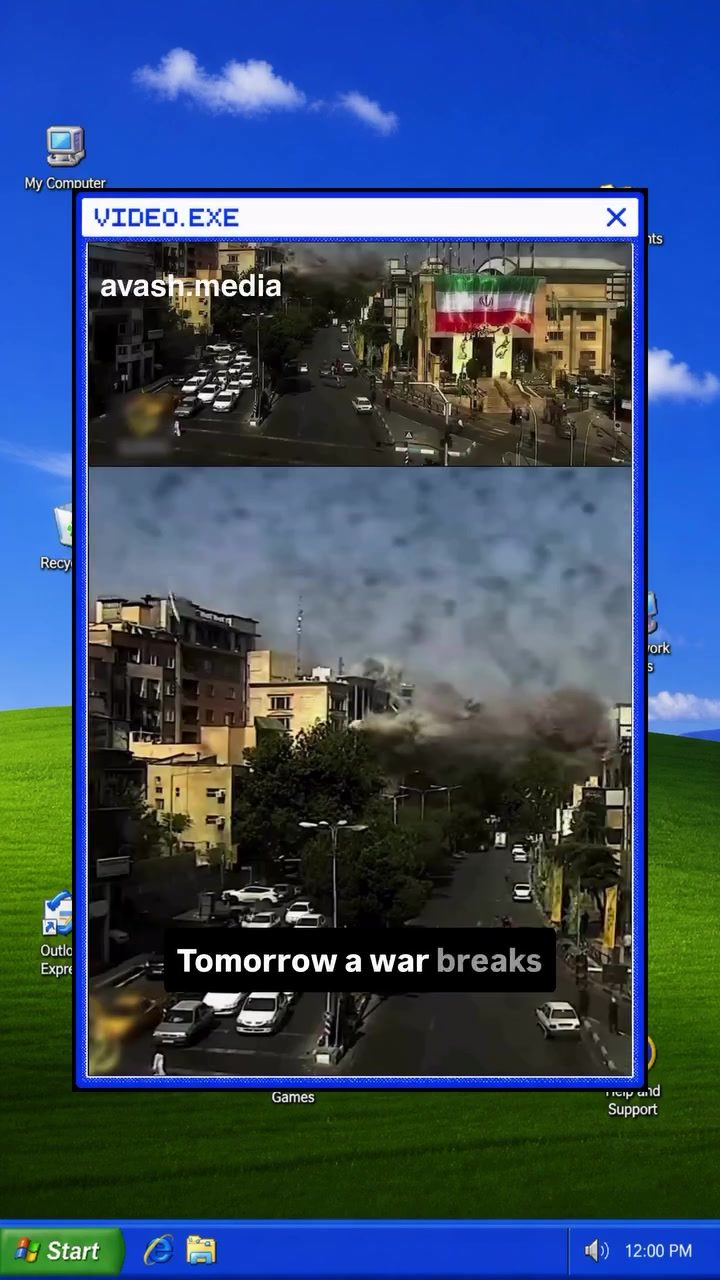
Offline Maps: Your Lifeline in a World Without Internet or GPS
In today's digitally connected world, it's easy to take constant access to the internet, GPS systems, and navigation apps like Google Maps for granted. But what would you do if, suddenly, these tools were no longer available? Imagine a scenario where an earthquake, a massive power outage, or even a war disrupts communications, leaving you without crucial navigation tools. How would you find the nearest hospital or make your way home?
Why This Matters
The ability to navigate without an internet connection is something most people don't consider until an emergency strikes. In a world where digital maps and GPS are ubiquitous, the idea that these tools might fail can seem far-fetched. However, natural disasters, cyberattacks, or even temporary outages can leave you stranded without a map or a way to find help. This is where offline maps come into play, and understanding how to use them can make a life-saving difference.
Offline Navigation: How It Works
The Role of Offline Maps
Offline navigation apps like Organic Maps and MAPS.ME allow you to download maps and store them directly on your smartphone. This means you can still access essential information like roads, hospitals, pharmacies, gas stations, and hiking trails even if the internet or GPS is unavailable.
Key Features of Offline Maps
-
Localized Storage: These apps download maps to your device, ensuring they are accessible even without an internet connection. This local storage is crucial in scenarios where connectivity is unreliable or non-existent.
-
Comprehensive Data: Offline maps often include a wide array of locations, from hospitals and pharmacies to gas stations and hiking trails. This comprehensive data ensures you have all the information you need to navigate various situations.
-
User-Friendly Interface: These apps are designed to be easy to use, even for those who are not tech-savvy. They often feature a simple, intuitive interface that allows you to search for locations and get directions with just a few taps.
Practical Tips for Using Offline Maps
-
Download Maps in Advance: The first step is to download the maps you need before an emergency happens. This ensures that you have the necessary data stored on your device when you need it most.
-
Keep Your Device Charged: While offline maps don't require an internet connection, they do need battery power. Make sure your phone is fully charged or have a portable charger on hand.
-
Update Maps Regularly: Just like online maps, offline maps need to be updated regularly to ensure accuracy. Make it a habit to update your maps periodically, especially if you frequently travel to new areas.
-
Use a Case with GPS: If your phone doesn't have a built-in GPS, consider using a case with a GPS module. This can help you get more accurate location data, even without an internet connection.
-
Backup Options: Download maps from multiple sources if possible. This provides a backup in case one source becomes unreliable or outdated.
Important Takeaways
-
Preparation is Key: Being prepared for emergencies involves more than just having a first-aid kit. Knowing how to navigate without traditional tools can save lives.
-
Offline Maps are Essential: Incorporating offline maps into your emergency preparedness plan can provide a critical advantage when systems go down.
-
Stay Updated: Regularly update your offline maps to ensure you have the most accurate and reliable information available.
-
Share the Knowledge: Teach others about the importance of offline navigation. Sharing this knowledge can help your community stay safe and prepared.
Conclusion
In a world where technology is both a blessing and a potential liability, knowing how to navigate without the internet or GPS can be a game-changer. Offline maps like Organic Maps and MAPS.ME offer a reliable solution for staying on course during emergencies. By downloading these maps in advance and understanding how to use them, you can ensure that you and your loved ones are prepared for any situation. So, take the time today to download your offline maps and share this lifesaving trick with others.
Questions readers ask
What are offline maps and why are they important for emergency preparedness?
Offline maps are digital maps that can be downloaded and used without an active internet connection. They are crucial for emergency preparedness because they allow you to navigate and find essential locations, such as hospitals or evacuation routes, even when internet or GPS services are disrupted.
How can I use offline maps to navigate without an internet connection?
To navigate using offline maps, first, download the map data for the desired area while you have an internet connection. Most offline navigation apps allow you to save maps for offline use. Once downloaded, you can open the app and use it just like you would with an online map, but it will rely on the pre-downloaded data.
Which apps offer offline maps for navigation?
There are several apps that offer offline maps, such as Google Maps, which allows you to download maps for offline use, and MapFactor, which uses OpenStreetMap data. Both of these apps can be used for navigation without an internet connection and are particularly useful in emergencies.
Can I use offline maps to find essential locations like hospitals?
Yes, offline maps can help you locate essential services like hospitals, police stations, fire departments, and other critical facilities. Make sure to download maps that include detailed points of interest (POIs) so that you can easily find these locations when you need them most.
What should I do if my offline map data is outdated?
If your offline map data is outdated, it's important to update it as soon as you have an internet connection. Most apps will notify you when there are updates available. Keep in mind that while offline maps are helpful, they should be part of a broader emergency preparedness plan that includes other navigation tools and resources.
How can I ensure the best performance of my offline maps in an emergency?
To ensure the best performance, download large areas and detailed maps when you have a reliable internet connection. Store sufficient battery power, consider carrying a portable charger, and make sure to have a backup power source. Familiarize yourself with the offline map features in your chosen app, such as how to search for specific locations or points of interest.
Can I still use offline maps if I don't have a smartphone?
If you don't have a smartphone, you can still use offline maps by printing physical maps or using a dedicated GPS device. Websites like OpenStreetMap and government resources often provide printable maps. Dedicated GPS devices, such as those from Garmin or Magellan, can also be preloaded with maps for offline use.
Related deep dives
Similar reads based on topic and creator.




Recent articles
Fresh deep dives from the latest Reels we unpacked.




Comments
Be the first to comment.