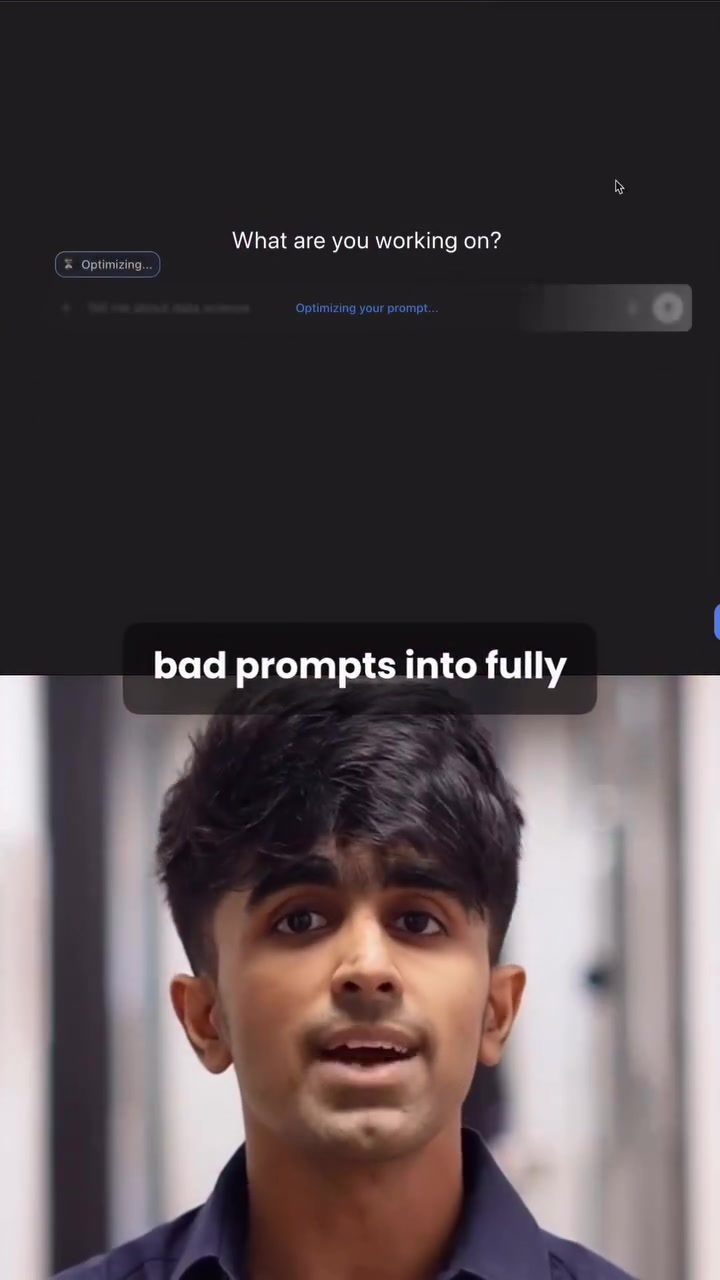
ChatGPT and Optimizing Prompts
ChatGPT is a powerful AI chatbot that has garnered significant attention for its ability to generate comprehensive and contextually relevant responses. One of the key aspects of using ChatGPT effectively is crafting the right prompts. Recent developments have introduced a new Chrome extension designed to turn rough, unclear inputs into fully optimized prompts with just one click. This tool, available for both ChatGPT and another AI model called Claude, promises to revolutionize the way users interact with these AI chatbots.
Why Optimizing Prompts Matters
Optimizing prompts is crucial for extracting the best possible responses from AI chatbots. Well-crafted prompts ensure that the AI understands the context, roles, and conditions of the query, leading to more accurate and useful outputs. This is particularly important in fields like data science, where precise and detailed information is essential.
Main Discussion
The New Chrome Extension
The new Chrome extension is a game-changer for users of ChatGPT and Claude. Once installed from the Chrome store, it integrates seamlessly with the browser, adding a small button labeled "Optimized Prompt" to the chat interface. Clicking this button transforms your rough input into a fully structured, high-quality prompt.
How It Works
The extension uses proven prompt engineering techniques to enhance the input. These techniques include:
- Roles: Defining the roles of entities involved in the query.
- Context: Providing relevant background information.
- Conditions: Specifying the constraints or criteria for the response.
For example, if you input a vague question like "Tell me about data science," the tool might transform it into a more detailed prompt like "Explain the fundamentals of data science, including key concepts, tools, and its impact on various industries. Provide examples of real-world applications and the role of data scientists in modern organizations."
Benefits of Optimized Prompts
Optimized prompts lead to several benefits:
- Improved Clarity: The AI understands the query better, resulting in more precise and relevant responses.
- Time-Saving: Users spend less time refining their inputs and more time using the information.
- Consistency: The AI's responses become more consistent, reducing the likelihood of errors or misunderstandings.
Practical Tips
Installation and Usage
- Download the Extension: Go to the Chrome store and search for the new ChatGPT and Claude optimization tool. Download and add it to your browser.
- Open ChatGPT or Claude: Once the extension is installed, open your preferred AI chatbot.
- Use the Optimized Prompt Button: When you input a query, click the "Optimized Prompt" button. The tool will automatically convert your input into a structured, high-quality prompt.
- Tweak If Needed: If the optimized prompt isn't exactly what you need, you can tweak it manually. This ensures the AI gets the best possible input for generating responses.
Example Use Cases
- Data Science Queries: Ask about specific data science techniques, tools, or applications. The optimized prompt will ensure you get detailed and accurate information.
- Industry Applications: Inquire about the impact of data science on different industries. The tool will help you receive comprehensive overviews that cover key points and examples.
Important Takeaways
Optimizing prompts for AI chatbots like ChatGPT can significantly enhance the quality of responses. The new Chrome extension makes this process effortless, allowing users to save time and get more accurate information. Whether you're a data scientist, student, or professional, this tool can be a valuable addition to your workflow.
Conclusion
In the rapidly evolving world of AI and data science, having the right tools is crucial. The new Chrome extension for ChatGPT and Claude offers a simple yet powerful way to optimize your prompts, leading to better, more accurate outputs. By integrating this tool into your workflow, you can streamline your interactions with AI chatbots and get the most out of their capabilities.
Questions readers ask
What is the purpose of the new Chrome extension for ChatGPT and Claude?
The new Chrome extension is designed to enhance and optimize user inputs for ChatGPT and Claude AI chatbot queries. It transforms basic, unclear inputs into structured, optimized prompts with a single click, making it easier to generate more accurate and relevant responses.
How does the Chrome extension optimize prompts for AI chatbots?
The extension analyzes the user's input and applies best practices for prompt crafting. It ensures that the AI understands the context, roles, and conditions of the query, leading to more comprehensive and relevant responses from the chatbot.
Can the Chrome extension be used with other AI chatbots besides ChatGPT and Claude?
Currently, the extension is specifically designed for use with ChatGPT and Claude. However, future updates might include compatibility with other AI chatbots, so it's worth checking for updates if you use different platforms.
Is the Chrome extension user-friendly for those new to prompt optimization?
Yes, the extension is designed to be very user-friendly. Users do not need any special skills or knowledge. Input your basic query, and the extension will enhance it, making prompt optimization accessible for everyone, even those who are not familiar with AI prompt optimization strategies
Can I try the Chrome extension without installing it permanently?
As of now, the extension requires installation to function. However, most browsers allow you to temporarily install extensions without permanently saving them, so you can try it out and then remove it if you find it not suitable for your needs.
Does the Chrome extension support multiple languages for prompt optimization?
The current information does not specify language support beyond English. If you require prompt optimization in a different language, it is advisable to check the extension's documentation or support resources for the most up-to-date information.
How does the Chrome extension help in saving time when using AI chatbots?
The extension saves time by quickly transforming basic inputs into well-structured queries, eliminating the need for manual optimization. This allows users to get more accurate and relevant responses from AI chatbots in less time, streamlining the interaction process.
Related deep dives
Similar reads based on topic and creator.




Recent articles
Fresh deep dives from the latest Reels we unpacked.




Comments
Be the first to comment.