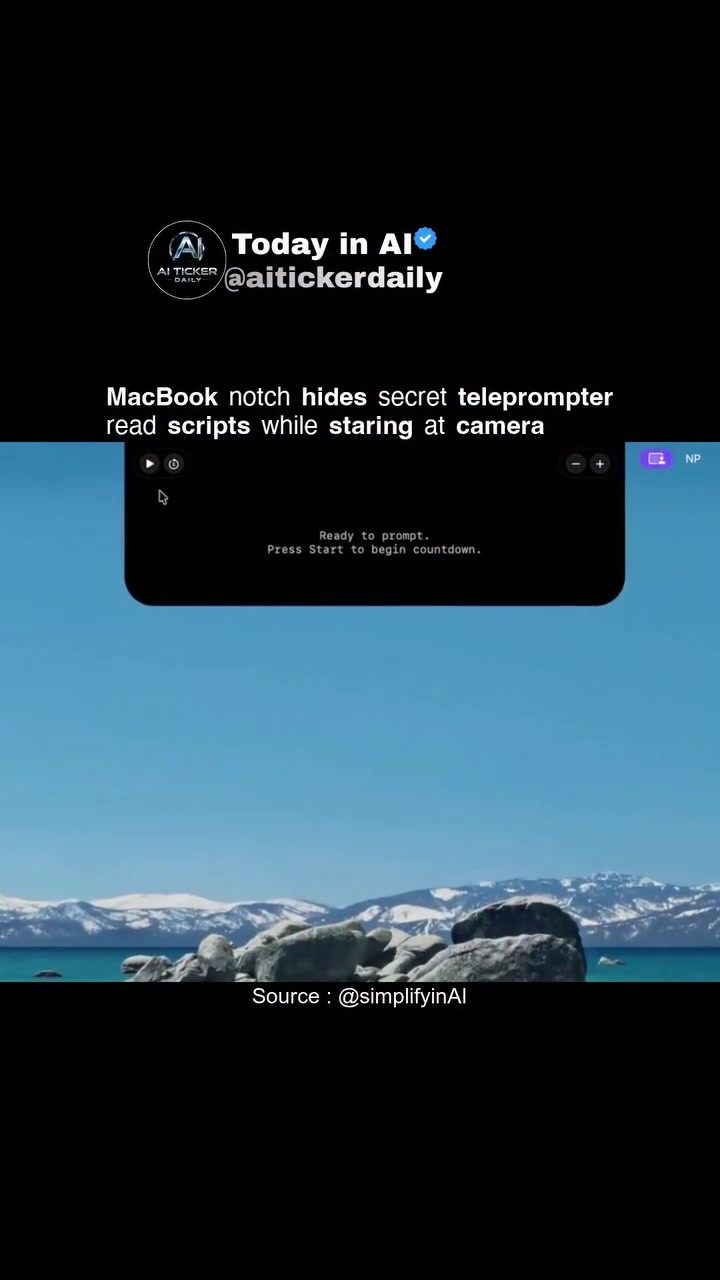
Teleprompter apps have become increasingly popular, especially for those who frequently use video conferencing tools like Zoom or record demos and presentations. One such app, Notchprompt, has gained attention for its unique integration with the MacBook's notch, offering a seamless way to read scripts while maintaining eye contact with the camera.
Context / Why this matters
In an era where remote work and digital content creation are prevalent, the ability to deliver polished, professional presentations is more important than ever. Eye contact, in particular, is crucial for engaging an audience and conveying confidence. However, reading from a script can often disrupt this connection. This is where teleprompter apps like Notchprompt come in, providing a solution that allows users to read their script while appearing to look directly at the camera.
Main discussion
What is Notchprompt?
Notchprompt is a native macOS teleprompter app specifically designed for MacBooks. Unlike traditional teleprompters, which can be bulky and distracting, Notchprompt integrates directly into the MacBook's notch, positioning the script text beside the selfie camera. This design allows users to keep their eyes fixed on the camera, maintaining natural eye contact throughout their presentation or recording.
Key Features
Seamless Integration
One of the standout features of Notchprompt is its seamless integration into the MacBook's design. By utilizing the notch area, the app blends into the device's aesthetics, making it less obtrusive and more convenient to use. This integration is particularly beneficial for users who need to switch between looking at their script and the camera frequently.
Customizable Settings
Notchprompt offers a range of customizable settings to enhance user experience. The app allows adjustments to:
- Speed: Users can set the scrolling speed of the text to match their reading pace, ensuring they never fall behind or rush through their script.
- Font: Different fonts are available to cater to individual preferences and readability needs.
- Display Size: The size of the text can be adjusted to ensure it is comfortably readable from the user's viewing distance.
- Width and Height: The dimensions of the text display can be modified to fit the user's specific needs, providing flexibility in how the script is presented.
Countdown Timer
Another useful feature is the countdown timer. This timer helps users prepare for their presentation or recording by providing a countdown to the start, ensuring they are ready to begin at the right moment.
Practical Applications
Zoom Meetings
Notchprompt is particularly useful for Zoom meetings where maintaining eye contact is crucial for effective communication. The app allows users to read from their script while appearing to look directly at their audience, enhancing the overall quality of the presentation.
Demos and Recordings
For content creators, demos, and recordings, Notchprompt provides a reliable way to deliver a scripted performance without the distraction of shuffling through notes or looking away from the camera. This makes it an invaluable tool for podcasters, YouTubers, and other digital content creators.
Practical Tips
Getting Started with Notchprompt
To get started with Notchprompt, follow these steps:
- Download and Install: Visit the Notchprompt GitHub repository and follow the instructions to download and install the app on your MacBook.
- Launch the App: Open the app and familiarize yourself with the interface.
- Input Your Script: Use the import feature to load your script into the app.
- Customize Settings: Adjust the speed, font, display size, and other settings to match your preferences and needs.
- Practice: Spend some time practicing with the app to get comfortable with how it works and to ensure you can read the script smoothly.
Using Privacy Mode
Notchprompt also includes a privacy mode designed to limit screen sharing capture. This feature is essential for users who want to ensure their script remains private during screen sharing sessions. However, it's important to note that the effectiveness of this feature can vary depending on the app being used for screen sharing.
Important takeaways
Teleprompter apps like Notchprompt offer a modern solution to the age-old problem of maintaining eye contact while reading from a script. By integrating seamlessly into the MacBook's design and providing customizable settings, Notchprompt makes it easier than ever to deliver professional, engaging presentations and recordings.
Conclusion
For anyone who frequently uses Zoom for meetings, records demos, or creates digital content, Notchprompt is a valuable tool. Its unique design and customizable features make it a standout option in the world of teleprompter apps, offering a convenient and effective way to enhance your presentations and recordings.
Related deep dives
Similar reads based on topic and creator.




Recent articles
Fresh deep dives from the latest Reels we unpacked.




Comments
Be the first to comment.