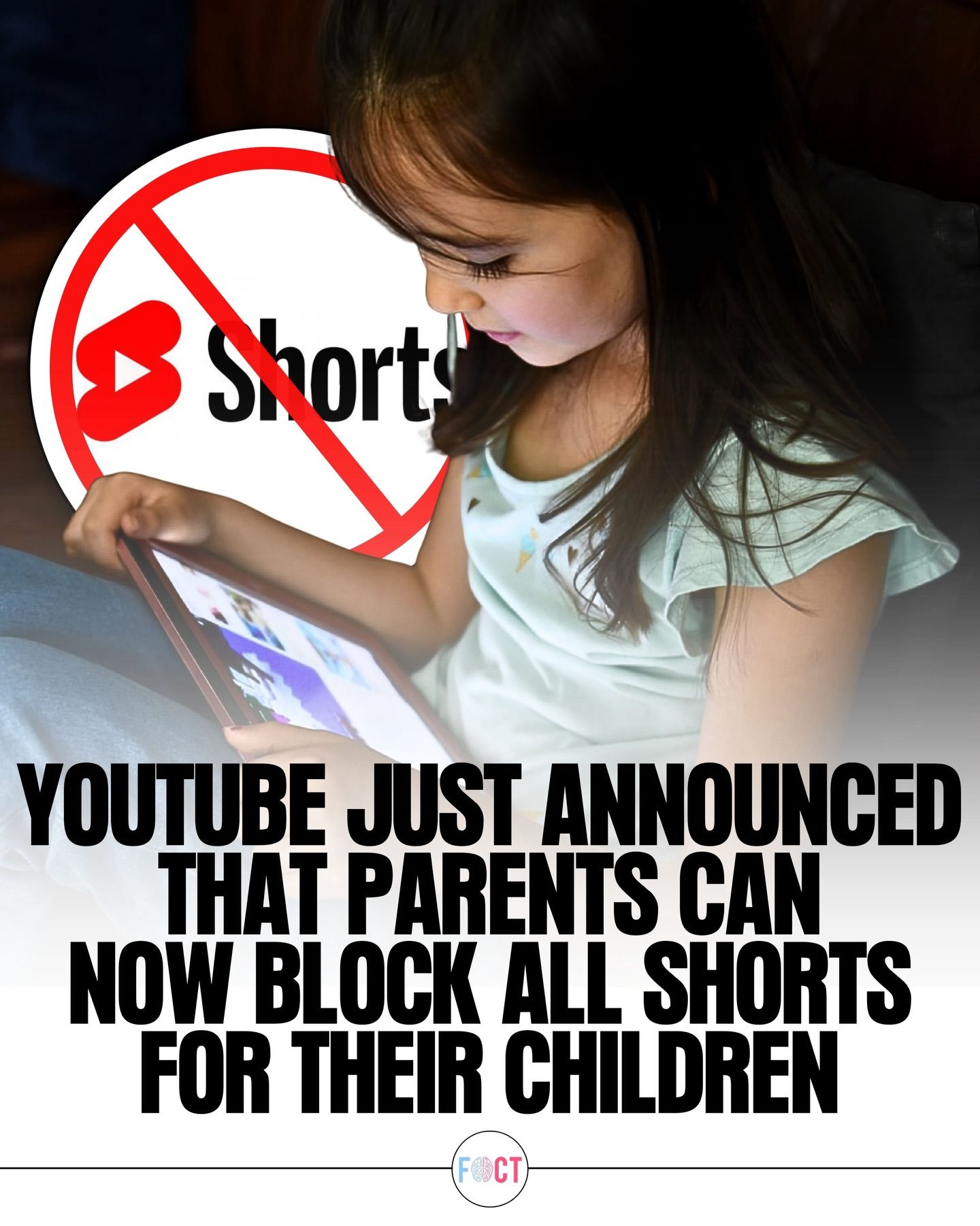
Parental Controls on YouTube
Parental controls on YouTube have just received a significant update with the introduction of a new feature that allows parents to block all Shorts content for their children. This change is designed to give families more control over what young viewers watch on the platform, helping to manage screen time and reduce exposure to potentially addictive short-form videos.
Why This Matters
With the rise of short-form video content, platforms like YouTube have seen a surge in the popularity of Shorts. While these bite-sized videos can be entertaining, they can also lead to excessive screen time, especially among younger users. The new feature aims to address these concerns by allowing parents to tailor their children's viewing experience more effectively.
Main Discussion
The Rise of Shorts
Shorts have become a staple on YouTube, providing quick, engaging content that can keep viewers hooked for hours. The format's popularity is undeniable, but it also comes with challenges, especially for parents trying to manage their children's screen time. Young viewers can easily get absorbed in the endless stream of short videos, losing track of time and often neglecting other important activities.
The New Blocking Feature
YouTube's new feature allows parents to block all Shorts content, giving them more control over their children's viewing experience. This option is particularly useful for families looking to balance entertainment with healthier digital habits. By removing Shorts from the mix, parents can encourage their children to explore longer, more educational, or age-appropriate content.
Managing Screen Time
One of the primary benefits of this new feature is its potential to help manage screen time more effectively. Shorts are designed to be quick and engaging, making them highly addictive. By blocking these videos, parents can ensure that their children are not spending too much time on the platform, allowing for a more balanced digital experience.
Encouraging Educational Content
Another advantage is the opportunity to steer children towards more educational or age-appropriate content. With Shorts out of the way, children might be more inclined to watch longer videos that offer learning opportunities. This shift can help foster a healthier relationship with digital media, where entertainment is balanced with education.
User Reactions
Many families are welcoming the change, noting that it offers a better balance between entertainment and healthy digital habits. The new feature is seen as a step in the right direction, giving parents more power to shape how their children interact with online content. As social media continues to evolve, tools like this demonstrate how platforms are adapting to the needs of their users, particularly when it comes to parental control.
Practical Tips
Using the New Feature
To utilize the new blocking feature, parents need to:
- Access their YouTube settings and navigate to the parental controls section.
- Enable the feature that blocks all Shorts content for their child’s account.
- Monitor their children's viewing habits to ensure they are engaging with more educational and age-appropriate content.
Setting Boundaries
It’s also important for parents to:
- Set specific times for when their children can use digital devices.
- Encourage offline activities such as reading, outdoor play, or creative hobbies.
- Use additional parental control tools and apps that can help limit screen time and monitor content consumption.
Encouraging Healthier Habits
Parents can foster healthier digital habits by:
- Having open conversations with their children about the importance of balancing screen time with other activities.
- Leading by example: showing children the value of offline activities and healthy screen use.
- Creating a family media plan that outlines guidelines and expectations for digital device use.
Important Takeaways
Parents are increasingly aware of the impact of digital media on their children's well-being, and platforms like YouTube are responding by introducing features that give families more control. The ability to block Shorts is a significant step forward, offering a way to manage screen time and encourage healthier digital habits.
Conclusion
With the introduction of the new feature that allows parents to block all Shorts content, YouTube is empowering families to take control of their children's viewing experience. This change is part of a broader trend where platforms are recognizing the importance of parental control in shaping how children interact with online content. By blocking Shorts, parents can help manage screen time more effectively and encourage their children to engage with longer, educational, and more age-appropriate content, fostering a healthier relationship with digital media.
Questions readers ask
How can I block all Shorts content for my child on YouTube?
To block all Shorts content, you'll need to access the parental controls on your child's YouTube account. From there, you can enable the 'Block all Shorts' feature in the settings. This process may vary slightly depending on whether you're using the YouTube app or a web browser.
Will blocking Shorts also affect other content on YouTube?
No, blocking Shorts will not affect other types of content on YouTube. Your child will still be able to watch regular videos, but they won't have access to the Shorts section. This allows you to manage their viewing experience without completely restricting their access to the platform.
Can this feature help reduce my child's screen time?
Yes, by blocking Shorts, you can help reduce your child's screen time. Shorts are designed to keep viewers engaged with quick, engaging content, which can lead to prolonged viewing sessions. Removing this feature can encourage your child to engage with content that requires longer attention spans.
Is there a way to set specific times for when Shorts are blocked?
Currently, YouTube does not support time-specific blocking of Shorts. The feature is designed to be an all-or-nothing setting. However, you can manually adjust the settings to block or unblock Shorts as needed throughout the day.
What if my child uses YouTube Kids?
The new feature to block Shorts is primarily designed for the main YouTube platform. If your child uses YouTube Kids, you should use the specific settings and controls available within that app to manage content. The YouTube Kids app is designed for much younger children and has different safety and control mechanisms.
Can I block other types of videos on YouTube for my child?
Yes, YouTube offers a variety of parental control options to help you manage your child's viewing experience. You can block specific videos, channels, or even entire categories of content. These settings can be found in the family safety features within your parent account.
What if I change my mind and want to unblock Shorts?
If you decide to unblock Shorts, you can easily do so by adjusting the parental controls settings on your child's account. Simply go to the settings, find the 'Block all Shorts' feature, and turn it off. This will restore access to the Shorts section for your child.
Related deep dives
Similar reads based on topic and creator.




Recent articles
Fresh deep dives from the latest Reels we unpacked.




Comments
Be the first to comment.