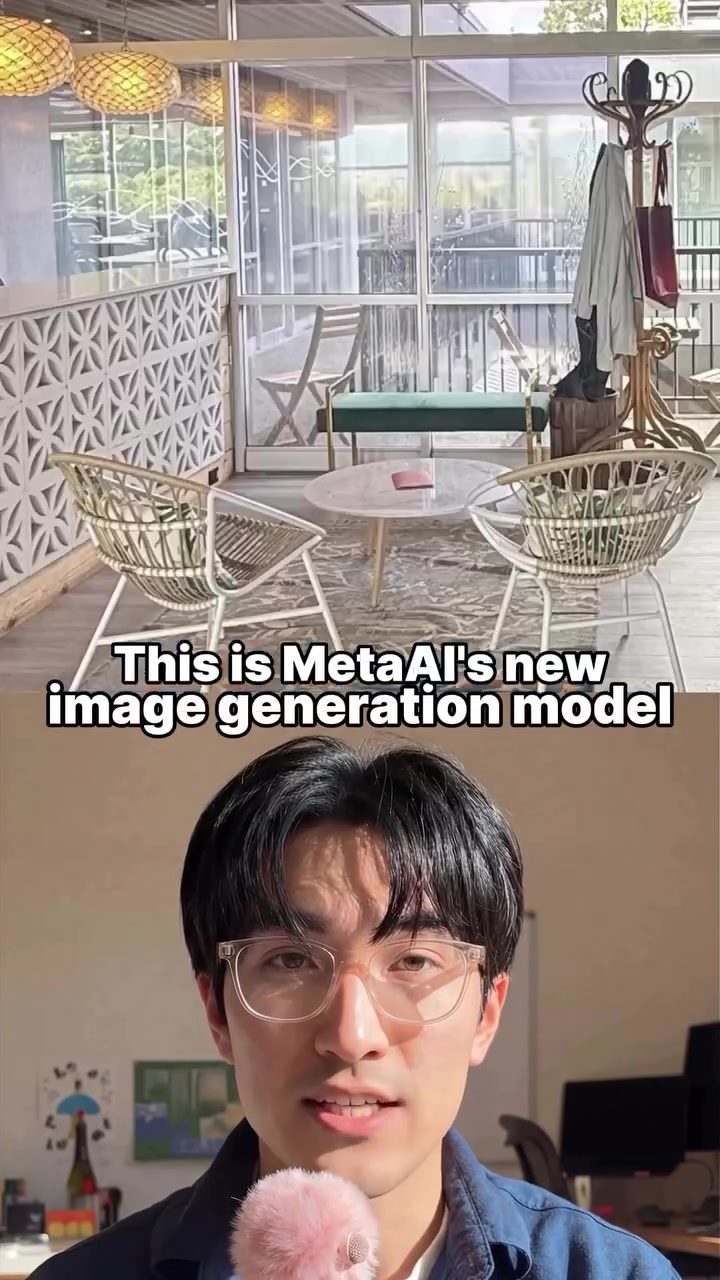
MetaAI's New Image Generation Model
The new image generation model from MetaAI is a powerful tool for creating interactive data visualizations, editing photos, and generating thumbnail concepts. This model turns data and instructions into shareable visuals and mockups, enhancing both creativity and productivity.
Why This Matters
In today's fast-paced digital world, the ability to quickly generate high-quality visuals and data visualizations is crucial. Whether you're a designer, a data analyst, or a content creator, having a tool that can turn your data and ideas into interactive charts, clean up photos, and create mockups can save you time and effort. MetaAI's new model does exactly that, making it a valuable addition to any professional's toolkit.
Exploring the Capabilities
Interactive Data Visualizations
One of the standout features of MetaAI's new model is its ability to create interactive data visualizations. For instance, the model was tasked with creating a data visualization on the scale of the planets in our solar system. It generated an interactive chart from the provided data and even supplied the code, allowing users to share it or integrate it into a website. This capability is particularly useful for researchers, educators, and data analysts who need to present complex information in an engaging and interactive format.
Photo Editing
The model also excels at photo editing. It can generate design ideas for office spaces, remove unwanted elements from photos to clean them up, and even redesign spaces in specific styles, such as mid-century modern. Additionally, the model allows for follow-up prompts, enabling users to continue editing the results until they achieve the desired outcome. This feature is a game-changer for photographers, interior designers, and anyone who needs to edit photos for presentations or marketing materials.
Generating Thumbnail Concepts
The ability to generate thumbnail concepts is another valuable feature. You can provide the model with a real image and instructions, and it will create mockups that you can recreate with your own imagery later. This is particularly useful for content creators, graphic designers, and marketers who need to generate multiple thumbnail options for videos, articles, or social media posts.
Practical Tips
To get the most out of MetaAI's new image generation model, consider the following tips:
Start with Clear Instructions
The quality of the output depends largely on the clarity of your instructions. Be specific about what you want the model to create, whether it's a data visualization, a photo edit, or a thumbnail concept. Provide as much relevant data and context as possible to guide the model's output.
Experiment with Follow-Up Prompts
Take advantage of the model's ability to handle follow-up prompts. If the initial results aren't quite what you're looking for, refine your instructions and run additional prompts. This iterative process can help you achieve the desired outcome more efficiently.
Utilize the Provided Code
When the model generates data visualizations, it also provides the code. Use this code to share the visualizations or integrate them into your website. This can save you time and ensure that your visualizations are interactive and engaging.
Explore Different Styles and Concepts
Don't be afraid to experiment with different styles and concepts. The model can generate a wide range of designs and visualizations, so feel free to explore various options to see what works best for your project.
Important Takeaways
MetaAI's new image generation model is a versatile tool that can significantly enhance your productivity and creativity. Here are some key takeaways:
- The model can create interactive data visualizations, making it easier to present complex information in an engaging format.
- It excels at photo editing, from generating design ideas to cleaning up photos and redesigning spaces.
- The ability to generate thumbnail concepts is a valuable feature for content creators and marketers.
- Clear instructions and follow-up prompts are essential for getting the most out of the model.
- The provided code for data visualizations can be used to share or integrate the visualizations into your website.
Conclusion
MetaAI's new image generation model is a powerful tool that can revolutionize the way you create and edit visuals. Whether you're a designer, data analyst, or content creator, this model offers a range of capabilities that can save you time and effort. From generating interactive data visualizations to editing photos and creating thumbnail concepts, MetaAI's model is a valuable addition to any professional's toolkit.
Questions readers ask
How does MetaAI's new image generation model assist in data visualization?
MetaAI's model allows users to transform raw data into interactive visualizations swiftly. Simply input the data and follow the instructions, and the model will generate interactive charts and graphs. This feature is particularly beneficial for data analysts and content creators who need to present data in an engaging format.
Can the model help with photo editing tasks?
Yes, MetaAI's model offers robust photo enhancement capabilities. It can clean up and enhance photos, removing imperfections and improving overall quality. This makes it a handy tool for designers and content creators who need high-quality images for their projects.
What are the benefits of using MetaAI for generating thumbnail concepts?
The model can quickly generate thumbnail concepts based on user input, saving time and effort in the creative process. This is useful for content creators who need to produce multiple mockups or thumbnails for their projects, ensuring a consistent and professional look.
Does MetaAI's model support creating presentations or reports?
Yes, MetaAI's model can turn raw data into shareable visuals and mockups, which is perfect for creating presentations and reports. By using the interactive data visualization feature, you can embed engaging charts and graphs into your presentations and reports.
How can MetaAI's image generation help streamline workflows for professionals?
By offering tools for data visualization, photo editing, and generating thumbnails, MetaAI's model helps professionals save time and effort. It allows designers, data analysts, and content creators to turn their raw data and ideas into high-quality visuals quickly, enhancing overall productivity.
What kind of data can be used to create visualizations with MetaAI's model?
MetaAI's model can handle various types of data, including numerical data, categorical data, and even text data. Users can input their data in formats like CSV, Excel, or even directly from databases, making it versatile for different professional needs.
Is there a learning curve for using MetaAI's image generation model?
MetaAI's model is designed to be user-friendly, minimizing the learning curve. The model provides clear instructions and intuitive interfaces, allowing users to create high-quality visuals and mockups without needing extensive technical skills. This makes it accessible for a wide range of professionals, from beginners to experts.
Related deep dives
Similar reads based on topic and creator.




Recent articles
Fresh deep dives from the latest Reels we unpacked.




Comments
Be the first to comment.