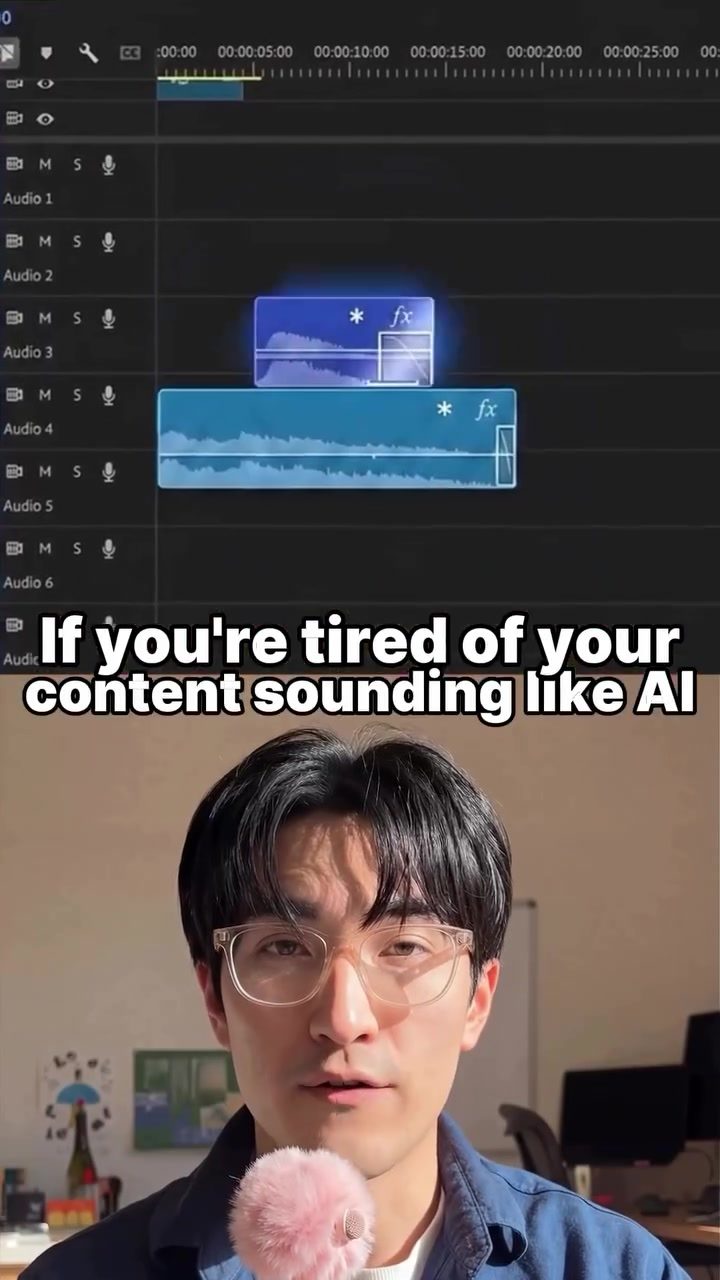
AI Voice Humanization Software: Making AI-Generated Content Sound More Natural
AI-generated content has revolutionized the way we produce text, but it often lacks the natural, human touch that makes writing engaging and authentic. Enter the Humanizer skill, a powerful tool designed to bridge this gap by making AI-generated text sound more natural and personalized.
Why This Matters
In an age where AI is increasingly involved in content creation, the ability to produce text that reads like it was written by a human is invaluable. Whether you're a content creator, a marketer, or a developer, ensuring that your AI-generated content is authentic and engaging can significantly impact your audience's perception and engagement.
Main Discussion
The Problem with AI-Generated Content
AI-generated text often comes with telltale signs that it was written by a machine. These markers can range from overly formal language to repetitive phrasing and a lack of natural rhythm. The Humanizer skill addresses these issues by identifying and removing these markers, making the content sound more like it was written by a human.
What is the Humanizer Skill?
The Humanizer skill is a tool within the Claude AI ecosystem that aims to enhance the naturalness of AI-generated content. It is designed to catch and remove 33 common signs of AI writing, as outlined in Wikipedia's guide. These markers include fake insights, unnecessary intros, and the overuse of em dashes, among others. By eliminating these elements, the tool makes the content more readable and authentic.
How It Works
The Humanizer skill doesn't just stop at removing AI markers. It goes a step further by studying your personal writing style. This includes your rhythm, word choices, and habits. Once it has a good understanding of your style, it rewrites the content to match it closely. This means that every piece of text produced will not only be free of AI markers but also sound uniquely like you.
Installation and Usage
Installing the Humanizer skill is straightforward. You need to run a simple command in your cloud code terminal. Once installed, the tool will automatically analyze and rewrite your content, making it smoother, more natural, and uniquely yours. This seamless integration ensures that you can focus on creating content without worrying about its authenticity.
Practical Tips
Customizing the Humanizer Skill
To get the most out of the Humanizer skill, it's important to customize it to your specific needs. Here are a few tips to help you achieve that:
- Understand Your Writing Style: Before using the tool, take some time to identify your unique writing style. This includes your tone, word choices, and rhythm. The more you understand your style, the better the tool can mimic it.
- Fine-Tune Settings: The Humanizer skill comes with various settings that you can adjust. Experiment with these settings to find the right balance between naturalness and authenticity.
- Regular Updates: Keep the tool updated to benefit from the latest improvements and features. This will ensure that your content remains fresh and engaging.
Integrating with Other Tools
The Humanizer skill can be integrated with other tools and platforms to enhance its effectiveness. For example, you can use it in conjunction with content management systems, SEO tools, and social media platforms. This integration can help you streamline your content creation process and ensure that your output is consistent across all channels.
Important Takeaways
- Enhances Authenticity: The Humanizer skill effectively removes AI markers, making the content sound more authentic and engaging.
- Adapts to Your Style: By studying your writing style, the tool ensures that the content produced is uniquely yours.
- Ease of Use: The installation process is straightforward, and the tool integrates seamlessly with your existing workflow.
- Continuous Improvement: Regular updates ensure that the tool remains effective and up-to-date with the latest trends and technologies.
Conclusion
The Humanizer skill is a game-changer for anyone looking to make their AI-generated content sound more natural and authentic. By removing common AI markers and adapting to your personal writing style, this tool ensures that your content reads like it was written by a human. Whether you're a content creator, a marketer, or a developer, the Humanizer skill can significantly enhance the quality and engagement of your AI-generated content.
Related deep dives
Similar reads based on topic and creator.




Recent articles
Fresh deep dives from the latest Reels we unpacked.




Comments
Be the first to comment.