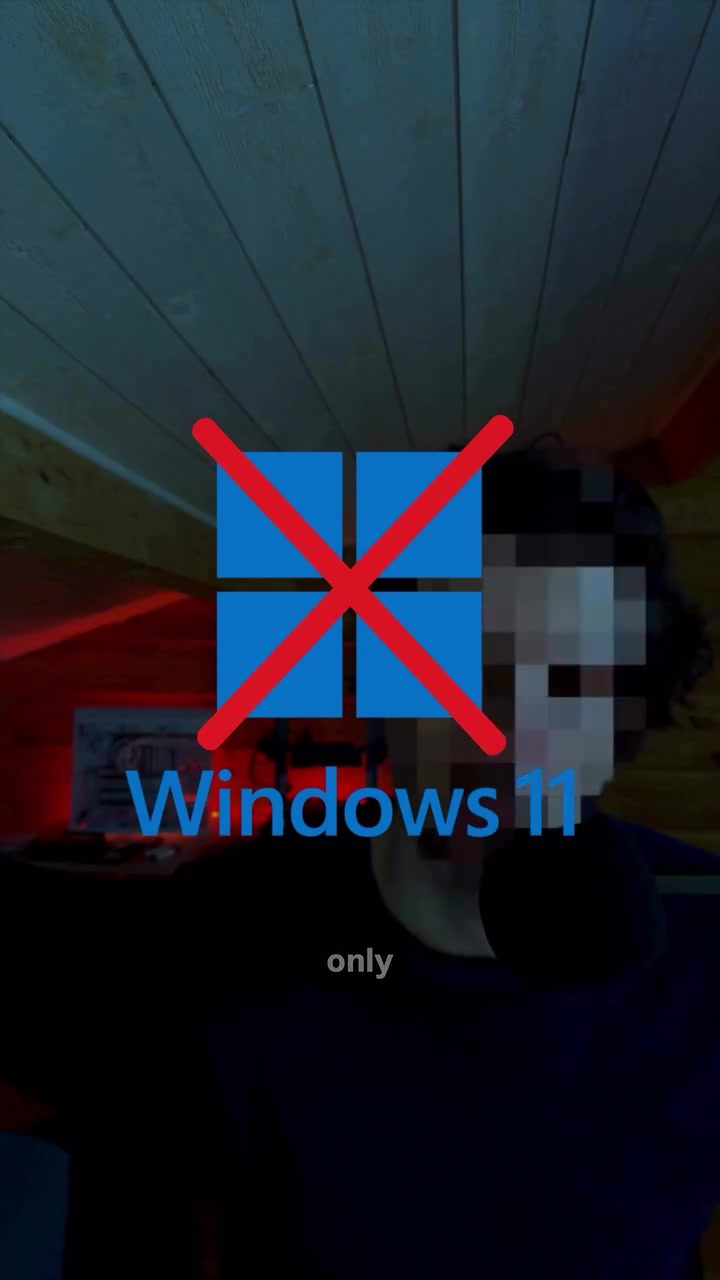
Linux as the Future of Personal Computing
Windows 11 isn't the only game in town. Linux, an open-source operating system, is a powerful alternative that offers a range of advantages for personal computing. This includes enhanced privacy, zero cost, and a high degree of customization. If you’re considering a switch or just curious about Linux, it's time to explore what this operating system brings to the table.
Modern personal computing is no longer confined to the choices of Windows or macOS. Linux, a third option that has evolved significantly over the years, is a free, modern, and privacy-focused operating system. By enabling users to take control of their computing experience, Linux is emerging as a strong contender in the operating system landscape.
Why This Matters
Personal computing has evolved significantly since the early days of Windows. However, many users still feel constrained by the limitations and costs associated with this operating system. Linux offers a refreshing alternative that prioritizes user freedom and privacy, making it a compelling choice for anyone looking to move beyond traditional options.
The Evolution of Windows
Windows has been a dominant force in personal computing for decades, but it comes with its share of drawbacks. The need to pay for a license, ads, tracking, and built-in services that users never asked for are among the common complaints. Users often feel like their computers are working for the operating system rather than the other way around.
The Linux Alternative
Linux, on the other hand, operates on a fundamentally different philosophy. It empowers users to customize and control their computing experience without the financial burden of licensing fees. Unlike the Linux of the past, modern distributions like Ubuntu and Linux Mint are user-friendly, and they provide a seamless experience for both beginners and advanced users.
Linux Mint, Ubuntu, and Bazite
Main Discussion
For those new to Linux, it's essential to understand that modern distributions are far more user-friendly and accessible than they were a decade or two ago. This section delves into what Linux has to offer and how it can be integrated into your current computing environment.
Trying Linux Without Leaving Windows
One of the biggest misconceptions about Linux is that it requires a complete overhaul of your current setup. However, Linux can be installed inside a virtual machine, allowing you to run it alongside Windows without any risk. This means you can explore Linux without abandoning your existing system.
Linux for Gaming
Gaming has long been a stronghold for Windows, but Linux has made significant strides in this area. Tools like Steam Play and Proton enable users to play a wide range of games on Linux. By using Proton, a compatibility layer developed by Valve, you can run many games that were originally designed for Windows. This opens up a world of possibilities for gamers who want to experience Linux without compromising on their favorite titles.
Enhanced Privacy and Security
One of the most compelling reasons to switch to Linux is the enhanced privacy and security it offers. Unlike Windows, which often comes with built-in services and tracking, Linux prioritizes user privacy. This means you can browse the web, store data, and run applications without worrying about your data being monitored or exploited.
Cost-Effective Solution
Another significant advantage of Linux is its cost-effectiveness. As an open-source operating system, Linux is completely free to use. This means you can avoid the recurring costs associated with Windows licenses. Instead, you can invest your resources in other areas, such as hardware upgrades or software tools that enhance your productivity.
Ease of Use
Modern Linux distributions are designed with user experience in mind. Distributions like Ubuntu and Linux Mint come with intuitive interfaces and a rich selection of pre-installed applications. This makes it easy for newcomers to get started and for power users to enjoy the customization options they crave.
Practical Tips
If you're ready to take the plunge into Linux, here are some practical tips to help you get started:
Installing Linux Inside a Virtual Machine
- Choose a Distribution: Start by selecting a Linux distribution that suits your needs. Ubuntu and Linux Mint are excellent choices for beginners, while Bazite is a good option for gamers.
- Download the Software: Download the installation files for your chosen distribution and a virtual machine software like VirtualBox or VMware.
- Create a Virtual Machine: Follow the instructions to create a new virtual machine and install Linux. This process is straightforward and well-documented, making it accessible even for those with limited technical knowledge.
Enabling Proton for Gaming
- Install Steam: If you're a gamer, start by installing Steam on your Linux system.
- Enable Proton: In the Steam settings, enable Proton to make sure you can run Windows-based games seamlessly. This compatibility layer ensures that a wide range of games are playable on Linux.
Exploring Linux for Enhanced Privacy
- Understand the Privacy Features: Take some time to explore the privacy settings and tools available in your chosen Linux distribution. This will help you understand how to protect your data and browsing activities.
- Use Privacy-Focused Applications: Opt for privacy-focused applications and extensions that enhance your security and privacy. Many open-source tools are available to help you achieve this.
Important Takeaways
Linux offers a powerful, cost-effective, and privacy-focused alternative to Windows. Whether you're a gamer, a privacy-conscious user, or just looking to try something new, Linux has something to offer. With modern distributions like Ubuntu and Linux Mint, getting started with Linux is easier than ever.
The Freedom of Choice
One of the most important takeaways is the freedom of choice that Linux provides. You can customize your operating system to suit your needs, choose from a wide range of applications, and even experiment with new features without the limitations imposed by Windows.
Enhanced User Experience
Linux empowers users to take control of their computing experience. It offers a modern, user-friendly interface, robust security features, and a powerful suite of applications. Whether you're a beginner or an advanced user, Linux provides the tools and flexibility you need to get the most out of your computer.
The Future of Personal Computing
As we look to the future of personal computing, it's clear that Linux is poised to play a significant role. By offering a free, modern, and privacy-focused alternative to Windows, Linux is a compelling choice for anyone seeking a better computing experience.
Conclusion
Linux is more than just an operating system; it's a philosophy that prioritizes user freedom, privacy, and control. By making the switch to Linux, you can enjoy a modern, cost-effective, and highly customizable computing experience. Whether you're new to Linux or an experienced user, there's always more to explore and discover. Embrace the future of personal computing and give Linux a try — your computer can belong to you again.
Questions readers ask
What are the key advantages of using Linux over Windows or macOS for personal computing?
Linux offers several benefits, including enhanced privacy features, zero cost, and a high degree of customization, something that Windows and macOS can't compete with. Linux allows users to tailor their experience to fit their unique and exact needs. It also provides a range of software options and a robust community for support.
Is Linux suitable for beginners who are new to personal computing?
Yes, there are distributions (or distros) of Linux that are designed to be user-friendly and are perfect for beginners. Ubuntu is often recommended due to its easy-to-navigate interface and extensive support resources. Try Linux for daily use with one of the many beginner-friendly distros.
Can Linux be used for gaming, or is it strictly for professional or development purposes?
Linux is a viable option for gaming, thanks to advancements in compatibility layers like Proton, which allows many Windows games to run on Linux. Additionally, many popular games are natively supported on Linux. Try Linux for gaming if you're looking for a new experience.
How does Linux ensure user privacy compared to other operating systems?
Linux is designed with privacy in mind, providing users with greater control over their data. Unlike Windows or macOS, Linux does not track user activities by default, and users can choose privacy-focused distributions with enhanced security features.
What are some of the best Linux distributions for daily use and personal computing?
For daily use and personal computing, some of the most user-friendly Linux distributions include Ubuntu, Linux Mint, and Elementary OS. These distros offer a balance of usability, customization, and a wide range of software applications. They are great alternatives to Windows for free computing, and are easy to try for new users.
Can Linux be used for video editing, or is it limited to basic computing tasks?
Linux is more than capable of handling video editing tasks. There are several powerful video editing software options available on Linux, such as Kdenlive, OpenShot, and Shotcut, which cater to both beginners and professional users.
Related deep dives
Similar reads based on topic and creator.




Recent articles
Fresh deep dives from the latest Reels we unpacked.




Comments
Be the first to comment.