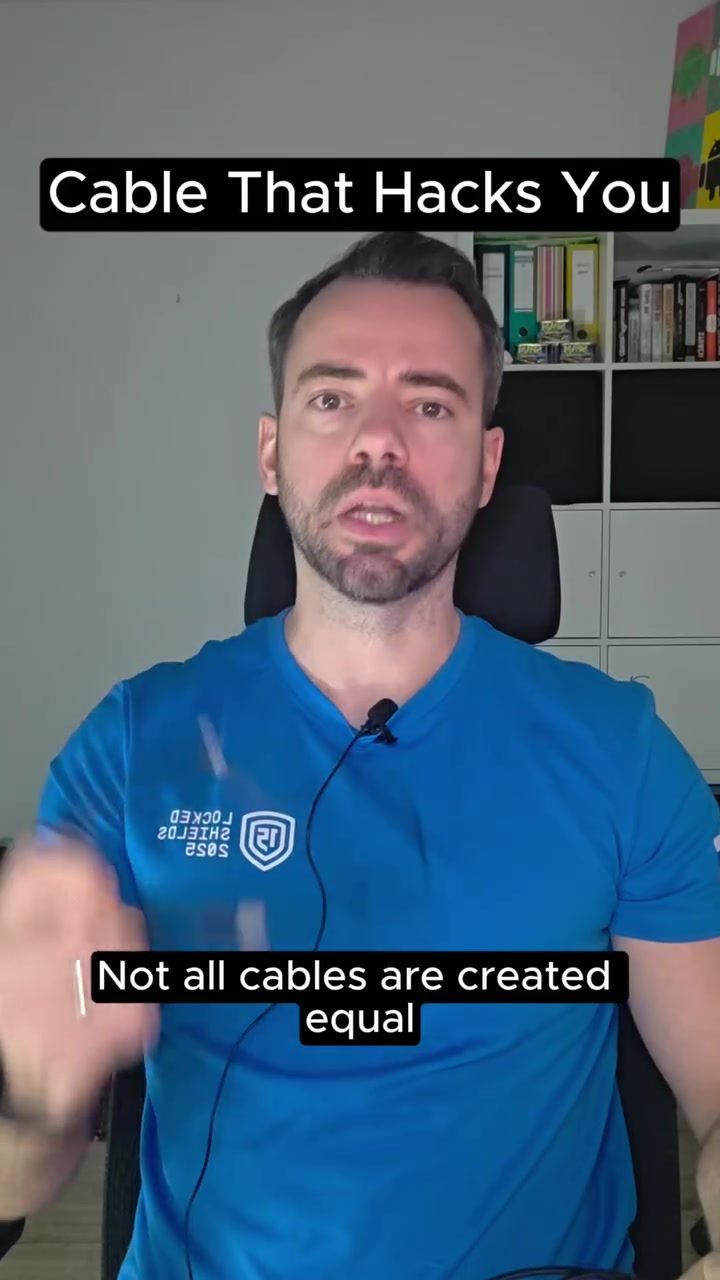
Cable Security Hacks: Understanding the Threats and Protecting Yourself
Charging your device shouldn't be a security risk, but the reality is that not all cables are what they seem. Cybersecurity professionals have long known that cables can be a significant vulnerability. It is crucial to understand how these attacks work and how to defend against them.
Why This Matters
In the digital age, our devices are integral to our daily lives, storing sensitive information and facilitating crucial communications. The last thing anyone wants is for a seemingly innocuous charging cable to compromise their data. However, the threat is real, and awareness is the first line of defense.
The Evolution of Cable Attacks
The EvilCrow Cable
One of the most alarming examples of this threat is the EvilCrow cable. This device, designed for cyber espionage, can act as a hidden keyboard and inject commands into your device once plugged in. This capability makes it a potent tool for hackers, allowing them to steal passwords, login credentials, and other sensitive information.
The EvilCrow cable is a modern iteration of a concept that has been around for decades. The NSA used a similar tool called "Cottonmouth-I" for espionage. This device cost around $20,000 and was part of their secret toolkit, revealed by Edward Snowden. Today, the EvilCrow cable is available for under $50, making it accessible to a broader range of individuals, including cybersecurity professionals, penetration testers, and even amateur hackers.
How It Works
Once plugged into a device, the EvilCrow cable can launch predefined attacks on both Android and iOS systems. The scary part? The attacker doesn't even need to be nearby to execute the attack. It can trick users into entering sensitive information like their Windows login password or smartphone's lock screen PIN without raising any suspicion.
This capability highlights the sophistication of modern cyber threats. Understanding these offensive techniques is key to building stronger defenses. To protect systems, it's essential to know how attackers can exploit vulnerabilities.
Protecting Yourself from Cable Attacks
Best Practices
-
Use Your Own Cables and Chargers: Never borrow cables or chargers from strangers. Even if the intention is innocent, the risk of using compromised hardware is too high.
-
Avoid Public Charging Stations: Public charging stations can be a convenient way to keep your devices powered, but they also present a significant risk. If you must use them, consider using a USB data blocker to prevent data transfer.
-
Keep Devices Locked: Always keep your devices locked when charging. This simple step can significantly reduce the attack surface and make it harder for attackers to exploit vulnerabilities.
-
Stay Informed: Knowledge is power in the world of cybersecurity. Stay updated on the latest threats and best practices to protect your devices and data.
Advanced Defenses
For those who want to take their security to the next level, consider investing in advanced tools and techniques. Cybersecurity professionals often use penetration testing and red teaming to simulate attacks and identify vulnerabilities. These methods help build stronger defenses by understanding how attackers think and operate.
Important Takeaways
- Not all cables are created equal. Some are designed to steal your passwords and sensitive information.
- Sophisticated tools like the EvilCrow cable make it easy for attackers to exploit vulnerabilities, even remotely.
- Simple steps like using your own cables and keeping devices locked can significantly enhance your security.
- Understanding offensive techniques is crucial to building stronger defenses.
Conclusion
Cable security is a critical aspect of modern cybersecurity. As our devices become more integrated into our lives, so do the threats that target them. By staying informed and taking proactive measures, you can protect your data and devices from potential attacks. Remember, even something as simple as a charging cable can be a weakness in your security. Stay aware, stay safe.
Questions readers ask
What are malicious cables and how do they operate?
Malicious cables are devices designed to mimic ordinary charging cables, such as USB cords, but with a hidden purpose. When connected to your device, they can steal sensitive information like passwords, login credentials, and other personal data, often without your knowledge.
What is the EvilCrow cable and why is it notable?
The EvilCrow cable is a well-known example of a malicious cable. It can clone security keys, capture keystrokes, and even copy files from a device. Its design allows it to operate stealthily, making it a significant threat in digital espionage.
How can I detect if a cable is malicious?
Detecting malicious cables can be challenging, as they often look like ordinary cables. However, some signs to look out for include unusual or extra connectors, slower charging times, and unexpected device behavior. Always use cables from trusted sources and avoid sharing your devices with unknown cables.
What are some tips for protecting my data from malicious cables?
Use secure charging cables from reputable manufacturers and avoid using public charging stations. Consider using USB data blockers, which prevent data transfer while allowing charging. Regularly update your device software to ensure you have the latest security patches.
Can malicious cables steal data even if my device is locked?
Yes, some malicious cables are designed to steal data even when your device is locked. These cables can exploit vulnerabilities in the USB protocol to extract information, making it crucial to be cautious with any cable you use, especially with devices access to sensitive information.
What should I do if I suspect a cable has compromised my data?
If you suspect a cable has compromised your data, immediately disconnect the cable from your device and run a full security scan using reputable antivirus software. Change your passwords and monitor your accounts for any unusual activity. It may also be wise to contact a cybersecurity professional.
Are there any cables specifically designed for secure charging?
Yes, there are cables designed with security in mind. These cables often include built-in security features like data blockers or encryption to prevent unauthorized data access. Brands like Apple and Belkin offer secure charging options that can help protect your data while charging.
Related deep dives
Similar reads based on topic and creator.




Recent articles
Fresh deep dives from the latest Reels we unpacked.




Comments
Be the first to comment.