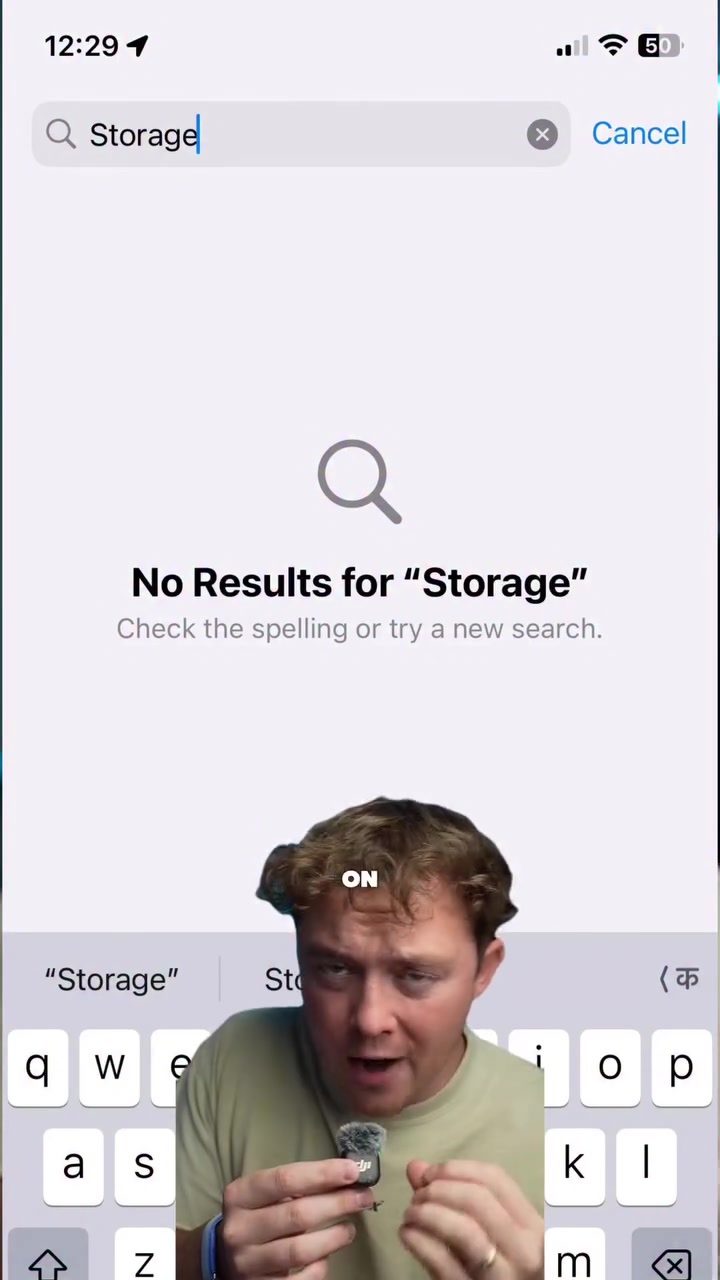
iPhone Search: Frustrations and Failures in Everyday Use
iPhone's search functionality often falls short of expectations, leading to significant inconveniences, especially when time and accuracy are crucial. Stories of its shortcomings are common, and one such incident highlights the potential risks of relying on this feature, particularly in critical situations.
Why This Matters
In today's fast-paced world, seamless technology is essential. Whether for business or leisure, being able to quickly find and access information from your phone can make or break a trip. iPhones, known for their user-friendly interface, often encounter issues with their search function. This can lead to missed flights, delayed information, and significant stress. Understanding these limitations is crucial for users who rely on their devices for travel, business, and communication.
The Incident
Imagine standing at an airline check-in counter, ready to embark on an international journey to Colombia and Argentina. You have all your documents except for a few key pieces of information. You expect the search functionality on your iPhone to help you retrieve the necessary documents swiftly. However, this is where the scenario takes a turn for the worse.
The incident involved a family preparing to fly to Colombia and Argentina. Upon reaching the airport, they discovered that they needed documentation for their Airbnb and return flights. This information was supposedly sent via email months prior. The family's first attempt to find these emails through the iPhone search yielded no results. Even searching for the specific Airbnb name produced no outcomes. The stress began to mount as the airline employee grew impatient, and the flight was boarding in 30 minutes. The family needed to pass through security and make it to the gate on time.
Search Functionality Flaws
iPhones, designed with a user-friendly interface, often encounter issues with their search functionality. In this case, the frustration was palpable. The family's reliance on the iPhone to retrieve essential documents failed. This is not an isolated incident. Similar stories of search failures are rampant, highlighting a systemic issue with the iPhone's search capabilities.
When critical information is required, the iPhone’s search function frequently fails to deliver. Despite searching for general terms like "Airbnb" and specific names, no results were found. This highlights the inefficiency of the search algorithm, which should ideally provide relevant search results even with broad or specific terms.
Practical Tips
While the iPhone’s search function has its limitations, there are practical steps you can take to mitigate these issues and ensure a smoother experience:
-
Organize Your Emails: Keep important emails in a designated folder. This way, you can quickly access them without relying solely on the search function. Labels and folders can be a lifesaver in situations where time is of the essence.
-
Use Third-Party Apps: Consider using third-party apps that offer robust search functionalities. Apps like Spark or Microsoft Outlook can enhance your email management and search capabilities.
-
Regularly Backup Important Information: Save critical documents and information in multiple locations, such as cloud storage and local storage. This ensures you have a backup in case the iPhone’s search function fails.
-
Print Key Documents: For important trips or events, print out key documents. Having a physical copy ensures you have the necessary information readily available.
-
Utilize Smart Folders: Utilize smart folders or filters to automatically organize emails. This way, you can quickly find emails related to specific topics without relying on the search function.
Important Takeaways
The incident highlights several critical points about the iPhone's search functionality:
-
Reliance on Search Function: Users often rely on the iPhone's search function for quick access to information. However, this reliance can be detrimental when the search function fails.
-
Inadequate Search Results: The search function often fails to deliver relevant results, even with broad or specific terms. This inefficiency can lead to significant inconveniences and stress.
-
Importance of Backup Plans: Having backup plans, such as using third-party apps, organizing emails, and having physical copies, can mitigate the risks associated with search functionality failures.
Conclusion
The iPhone’s search functionality, while convenient, has significant limitations. Relying solely on this feature can lead to missed flights, delays, and stress. By taking proactive steps, such as organizing emails, using third-party apps, and having physical copies of important documents, users can ensure a smoother experience. Understanding these limitations and preparing for them can make a big difference in situations where time and accuracy are crucial.
Questions readers ask
Why does the iPhone search function often fail to meet user expectations?
The iPhone search function can struggle due to its lack of precision, especially when searching for specific files or documents. It may return irrelevant results or miss key files altogether, leading to delays and frustration.
How can iPhone search issues impact travel plans?
Search issues on an iPhone can cause significant delays and stress during travel. For instance, failing to quickly locate travel documents or booking confirmations can lead to missed flights or other travel complications.
What are some common situations where iPhone search fails have been reported?
Common situations include searching for flight documents, booking confirmations, and travel itineraries. Users have reported issues when trying to find Airbnb reservations or other travel-related information.
What steps can iPhone users take to improve their search functionality?
To enhance search functionality, users can try using specific keywords, refining search parameters, or organizing files and documents more systematically. Additionally, using third-party apps designed for better search functionality can be helpful.
Are there specific types of files that iPhone search has difficulty locating?
iPhone search often struggles with locating specific file types, such as PDFs, images, or documents saved in complex folder structures. This can be particularly problematic when users need to find travel documents quickly.
How can users ensure they can access important travel documents on their iPhone?
To ensure quick access, users should save important travel documents in a dedicated folder and use descriptive file names. Additionally, using the iCloud drive or other cloud storage services can provide an extra layer of accessibility.
What are the potential risks of relying solely on iPhone search for critical tasks during travel?
Relying solely on iPhone search for critical tasks can lead to missed deadlines, delays, and significant stress. It's advisable to have backup methods, such as printed copies or alternative digital storage solutions, to mitigate risks associated with iPhone search failures.
Related deep dives
Similar reads based on topic and creator.




Recent articles
Fresh deep dives from the latest Reels we unpacked.




Comments
Be the first to comment.