iPhone Horizontal Lock Feature Tested
The iPhone's ability to stabilize video during movement has always been a key selling point. With the introduction of Action Mode, Apple has taken a significant step in enhancing this capability. Let's explore the horizontal lock feature and how it performs on the iPhone 17 Pro Max, including a comparison with the Galaxy S26 Ultra's stabilization auto lock feature.
Why This Matters
In today's fast-paced world, smartphone users demand seamless video recording capabilities, especially when capturing action-packed moments. The iPhone's horizontal lock feature, combined with its Action Mode, is designed to provide a stable and smooth video experience, even during dynamic movements. Understanding the performance of this feature can help users make informed decisions about their smartphone choices.
Main Discussion
The Horizontal Lock Feature Explained
The horizontal lock feature ensures that the video recording remains stable and aligned with the intended orientation, regardless of the phone's movement. This is particularly useful for capturing videos while moving or when the phone is subject to varying angles. The iPhone's implementation of this feature is designed to work seamlessly with its Action Mode, which is specifically engineered to handle shaky footage and provide a smooth viewing experience.
iPhone 17 Pro Max vs. Galaxy S26 Ultra
The Galaxy S26 Ultra has gained significant attention for its stabilization auto lock feature, which allows users to spin the phone around and still maintain a stable video. The iPhone 17 Pro Max, on the other hand, offers a different approach with its horizontal lock feature and Action Mode.
Testing the iPhone 17 Pro Max
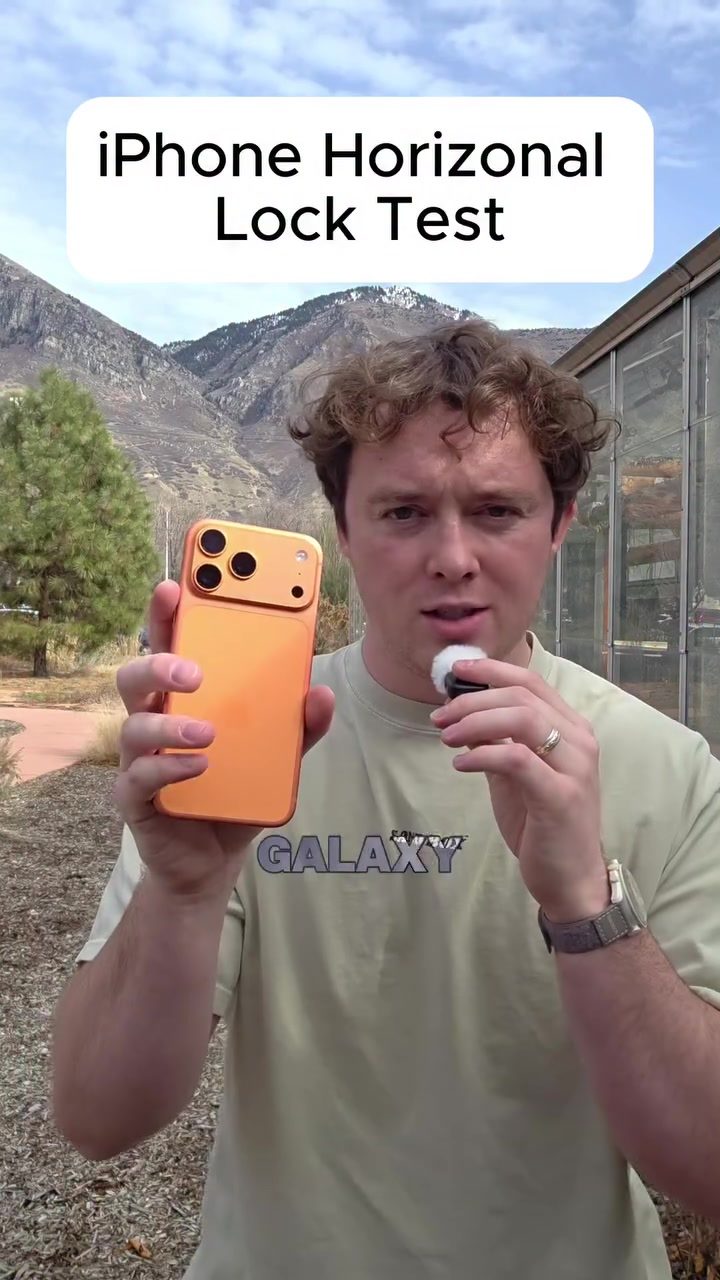
To test the iPhone 17 Pro Max's horizontal lock feature, the phone was spun around in various orientations—sideways, upside down, and back to normal—while recording in Action Mode. The results were intriguing. While the video appeared smooth, it did not maintain the horizontal lock as expected. The video showed a consistent, but not perfectly horizontal, orientation.
Practical Tips
Activating Action Mode
To enable Action Mode on your iPhone 17 Pro Max, follow these steps:
- Open the Camera app.
- Swipe to the "Video" mode.
- Tap the "Action" icon at the top of the screen. This will activate Action Mode, enhancing stabilization for smoother video recording.
Using the Horizontal Lock Feature
While the iPhone 17 Pro Max's horizontal lock feature does not perform as expected in extreme movements, it can still be useful for more controlled motions. To use the horizontal lock feature:
- Open the Settings app.
- Navigate to "Display & Brightness."
- Toggling the auto-rotate feature can help maintain the desired orientation.
Important Takeaways
-
Action Mode: The iPhone 17 Pro Max's Action Mode provides a significant improvement in video stabilization, making it a valuable feature for capturing dynamic moments.
-
Horizontal Lock: While the horizontal lock feature does not perform as seamlessly as the Galaxy S26 Ultra's stabilization auto lock, it still offers a good level of stability for controlled movements.
-
Practical Use: Understanding the capabilities and limitations of these features can help users maximize their iPhone's video recording potential.
Conclusion
The iPhone 17 Pro Max's horizontal lock feature, combined with Action Mode, offers users a robust set of tools for capturing stable and smooth videos. While it may not match the Galaxy S26 Ultra's auto lock feature in extreme movements, it remains a valuable addition to the iPhone's suite of video recording capabilities. By understanding and utilizing these features, users can enhance their video recording experience and capture high-quality footage in various situations.
Questions readers ask
What is the horizontal lock feature on the iPhone 17 Pro Max?
The horizontal lock feature on the iPhone 17 Pro Max is a new addition that helps to maintain video stability, especially during movements. When activated, it locks the camera's orientation to prevent unwanted vertical shifts and keeps the focus on the subject, ensuring a smoother video capture.
How does the iPhone 17 Pro Max's Action Mode enhance video recording?
Apple's Action Mode in the iPhone 17 Pro Max is designed to enhance video stability by compensating for quick movements and shakes. It works in tandem with the horizontal lock feature to deliver smooth footage, making it ideal for capturing fast-paced activities and sports.
What is the stabilization auto lock feature on the Galaxy S26 Ultra?
The Galaxy S26 Ultra's stabilization auto lock feature is designed to automatically detect and adjust for movements, keeping the video stable without requiring manual intervention. This feature helps to ensure that recorded videos remain smooth and steady, even during dynamic movements.
How does the iPhone 17 Pro Max's horizontal lock feature compare to the Galaxy S26 Ultra's stabilization auto lock?
The iPhone 17 Pro Max's horizontal lock feature and the Galaxy S26 Ultra's stabilization auto lock both aim to enhance video stability. The iPhone's approach focuses on locking the orientation and using Action Mode to compensate for movements, while the Galaxy S26 Ultra uses automatic adjustments. The effectiveness of each can vary depending on the specific scenario and user preferences.
What are the benefits of using the horizontal lock feature on the iPhone 17 Pro Max?
The horizontal lock feature on the iPhone 17 Pro Max provides several benefits, including improved video stability, better focus on the subject, and a smoother overall recording experience. It is particularly useful for capturing videos in dynamic environments or during high-motion activities, ensuring that the footage remains steady and clear.
Can the horizontal lock feature on the iPhone 17 Pro Max be used with other video recording modes?
Yes, the horizontal lock feature can be used in conjunction with other video recording modes on the iPhone 17 Pro Max. It is designed to work seamlessly with Action Mode and other settings, providing users with the flexibility to capture stable videos in various scenarios and recording conditions.
Which device, the iPhone 17 Pro Max or the Galaxy S26 Ultra, is better for capturing fast-paced videos?
Both the iPhone 17 Pro Max and the Galaxy S26 Ultra offer advanced video stabilization features, but the best choice depends on the specific needs and preferences of the user. The iPhone 17 Pro Max's horizontal lock feature and Action Mode provide excellent stability for dynamic movements, while the Galaxy S26 Ultra's stabilization auto lock offers automatic adjustments. Users should consider testing both devices to determine which one performs better for their specific use case.
Related deep dives
Similar reads based on topic and creator.




Recent articles
Fresh deep dives from the latest Reels we unpacked.




Comments
Be the first to comment.