The Future of Video Editing: Higgsfield AI's Gemini Omni Flash
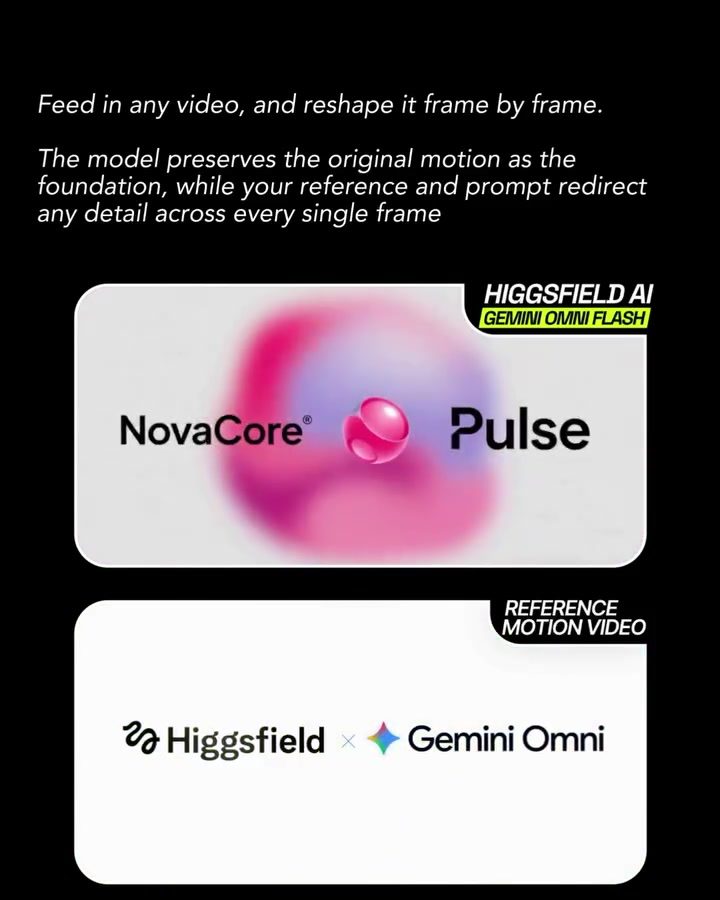
This year, video editing takes a quantum leap with the inception of Higgsfield AI's latest innovation, Gemini Omni Flash. This cutting-edge software harnesses the power of artificial intelligence to transform video editing as we know it. With an intuitive, user-friendly interface, Gemini Omni Flash allows you to manipulate video frames with unprecedented precision and control.
Why This Matters
The video editing landscape is evolving rapidly, and Gemini Omni Flash is at the forefront of this revolution. Traditionally, video editing involved meticulous frame-by-frame adjustment, a time-consuming process that often required specialized skills. This latest software sweeps away these barriers, democratizing advanced video editing for creators of all skill levels.
Main Discussion
Transformative Capabilities
Gemini Omni Flash stands out with its ability to reshape video content seamlessly. By leveraging AI, this software lets you modify video frames effortlessly. Whether you need to swap backgrounds, recast characters, or change objects mid-scene, Gemini Omni Flash handles it all. The software preserves the original motion, ensuring that your edits blend naturally with the existing content. Shadows, reflections, and physics adjust automatically, creating a cohesive and realistic final output.
Power of Prompts
One of the most remarkable features of Gemini Omni Flash is its response to prompts. You can describe the changes you want to see, and the software interprets these descriptions to execute precise edits. This feature is particularly useful for creators who have a clear vision but lack the technical expertise to translate it into a polished video. Simply input your desired changes, and let the AI handle the rest.
Real-World Applications
The potential applications of Gemini Omni Flash are vast. Filmmakers can use it to enhance their productions, making last-minute changes feasible without compromising quality. Graphic designers can use this software to add dynamic elements to their projects, while content creators can elevate their videos with professional-grade edits.
Practical Tips
Mastering the Interface
To get the most out of Gemini Omni Flash, familiarize yourself with its interface. The design is intuitive, but taking the time to explore its features will help you maximize its potential. Look for tutorials and guides on using the software to get up to speed quickly.
Optimizing Prompts
Crafting effective prompts is key to achieving the desired edits. Be as specific as possible when describing the changes you want. For example, instead of saying "change the background," specify the new background scene and any additional details that should be included. Experiment with different phrasings to see how the AI interprets and executes your prompts.
Utilizing Reference Motion
When making significant changes, use the reference motion feature to guide the software. This ensures that the edits align seamlessly with the original video's motion and flow, resulting in a more natural and cohesive final product.
Important Takeaways
Precision and Control
Gemini Omni Flash offers unparalleled precision and control over video editing. It simplifies the complex process of frame-by-frame adjustment, making it accessible to a broader audience.
Intuitive User Interface
The software's intuitive interface ensures that even beginners can quickly get the hang of it. Investing a little time in learning its features will pay off in the long run.
Versatility
From changing backgrounds to recasting characters, Gemini Omni Flash can handle a wide range of editing tasks. Its versatility makes it an invaluable tool for various creative projects.
Conclusion
The future of video editing is here, and it's powered by AI. Higgsfield AI's Gemini Omni Flash is redefining what's possible in video editing, making advanced techniques accessible to everyone. Whether you're a seasoned professional or a budding creator, this software offers the tools you need to bring your vision to life. Dive into the world of AI-powered video editing and experience the difference for yourself.
Questions readers ask
What makes Gemini Omni Flash different from traditional video editing software?
Gemini Omni Flash stands out by offering AI-driven frame-by-frame editing, which allows for precise video manipulation without the need for specialized skills or extensive time. Its intuitive interface and natural motion preservation set it apart from conventional tools that often require meticulous adjustments.
Can beginners use Gemini Omni Flash effectively?
Absolutely. Gemini Omni Flash is designed with a user-friendly interface that makes it accessible to creators of all skill levels. The tool's AI capabilities handle complex tasks, allowing beginners to achieve professional-looking results with minimal effort.
How does Gemini Omni Flash preserve natural motion in videos?
Gemini Omni Flash uses advanced AI algorithms to analyze and maintain the natural flow of motion in videos. This ensures that edits blend seamlessly, creating smooth transitions and preserving the authenticity of the original footage without noticeable interruptions.
What kind of adjustments does Gemini Omni Flash automate?
Gemini Omni Flash automates a range of adjustments, including color correction, object removal, and scene transitions. These automatic features help streamline the editing process, reducing the time and effort required to achieve high-quality results.
Is Gemini Omni Flash suitable for professional video editors?
Yes, while it's user-friendly for beginners, Gemini Omni Flash also offers advanced features that cater to professional editors. The precision and control it provides make it a valuable tool for those looking to enhance their workflow and achieve complex edits with ease.
How does Gemini Omni Flash contribute to the evolution of video editing?
Gemini Omni Flash is pioneering the future of video editing by integrating AI to handle intricate tasks traditionally requiring extensive manual effort. Its introduction democratizes advanced video editing, making high-quality production accessible to a broader audience.
What are the key benefits of using Gemini Omni Flash for video editing?
The key benefits include its intuitive design, AI-driven precision, and the ability to preserve natural motion. These features allow users to achieve professional results effortlessly, making video editing more efficient and enjoyable for everyone.
Related deep dives
Similar reads based on topic and creator.




Recent articles
Fresh deep dives from the latest Reels we unpacked.




Comments
Be the first to comment.