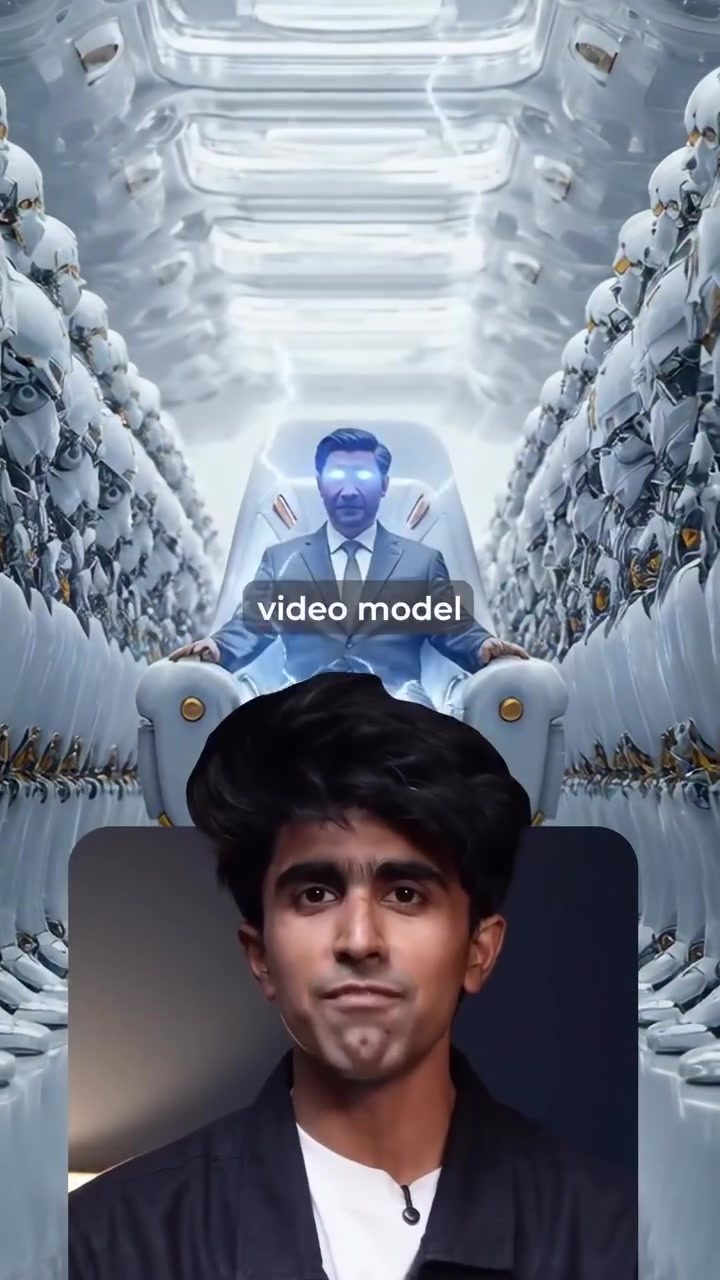
AI Video Editing
AI video editing has revolutionized the way content creators produce and manipulate video content. With advancements in technology, tools like Cdance 1.5 Pro from ByteDance, the parent company of TikTok, are making video editing more accessible and efficient. The software generates videos with native audio and accurate lip sync in a single step, making it a powerful tool for creators.
Why This Matters
The introduction of AI in video editing software has democratized the creation of high-quality content. The ability to generate videos with accurate lip sync and native audio means that even non-professionals can produce professional-looking videos. This is especially relevant for talking head and dialogue content, where lip sync is crucial for authenticity. The affordability and ease of use of these tools make them ideal for a wide range of users, from hobbyists to professional content creators.
The Rise of AI-Driven Video Editing
The Advantages of Cdance 1.5 Pro
Cdance 1.5 Pro is a next-generation AI video editing tool that stands out in the market. It is designed to generate videos with native audio and accurate lip sync in a single step, which is a significant improvement over traditional video editing software. This tool can create high-quality videos in a fraction of the time it would take with conventional methods.
Comparing Cdance 1.5 Pro and Veo 3
Cdance 1.5 Pro is on par with Veo 3, another leading video editing tool, but it offers some distinct advantages. In some cases, the results from Cdance 1.5 Pro are even better than Veo 3, especially for talking head and dialogue content. This makes it a strong contender in the video editing market.
How to Get Started with Cdance 1.5 Pro
Getting started with Cdance 1.5 Pro is straightforward. Here are the steps to create your first video:
- Create an Account: Sign up on the Higgsfield AI platform.
- Navigate to the Video Section: Go to the video section of the platform.
- Select Cdance 1.5 Pro: Choose Cdance 1.5 Pro from the list of available tools.
- Add Your Image and Prompt: Upload the image you want to use and type in your prompt.
- Generate Your Video: The full video will be ready instantly with Sync Voice.
Practical Tips
Making the Most of Cdance 1.5 Pro
- Experiment with Different Prompts: Try out various prompts to see how the AI responds. This can help you understand the capabilities and limitations of the tool.
- Use High-Quality Images: The quality of the output video can be significantly improved by using high-quality input images.
- Utilize Sync Voice: Sync Voice ensures that the audio and lip sync are perfectly aligned, making your videos more professional.
- Take Advantage of the 80% Discount: Higgsfield AI is currently offering 80% off on all tools, which includes Cdance 1.5 Pro. This makes it one of the most affordable Gen AI video deals right now.
Important Takeaways
- Cdance 1.5 Pro from ByteDance is a powerful AI video editing tool that generates videos with native audio and accurate lip sync.
- The tool is on par with Veo 3 and, in some cases, produces even better results, especially for talking head and dialogue content.
- Getting started with Cdance 1.5 Pro is easy and affordable, with Higgsfield AI offering an 80% discount on all tools.
- Experimenting with different prompts and using high-quality images can enhance the output quality.
- Sync Voice is a key feature that ensures perfect lip sync and audio alignment.
Conclusion
AI video editing tools like Cdance 1.5 Pro are transforming the way content is created. With its ability to generate high-quality videos with native audio and accurate lip sync, it is a game-changer for content creators. Whether you are a professional or a hobbyist, Cdance 1.5 Pro offers a powerful and affordable solution for all your video editing needs.
Questions readers ask
What is Cdance 1.5 Pro and how does it work?
Cdance 1.5 Pro is an AI-powered video editing tool developed by ByteDance. It simplifies video creation by generating high-quality videos with accurate lip sync and native audio in a single step. Users can input their content, and the software handles the rest, making it highly efficient for both beginners and experienced creators.
How can I try Cdance 1.5 Pro for free?
Higgsfield AI offers a free trial for Cdance 1.5 Pro. You can access this trial through their platform. During the trial period, you can explore the software's features and create AI-generated videos to see if it meets your needs.
What makes Cdance 1.5 Pro suitable for beginners in video editing?
Cdance 1.5 Pro is designed to be user-friendly, making it an excellent choice for beginners. The software automates complex tasks like lip sync and audio integration, allowing newcomers to produce professional-quality videos without extensive technical knowledge.
How does AI lip sync technology benefit video creation?
AI lip sync technology ensures that the audio and visual elements of a video are perfectly synchronized. This is particularly important for talking head videos and dialogues, as it enhances the authenticity and professionalism of the content. With tools like Cdance 1.5 Pro, achieving accurate lip sync is straightforward and efficient.
Can Cdance 1.5 Pro benefit professional video editors?
Yes, Cdance 1.5 Pro can significantly benefit professional video editors by streamlining their workflow. The software's ability to generate high-quality videos with accurate lip sync and native audio in a single step saves time and allows professionals to focus on creative aspects rather than technical details.
What types of content are best suited for Cdance 1.5 Pro?
Cdance 1.5 Pro is particularly well-suited for content that involves dialogue or talking heads, such as interviews, tutorials, and vlogs. The software's advanced lip sync and audio integration features ensure that these types of videos maintain a high level of quality and professionalism.
What are the key features of Cdance 1.5 Pro?
The key features of Cdance 1.5 Pro include AI-powered video generation, accurate lip sync, native audio integration, and a user-friendly interface. These features make it a versatile tool for creating high-quality videos efficiently, catering to both hobbyists and professionals.
Related deep dives
Similar reads based on topic and creator.




Recent articles
Fresh deep dives from the latest Reels we unpacked.




Comments
Be the first to comment.