iPhone Hidden Features: Enhance Your iPhone Experience
The iPhone is a powerful tool that many users utilize for everyday tasks like taking photos, sending messages, and browsing apps. However, there are several hidden features within iOS that can make the iPhone feel faster, smarter, and more useful. These features are often buried in settings and can significantly enhance the user experience without requiring new apps or purchases.
Why These Features Matter
Many iPhone users are unaware of the depth of functionality their devices offer. iOS is packed with features that can streamline daily tasks, improve productivity, and even enhance privacy. Exploring these hidden features can transform how you interact with your iPhone, making it a more intuitive and efficient tool.
Main Discussion
Haptic Touch
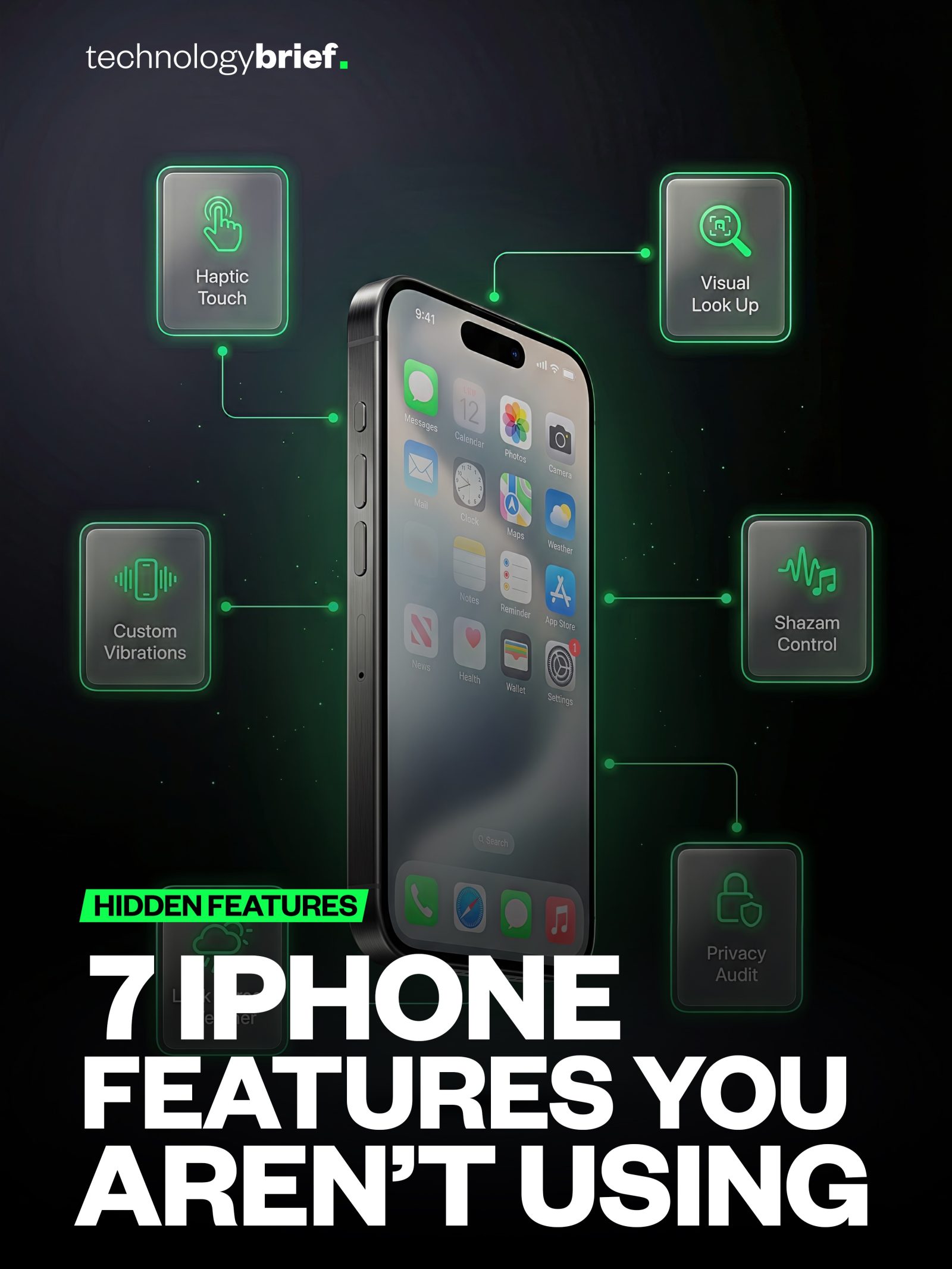
Haptic Touch is a feature that allows users to perform quick actions by pressing and holding on an app icon. This can be particularly useful for accessing shortcuts and menus without navigating through multiple screens. By speeding up the Haptic Touch response time, you can make long-press menus open faster, saving precious seconds.
Back Tap
The Back Tap feature enables users to double or triple tap the back of their iPhone to trigger various actions. This can be customized to activate shortcuts, take screenshots, turn on the flashlight, or even open specific apps. To set this up, go to Settings -> Accessibility -> Touch -> Back Tap. This feature is incredibly handy for one-handed use and can be a game-changer for productivity.
Visual Look Up
Visual Look Up is a powerful tool that can instantly recognize objects in photos. Whether it's a Monstera Deliciosa plant, a famous landmark, or a piece of artwork, Visual Look Up can provide information about it. To use this feature, open any photo, swipe up, and tap "Look Up." This tool is not only fun but also incredibly useful for identifying items on the go.
Live Weather Widget
Adding a live weather widget to your iPhone's lock screen can provide current weather conditions at a glance. This feature eliminates the need to open a weather app, as the current temperature and conditions are visible the moment you pick up your phone. To add this widget, long-press the lock screen, tap "Customize," and add the weather widget.
Custom Vibrations
Customizing vibrations for different contacts can help you identify who is calling or messaging you without even looking at your phone. This feature allows you to set unique vibration patterns for important contacts, making it easier to prioritize notifications.
Shazam Control
Shazam Control is a handy feature that lets you identify songs directly from the Control Center. With a simple tap, you can identify any song playing around you, making it easy to discover new music or remember the name of a favorite tune.
Privacy Audit
The App Privacy Report is a valuable tool for reviewing which apps have accessed your camera, microphone, location, and data. This report shows when these accesses happened, providing a detailed overview of your app permissions. Regularly reviewing this report can help you maintain control over your data and enhance your privacy.
Practical Tips
- Customize Haptic Touch: Speed up Haptic Touch to make long-press menus open faster. This can be done in the accessibility settings.
- Utilize Back Tap: Set up Back Tap actions for quick shortcuts, like screenshots or turning on the flashlight. This can be customized in the Accessibility settings.
- Explore Visual Look Up: Use Visual Look Up to identify objects in photos. This feature is accessible by swiping up on any photo and tapping "Look Up."
- Add Live Weather Widget: Customize your lock screen to include a live weather widget. Long-press the lock screen, tap "Customize," and add the weather widget.
- Create Custom Vibrations: Set unique vibration patterns for important contacts to easily identify who is calling or messaging.
- Identify Songs: Use Shazam Control from the Control Center to identify any song playing around you.
- Review Privacy Settings: Regularly check the App Privacy Report to review which apps have accessed your data and when.
Important Takeaways
- Enhance Productivity: Features like Haptic Touch and Back Tap can significantly improve productivity by providing quick access to actions and shortcuts.
- Stay Informed: Visual Look Up and the live weather widget offer valuable information at a glance, making it easier to stay informed.
- Protect Privacy: The App Privacy Report and custom vibrations help maintain control over your data and personalize your notification experience.
- Simplify Tasks: Shazam Control and other built-in features simplify everyday tasks, making your iPhone more efficient and user-friendly.
Conclusion
iOS is packed with hidden features that can transform your iPhone experience. By exploring and utilizing these features, you can make your iPhone feel faster, smarter, and more useful. From quick actions and shortcuts to privacy tools and customizable widgets, there are numerous ways to enhance your iPhone's functionality. Take the time to explore these features and discover how they can improve your daily interactions with your device.
Related deep dives
Similar reads based on topic and creator.




Recent articles
Fresh deep dives from the latest Reels we unpacked.




Comments
Be the first to comment.