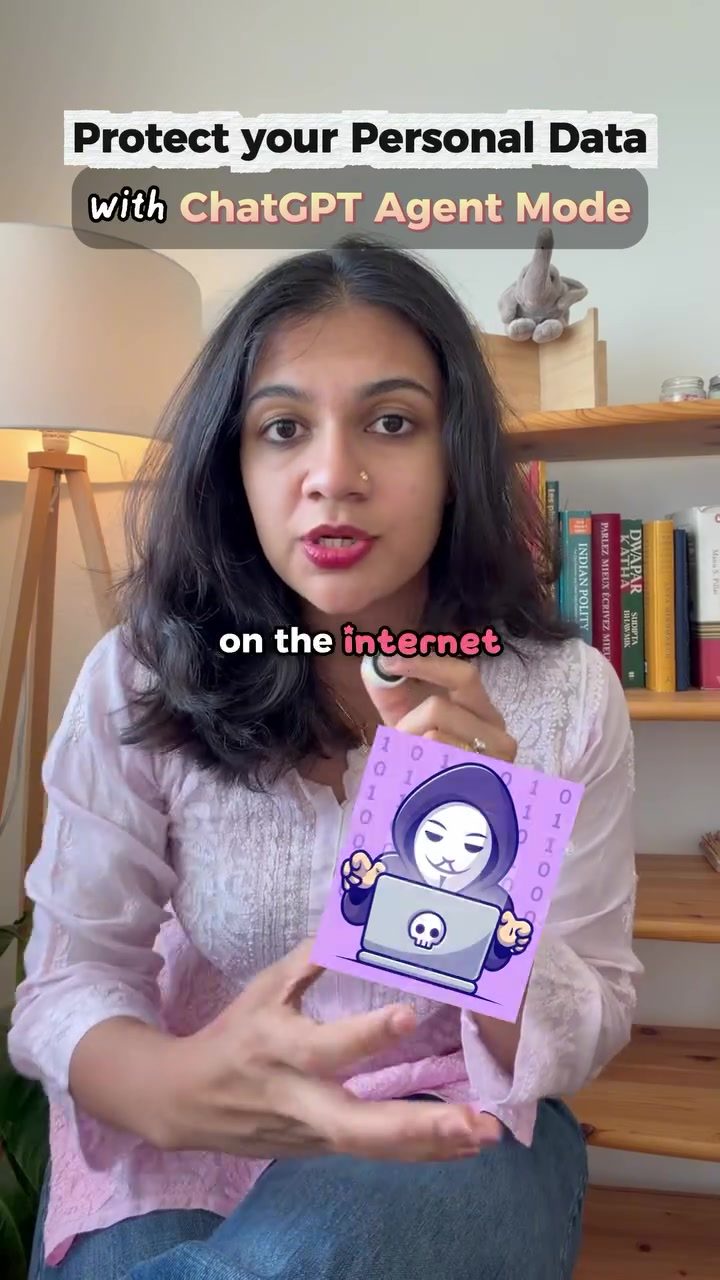
Protecting Your Personal Data with ChatGPT
Personal data leaks are a growing concern in today's digital age. Your name, address, workplace, and even your kids' names can be bought by strangers online for a mere ₹2.50. Reports have shown that bots can sell sensitive information like Aadhaar and passport details through platforms like Telegram. This issue highlights the urgent need for effective data privacy measures. Fortunately, tools like ChatGPT can help identify and remove your personal information from various online databases, enhancing your online privacy.
Why This Matters
Data breaches and personal information leaks can have severe consequences. Stalkers, scammers, and even former partners can access your sensitive data, leading to harassment, identity theft, and other malicious activities. By taking proactive steps to remove your personal information from online databases, you can significantly reduce these risks.
How to Protect Your Personal Data with ChatGPT
Identifying Data Brokers
The first step in protecting your personal data is identifying where your information is being exposed. ChatGPT can help with this by scanning the internet for your personal details. To get started, open ChatGPT and prompt it with a request to list every data broker exposing your information. Ask it to provide opt-out links for each broker if available. This process helps you pinpoint the sources leaking your data.
Writing Removal Requests
Once you have a list of data brokers, the next step is to write removal requests. ChatGPT can assist by drafting personalized removal requests for each data broker. This ensures that your requests are tailored to each platform's guidelines, increasing the likelihood of successful removal.
Activating Agent Mode
ChatGPT’s Agent Mode takes the process a step further by automating the removal requests. To activate Agent Mode, click on the plus icon and follow the prompts. This mode allows ChatGPT to send out personalized removal requests on your behalf. The native browser within ChatGPT will handle the process, making it convenient and efficient.
Step-by-Step Instructions
Here’s a simplified step-by-step guide to protect your personal data using ChatGPT:
- Open ChatGPT and say, “Search the internet for everything about me, list every data broker exposing my information, and give me an opt-out link for each if available.”
- Review the List of data brokers and opt-out links provided by ChatGPT.
- Ask ChatGPT to write a removal request for each data broker.
- Activate Agent Mode by clicking on the plus icon and following the prompts.
- ChatGPT will send the personalized removal requests automatically.
Practical Tips
Regular Monitoring
Protecting your personal data is an ongoing process. Regularly check for new data breaches and update your removal requests as needed. Setting reminders to review your data privacy status can help you stay vigilant.
Use Multiple Tools
While ChatGPT is a powerful tool, combining it with other privacy-enhancing tools can provide an extra layer of protection. Consider using VPNs, privacy-focused browsers, and data protection software to further safeguard your personal information.
Stay Informed
Keeping up-to-date with the latest data privacy practices and tools can help you stay ahead of potential threats. Follow reliable sources and experts in the field to stay informed about new developments and best practices.
Reporting and Opt-Out Links
Utilize opt-out links effectively. Ensure that each removal request is compliant with the specific guidelines of the data broker. This will help in faster and more effective removal of your information.
Customizing Requests
Personalize your removal requests to make them more compelling. Include specific details about your concerns and the impact of the data breach on your privacy. This can help expedite the removal process.
Important Takeaways
Protecting your personal data is crucial in today's digital landscape. Using tools like ChatGPT can simplify the process of identifying and removing your information from various online databases. By following the steps outlined above, you can significantly enhance your online privacy and reduce the risk of data breaches.
Conclusion
Data privacy is a critical issue that affects everyone. By leveraging tools like ChatGPT and following best practices, you can protect your personal information and minimize the risks associated with data breaches. Stay proactive, informed, and vigilant to ensure your online privacy remains secure.
Questions readers ask
What is ChatGPT's Agent Mode and how does it help in securing personal data?
ChatGPT's Agent Mode is a feature designed to assist users in identifying where their personal information is exposed online. It helps draft removal requests to various databases, enabling you to proactively erase personal data and enhance your online privacy.
Why is it important to remove personal information from online databases?
Removing personal information from online databases is crucial for reducing the risk of harassment, identity theft, and other malicious activities. Even seemingly innocuous details like your name and address can be exploited by malicious actors.
How can I start using ChatGPT's Agent Mode to protect my personal details?
To begin using ChatGPT's Agent Mode, simply access the feature within the ChatGPT interface. Follow the prompts to input the specific details or types of information you want to locate and remove. ChatGPT will guide you through the process of drafting and submitting data removal requests.
What are the typical sources where personal data might be exposed online?
Personal data can be exposed on various online platforms, including public databases, social media, and even through data breaches. This can include personal details such as your address, phone number, or other identifiable information that can be bought or sold in various platforms and websites.
Can ChatGPT help remove sensitive information like Aadhaar or passport details from the internet?
Yes, ChatGPT's Agent Mode can assist in identifying platforms where sensitive information such as Aadhaar or passport details might be exposed. However, it is essential to follow legal and ethical guidelines when requesting the removal of such sensitive data and to ensure that the information is not being shared in a way that could be harmful to you.
What are the potential consequences of personal data leaks and how can ChatGPT help mitigate these risks?
Personal data leaks can lead to severe consequences such as harassment, identity theft, and other malicious activities. By using ChatGPT's Agent Mode to identify and remove your personal information from online databases, you can significantly mitigate these risks and enhance your overall online privacy and security.
Related deep dives
Similar reads based on topic and creator.




Recent articles
Fresh deep dives from the latest Reels we unpacked.




Comments
Be the first to comment.