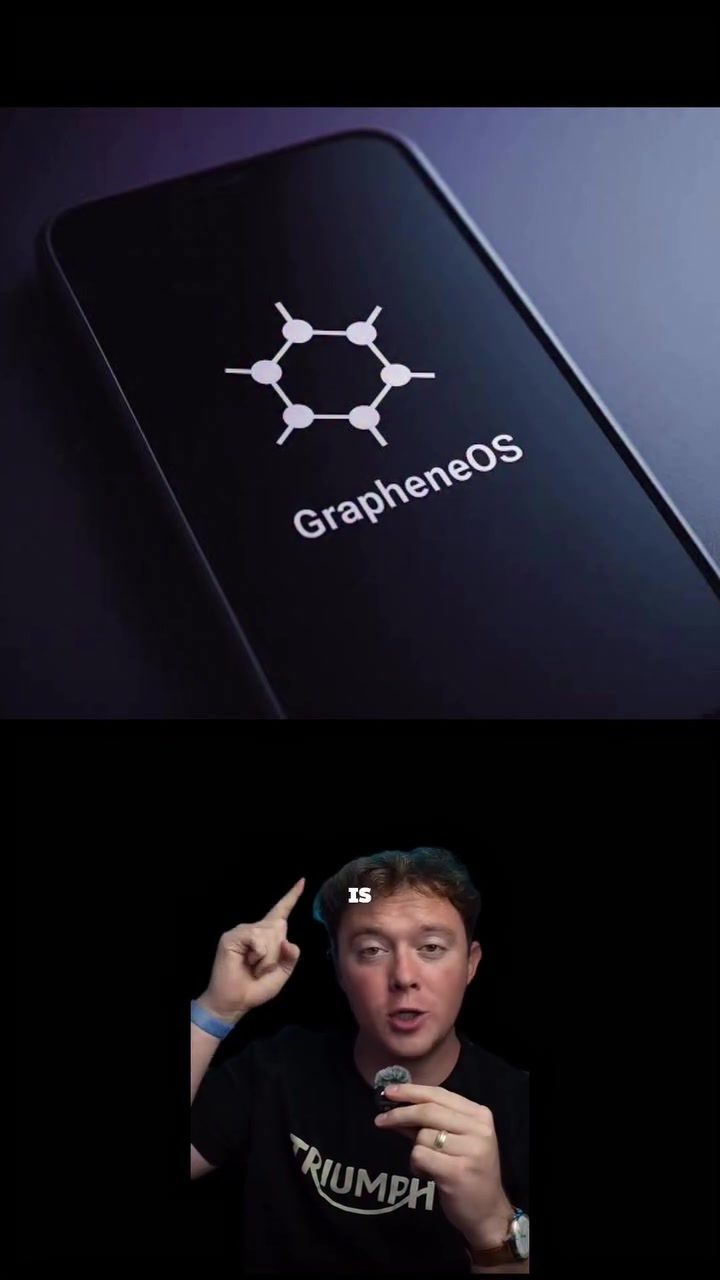
GrapheneOS: The Ultimate Privacy-Focused Android Phone
GrapheneOS is a highly secure, privacy-focused operating system for Android devices, particularly popular among journalists, politicians, and hackers worldwide. By transforming a standard Google Pixel into one of the most secure Android phones available, GrapheneOS offers extreme privacy and control, setting it apart from traditional Pixel devices. It doesn't even come with Google Apps pre-installed. In this article, we'll explore what makes GrapheneOS so appealing to those who prioritize privacy and security, and how it can be beneficial for anyone looking to enhance their digital protection.
Why This Matters
In an era where data breaches and surveillance are prevalent, securing personal information has become a critical concern. GrapheneOS addresses this need by providing a robust, user-friendly solution that empowers individuals to take control of their digital privacy. Unlike standard Android operating systems, GrapheneOS prioritizes security and privacy from the ground up, ensuring that users have full control over their data and device functions.
Enhanced Privacy Features
GrapheneOS offers a suite of advanced privacy features designed to protect users from a wide range of security threats. Some of the key features include:
Network and App Permissions
One of the standout features of GrapheneOS is its granular control over network and app permissions. Users can disable internet access for individual apps, ensuring that apps cannot access the internet without explicit permission. This is particularly useful for preventing apps from sending data without user consent.
Sensor and Device Access
GrapheneOS allows users to block apps from accessing various sensors and devices, such as the accelerometer, gyroscope, and compass. This prevents apps from tracking your movements or collecting data in ways that might compromise your privacy.
Duress Pin and Pin Scrambler
In addition to traditional security measures, GrapheneOS offers a duress pin feature. This is a separate pin that, when entered, will permanently wipe all data from the phone, ensuring that sensitive information falls into the wrong hands. Additionally, the pin scrambler feature changes the layout of the on-screen keypad, making it harder for someone to guess your password by observing your keystrokes.
Sandboxing
GrapheneOS runs Google Play and other apps in their own sandboxed environments. This means that apps cannot access data from other apps or the system, enhancing overall security and privacy.
Advanced Security Measures
GrapheneOS goes beyond basic privacy features with advanced security measures that protect against a wide range of threats, including:
Improved Mitigations
GrapheneOS includes a range of improved security mitigations, such as anti-exploitation techniques and strong encryption, to protect against unknown vulnerabilities. These measures ensure that even if a vulnerability is discovered, it is much harder to exploit.
Broad Carrier Patching
GrapheneOS includes broad carrier patching, which addresses vulnerabilities introduced by carrier-specific modifications. This ensures that the operating system remains secure even when used with different network carriers.
Privacy by Default
GrapheneOS prioritizes privacy by default, meaning that many sensitive features, such as location sharing and data collection, are disabled by default. Users must manually enable these features, ensuring that they are aware of and consent to any data sharing.
User Control and Customization
GrapheneOS gives users full control over their devices, allowing for extensive customization and security settings. Users can fine-tune their device's security and privacy settings to suit their specific needs, making it an ideal choice for those who require a high level of control and security.
Practical Tips for Using GrapheneOS
If you're considering using GrapheneOS, here are some practical tips to help you get started:
Installing GrapheneOS
- Choose a Compatible Device: GrapheneOS is designed to work with specific Google Pixel devices. Ensure that your device is compatible before proceeding.
- Backup Your Data: Before installing GrapheneOS, back up all your important data to avoid any loss during the installation process.
- Follow the Installation Guide: GrapheneOS provides a detailed installation guide on its official website. Follow the instructions closely to ensure a smooth installation process.
- Update Regularly: Keep your GrapheneOS and all apps updated to benefit from the latest security patches and features.
Enhancing Privacy and Security
- Review App Permissions: Regularly review and adjust app permissions to ensure that apps are only accessing the data they need.
- Use the Duress Pin: Set up a duress pin to protect your data in case your device falls into the wrong hands.
- Enable Network and Sensor Controls: Utilize the network and sensor controls to block apps from accessing unnecessary data.
- Stay Informed: Keep up-to-date with the latest security and privacy news to make informed decisions about your device's security.
Important Takeaways
GrapheneOS offers a comprehensive solution for enhancing privacy and security on Android devices. With its advanced privacy features, robust security measures, and user-friendly controls, it stands out as a top choice for those who prioritize digital protection. By transforming a standard Google Pixel into a highly secure device, GrapheneOS empowers users to take control of their digital privacy, ensuring that their personal information remains safe and secure.
Conclusion
GrapheneOS represents a significant advancement in mobile security and privacy. Its focus on user control, advanced security measures, and comprehensive privacy features make it an ideal choice for anyone looking to enhance their digital protection. Whether you're a journalist, politician, hacker, or simply someone who values their privacy, GrapheneOS provides the tools and features necessary to safeguard your personal information in an increasingly connected world.
Questions readers ask
What is GrapheneOS and what makes it different from other Android operating systems?
GrapheneOS is a specialized Android operating system designed with a strong emphasis on security, privacy, and control. Unlike other Android operating systems, it doesn't come with Google apps pre-installed, which reduces the risk of data leaks and unauthorized access. Its unique features, such as advanced control over app permissions and sensor access, make it a standout choice for those prioritizing privacy and security.
Which devices are compatible with GrapheneOS?
GrapheneOS is specifically designed for Google Pixel devices. It supports a range of models, and users can transform their Google Pixel into a highly secure, privacy-focused phone by installing GrapheneOS. This compatibility ensures that users get the best possible performance and security features from their devices.
How does GrapheneOS protect against digital surveillance?
GrapheneOS employs a variety of advanced security measures to protect against digital surveillance. These include enhanced control over app permissions, strict management of sensor access, and the absence of pre-installed Google apps, which minimizes the risk of data breaches. These features collectively ensure that users' personal information remains private and secure in an age of increasing digital threats.
What are the key benefits of using GrapheneOS for politicians and journalists?
Politicians and journalists often handle sensitive information, making the heightened security and privacy features of GrapheneOS particularly beneficial. The OS provides robust protection against unauthorized access and data breaches, ensuring that confidential communications and data remain secure. This makes it an ideal choice for those who need to safeguard their digital communications and personal information.
How can I get started with GrapheneOS?
Getting started with GrapheneOS involves a few steps. First, you need a compatible Google Pixel device. Then, you can download the GrapheneOS installation package from the official website and follow the detailed installation instructions. The process may require some technical knowledge, but the detailed guides available make it manageable for most users.
Related deep dives
Similar reads based on topic and creator.




Recent articles
Fresh deep dives from the latest Reels we unpacked.




Comments
Be the first to comment.