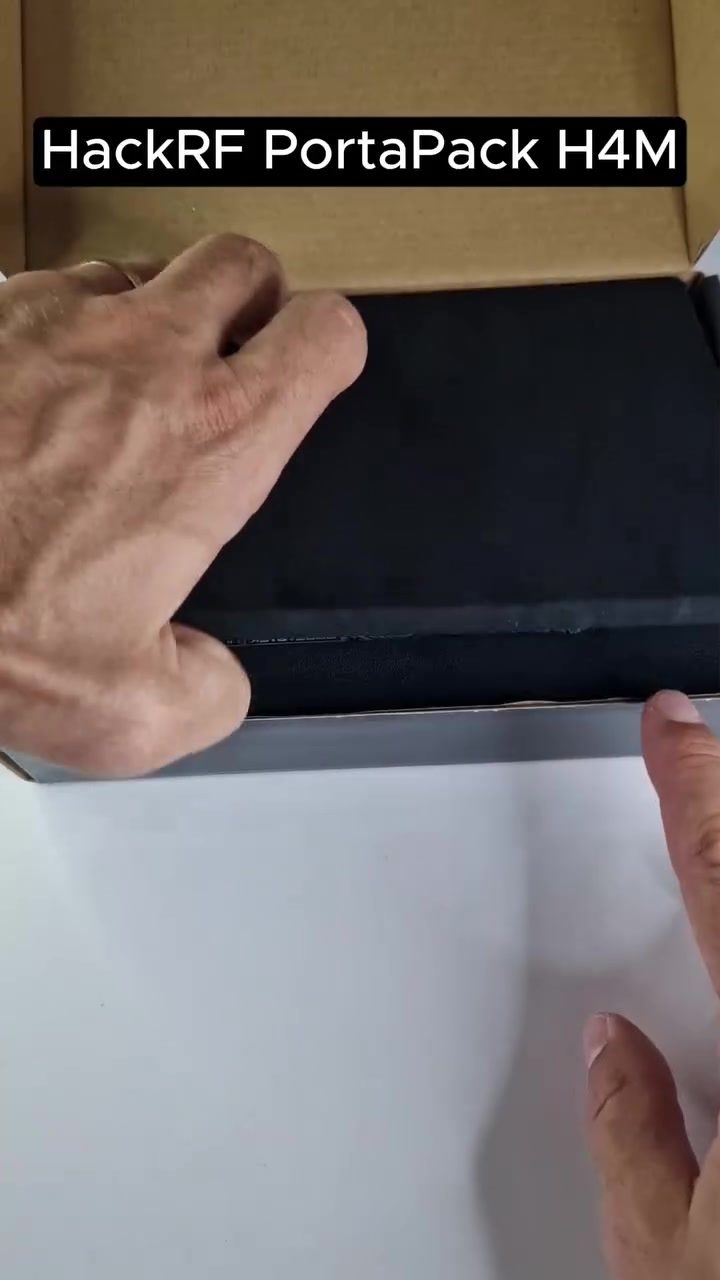
HackRF PortaPack H4M: A Versatile Radio Device
The HackRF PortaPack H4M is a new and smaller radio device that has been generating a lot of interest among enthusiasts and professionals alike. This compact device offers a range of features that make it a powerful tool for various applications. Let's delve into what makes the HackRF PortaPack H4M stand out and how to get the most out of it.
Why HackRF PortaPack H4M Matters
The HackRF PortaPack H4M is not just another radio device; it's a versatile tool that can be used for a variety of purposes, from radio frequency (RF) testing to software-defined radio (SDR) applications. Its compact size and powerful features make it a valuable addition to any toolkit.
The device is particularly noteworthy for its ease of use and durability. The black design with the 'H4M' logo prominently displayed adds a professional touch. It comes with several key features, including a display screen, SD card slot, and a small antenna, making it a comprehensive tool for RF testing and SDR applications.
Unboxing and Setup
Unboxing the HackRF PortaPack H4M
The unboxing experience is straightforward. The device comes in a sleek package that includes the PortaPack H4M, a 64GB SanDisk CAMM Pro Plus SD card, and necessary cables. The inclusion of a high-capacity SD card ensures that you have ample storage for your data.
Inserting the SD Card
Inserting the SD card is a simple process. The device features a dedicated slot for the SanDisk SD card, which is labeled 'CAMM Pro Plus' and has a capacity of 64GB. This card is essential for storing captured data and performing various tasks.
Connecting to a Computer
Connecting the HackRF PortaPack H4M to a computer is straightforward. The device appears to be connected to a computer, and the process is seamless, ensuring that you can start using it right away.
Features and Functionality
Frequency Identification
One of the standout features of the HackRF PortaPack H4M is its ability to identify frequencies. Using a device labeled 'Mayhem' and a tool called Looking Glass, you can easily identify frequencies. The screen displays information including 'RANGE: 5', a frequency of '27.5800 MHz', and 'VOL:99'. This makes it an invaluable tool for RF testing and troubleshooting.
Device Display
The device features a display screen that shows various readings, including numerical data such as '18.42'. This display is crucial for monitoring real-time data and ensuring that the device is functioning correctly.
Software and Updates
The HackRF PortaPack H4M can be flashed with new software, making it easy to update and customize. This flexibility ensures that the device remains up-to-date with the latest features and improvements.
Practical Tips for Using the HackRF PortaPack H4M
Flashing the Device
To flash the HackRF PortaPack H4M, follow these steps:
- Download the Firmware: Obtain the latest firmware from the official website or a trusted source.
- Connect the Device: Connect the HackRF PortaPack H4M to your computer using the provided cables.
- Flash the Firmware: Use the appropriate software to flash the firmware onto the device. Make sure to follow the instructions carefully to avoid any issues.
- Restart the Device: After flashing, restart the device to ensure that the new firmware is properly loaded.
Copying Data
Copying data from the HackRF PortaPack H4M is a straightforward process. Here’s how to do it:
- Insert the SD Card: Ensure that the SD card is properly inserted into the device.
- Connect to a Computer: Connect the device to your computer.
- Copy Files: Use the file explorer to copy the necessary data from the SD card to your computer.
Use-Cases
The HackRF PortaPack H4M has a range of use-cases, including:
- RF Testing: Use the device to identify and troubleshoot RF signals.
- SDR Applications: Utilize the device for software-defined radio applications, such as amateur radio and RF exploration.
- Data Capture: Capture and analyze RF data for various purposes, including research and development.
Important Takeaways
The HackRF PortaPack H4M is a versatile and powerful radio device that offers a range of features for RF testing and SDR applications. Its compact size, ease of use, and powerful features make it a valuable tool for both enthusiasts and professionals. Whether you're looking to identify frequencies, capture data, or perform RF testing, the HackRF PortaPack H4M has you covered.
Conclusion
The HackRF PortaPack H4M is a must-have for anyone involved in RF testing or SDR applications. Its versatility, ease of use, and powerful features make it a standout in the market. Whether you're a hobbyist or a professional, the HackRF PortaPack H4M is a tool that you won't want to miss.
Questions readers ask
What are the key features of the HackRF PortaPack H4M?
The HackRF PortaPack H4M boasts several key features. It includes an SD card slot for expandable storage, a display screen for easy navigation and monitoring, and a compact design that makes it portable and versatile for various RF testing and SDR applications.
Is the HackRF PortaPack H4M suitable for both beginners and professionals?
Yes, the HackRF PortaPack H4M is designed to be user-friendly, making it suitable for both beginners and professionals. Its intuitive interface and robust features cater to a wide range of users, from enthusiasts to experienced professionals.
How durable is the HackRF PortaPack H4M?
The HackRF PortaPack H4M is known for its durability. It is built to withstand various environmental conditions, ensuring that it remains reliable during outdoor testing and other rugged applications. Its sturdy construction makes it a dependable tool for any RF testing scenario.
Does the HackRF PortaPack H4M support SDR applications?
Absolutely, the HackRF PortaPack H4M is well-suited for software-defined radio (SDR) applications. Its versatile features, including the display screen and SD card slot, make it an excellent choice for a variety of SDR projects, allowing users to explore and experiment with different radio frequencies and signals.
What makes the HackRF PortaPack H4M stand out from other RF testing devices?
The HackRF PortaPack H4M stands out due to its compact size, powerful features, and ease of use. Unlike many other RF testing devices, it offers a display screen and SD card slot, which enhances its functionality and usability. Its versatility makes it a valuable tool for a wide range of applications.
Can the HackRF PortaPack H4M be used for budget-conscious projects?
Yes, the HackRF PortaPack H4M is an excellent choice for budget-conscious projects. Its compact design and range of features make it a cost-effective solution for RF testing and SDR applications, providing great functionality without breaking the bank.
What accessories come with the HackRF PortaPack H4M?
The HackRF PortaPack H4M typically comes with essential accessories to help you get started right away. These may include a power adapter, antenna, and any necessary cables. Be sure to check the packaging details for a complete list of included items.
Related deep dives
Similar reads based on topic and creator.




Recent articles
Fresh deep dives from the latest Reels we unpacked.




Comments
Be the first to comment.