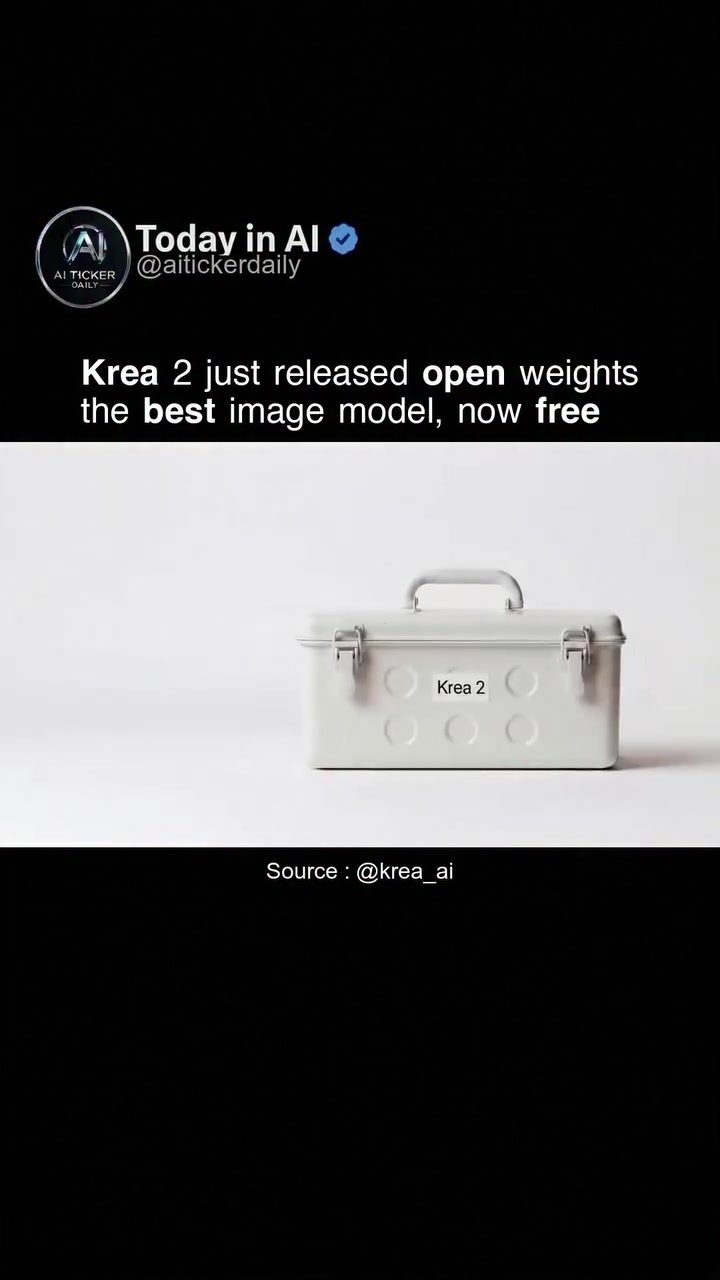
Introducing Krea 2: The Latest Open-Weight Image Model
Krea 2 has made a significant splash in the world of artificial intelligence. Krea 2 comes in two variants: Krea 2 Raw and Krea 2 Turbo. Both models are now available for free. The best part? You can download and run them locally. There's no need for a subscription.
AI image models are powerful tools that enable the creation and manipulation of images using machine learning algorithms. These models can generate new images, enhance existing ones, or even create entirely new artistic styles. They are particularly useful for designers, artists, and developers looking to incorporate advanced visual elements into their projects.
Why This Matters
The release of Krea 2 is a significant milestone for several reasons. Firstly, the availability of open-weights models like Krea 2 democratizes access to advanced AI technology. This means that anyone with an interest in image processing can now experiment and innovate without the need for expensive hardware or subscriptions.
Secondly, the open-weights approach allows users to fine-tune and customize the models to better suit their specific needs. This flexibility is invaluable for developers and researchers who want to push the boundaries of what is possible with AI-generated images. Lastly, the models' ability to support 8-step inference at 2k resolution ensures high-quality output, making it suitable for professional applications.
Main Discussion
Krea 2 Raw: The Undistilled Model
Krea 2 Raw is undistilled, which means it is more versatile and can be tailored to a wide range of tasks. This makes it ideal for fine-tuning and post-training, allowing users to adapt the model to their specific requirements. Whether you are a researcher looking to experiment with new techniques or a developer aiming to integrate AI into your application, Krea 2 Raw offers the flexibility you need.
Krea 2 Turbo: Speed and Diversity
On the other hand, Krea 2 Turbo is optimized for speed and offers wide aesthetic diversity. This model is perfect for those who need quick results without compromising on quality. The wide aesthetic diversity means that Krea 2 Turbo can generate a variety of styles, making it a versatile tool for artists and designers.
Practical Tips
Getting Started with Krea 2
To get started with Krea 2, you can visit the Krea 2 website. Once there, you can download the model of your choice and start experimenting. The website also provides resources and documentation to help you understand how to fine-tune and customize the models.
Fine-Tuning and Post-Training
Fine-tuning and post-training are crucial steps in getting the most out of Krea 2. Fine-tuning involves adjusting the model's parameters to better suit your specific needs. This can be done using a variety of techniques, such as transfer learning, where you use a pre-trained model as a starting point and then adapt it to your data.
Post-training, on the other hand, involves continuing to train the model after it has been fine-tuned. This is useful for keeping the model up-to-date with new data and ensuring that it continues to perform well over time.
Important Takeaways
- Flexibility: Krea 2 offers both undistilled and optimized models, providing users with the flexibility to choose the best tool for their needs.
- Accessibility: The free availability of Krea 2 makes advanced AI technology accessible to a wider audience.
- Quality: The support for 8-step inference at 2k resolution ensures high-quality output, making it suitable for professional applications.
- Customization: The ability to fine-tune and post-train the models allows users to tailor them to their specific needs.
Conclusion
The release of Krea 2 represents a significant step forward in the field of AI image models. With its versatility, accessibility, and high-quality output, Krea 2 is a powerful tool for anyone looking to experiment with or integrate advanced image processing into their projects. Whether you are a researcher, developer, or artist, Krea 2 offers the flexibility and performance you need to bring your ideas to life.
Questions readers ask
What is the difference between Krea 2 Raw and Krea 2 Turbo?
Krea 2 Raw is the base model, while Krea 2 Turbo is an optimized version. Krea 2 Turbo offers faster image generation and manipulation, making it ideal for users who need quick results. Krea 2 Raw, on the other hand, provides more control and flexibility for fine-tuning and detailed adjustments.
Can I use Krea 2 for commercial projects?
Yes, you can use Krea 2 for commercial purposes. Being an open-weight model, it provides the freedom to use the generated images in various projects. However, it's always a good idea to review any licensing terms or conditions associated with the model to ensure compliance.
Do I need a powerful computer to run Krea 2 models?
While having a powerful computer can enhance performance, Krea 2 models are designed to run locally on a variety of systems. Both Krea 2 Raw and Krea 2 Turbo can be optimized for different hardware configurations, making them accessible to a wide range of users. However, for high-resolution image generation, more robust hardware may be beneficial.
How can I fine-tune the Krea 2 model to better suit my needs?
Krea 2, being an open-weight model, allows for extensive customization. You can adjust various parameters to fine-tune the model according to your specific requirements. This includes modifying settings for image resolution, style, and other visual elements. Additionally, you can train the model on your own dataset to better align with your creative vision.
Is there a community or support system available for Krea 2 users?
Yes, there is an active community of users and developers who share their experiences, tips, and custom modifications. Engaging with this community can provide valuable insights and support. Additionally, many resources, including tutorials and forums, are available online to help users get the most out of Krea 2.
Related deep dives
Similar reads based on topic and creator.




Recent articles
Fresh deep dives from the latest Reels we unpacked.




Comments
Be the first to comment.