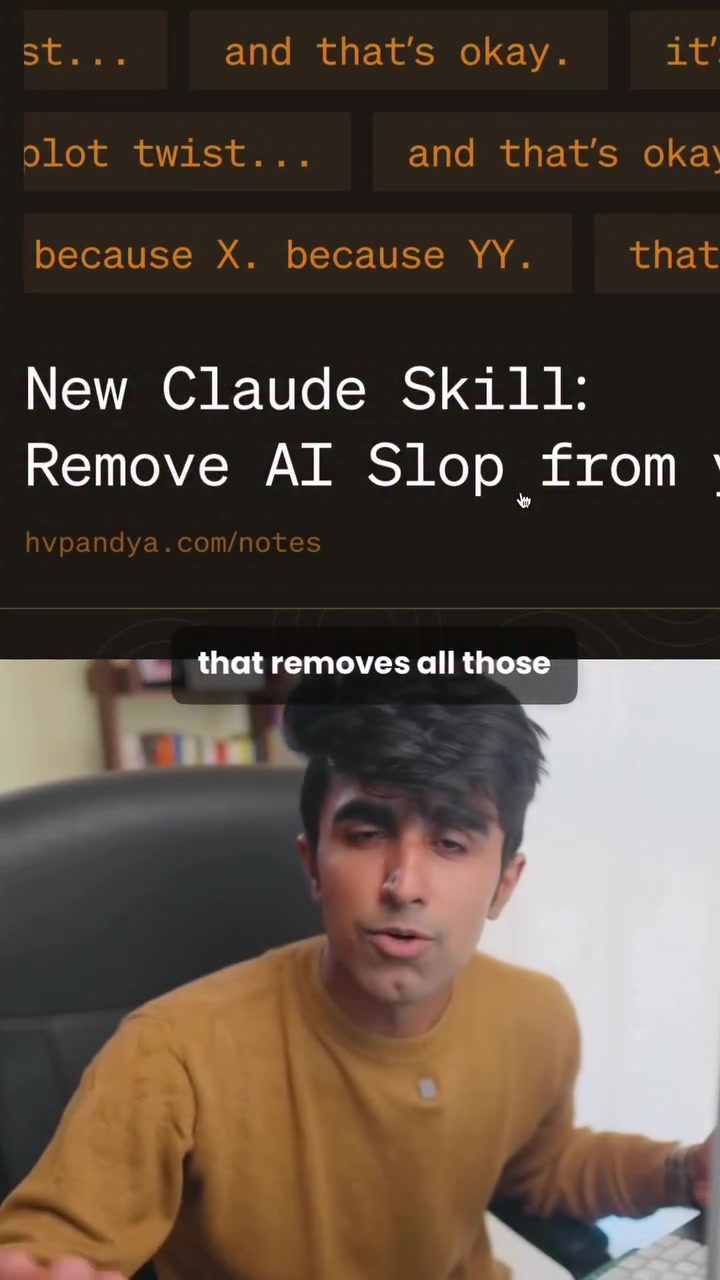
Stop Slop: Enhancing AI-Generated Text with a Free Software Skill
The Stop Slop skill is a game-changer for anyone looking to refine AI-generated text. This innovative software tool is designed to remove repetitive phrases and AI-specific tells from responses, making the output sound more natural and human-like. By banning common AI phrases and sentence patterns, Stop Slop helps to create more polished and authentic prose.
Why This Matters
Stop Slop addresses a significant challenge in AI-generated content: the repetitive and somewhat robotic language that often accompanies it. By stripping out these idiosyncrasies, the skill enhances the readability and flow of the text, making it more suitable for a wide range of applications, from content creation to customer support.
Main Discussion
Understanding AI Tells
AI-generated text often contains specific phrases and sentence structures that can make it sound unnatural. Common examples include repetitive phrases like "the thing is," "it's not just this, it's that," and other filler words. These elements, while innocuous, can detract from the overall quality of the content. Stop Slop is designed to identify and eliminate these tells, resulting in more fluid and engaging text.
How Stop Slop Works
Stop Slop is a skill for the Claude AI model. It operates by analyzing the text generated by Claude and removing the repetitive and unnatural phrases. The process involves several key steps:
- Identifying AI Tells: The skill is programmed to recognize common AI-generated phrases and sentence patterns.
- Banning Phrases: Once identified, these phrases and patterns are banned, ensuring they do not appear in the final output.
- Teaching Claude: Over time,
Stop Slopteaches Claude to catch and eliminate these tells on its own, improving the AI's natural language generation capabilities.
Setting Up Stop Slop
Setting up Stop Slop is a straightforward process. Here’s how you can do it:
- Download the Skill: First, go to the GitHub repository and download the zip file from the code base.
- Access Claude: Head over to the Claude platform and go to the top menu.
- Customize Skills: Click on "Customize" and then select "Skills."
- Create a New Skill: Hit "Create a new skill" and upload the downloaded zip file.
- Wait for Installation: Give it a few seconds for the skill to be created and installed.
- Enjoy Human-Like Text: Now, every response from Claude will sound more natural and human-like, free from repetitive AI tells.
Practical Tips
Customizing Stop Slop
While Stop Slop comes with pre-programmed phrases and patterns to ban, you can customize it to suit your specific needs. If there are particular phrases or sentence structures that you find problematic, you can add them to the skill’s ban list. This level of customization ensures that the output aligns perfectly with your requirements.
Integrating with Other Tools
Stop Slop can be integrated with various other tools and platforms, making it a versatile addition to your software suite. Whether you’re using it for content creation, customer support, or any other application, the skill’s flexibility allows for seamless integration.
Keeping Stop Slop Updated
Like any software, Stop Slop may receive updates and improvements over time. It’s essential to keep the skill updated to ensure you have access to the latest features and enhancements. Regularly check the GitHub repository for any updates and follow the instructions to update the skill on your platform.
Important Takeaways
Stop Slop is a powerful tool for enhancing AI-generated text. By removing repetitive and unnatural phrases, it makes the output more human-like and engaging. The skill is easy to set up and can be customized to meet your specific needs, making it a valuable addition to any software suite. Whether you’re a content creator, customer support representative, or anyone who deals with AI-generated text, Stop Slop is a must-have tool.
Conclusion
Stop Slop represents a significant advancement in AI-generated text. By addressing the common issue of repetitive and unnatural phrases, it enhances the overall quality and readability of the content. With its ease of use, customization options, and seamless integration, Stop Slop is a tool that can benefit anyone working with AI-generated text. Try it out today and experience the difference for yourself.
Questions readers ask
What is the `Stop Slop` skill and how does it work?
The `Stop Slop` skill is a free software tool designed to refine AI-generated text. It works by identifying and eliminating repetitive phrases and unnatural language, often referred to as 'AI tells.' By removing these elements, it makes the text more polished and authentic, enhancing its overall quality.
How does the `Stop Slop` skill improve the readability of AI-generated content?
The `Stop Slop` skill improves readability by removing repetitive patterns and AI-specific phrases that can make text sound robotic. This results in a more natural flow, making the content easier and more engaging to read. Enhanced readability makes the text suitable for a broader range of applications, from content creation to customer support.
Can the `Stop Slop` skill be used with any AI text generation tool?
While the article specifically mentions Claude's AI, the `Stop Slop` skill is designed to work with any AI-generated text. As long as the text is in a compatible format, you can use `Stop Slop` to refine and polish it, regardless of the original source.
What are 'AI tells' and why should they be removed?
'AI tells' are phrases, patterns, and language quirks that are commonly associated with AI-generated text. These can include repetitive phrasing, overly formal language, or unnatural sentence structures. Removing these elements makes the text sound more human-like and authentic, which is crucial for creating engaging and credible content.
Is the `Stop Slop` skill only useful for professional writers?
Not at all. While professional writers can greatly benefit from the `Stop Slop` skill, it is also useful for anyone who generates text using AI. This includes students, bloggers, customer support representatives, and even casual users who want to improve the quality of their AI-generated text for personal projects or communications.
How does the `Stop Slop` skill enhance the suitability of AI-generated text for different applications?
By making the text more natural and engaging, the `Stop Slop` skill allows AI-generated content to be used in a wider variety of applications. Whether you're creating blog posts, crafting customer support responses, or developing creative writing pieces, the more polished and human-like the text, the more effective and suitable it will be for its intended purpose.
Related deep dives
Similar reads based on topic and creator.




Recent articles
Fresh deep dives from the latest Reels we unpacked.




Comments
Be the first to comment.