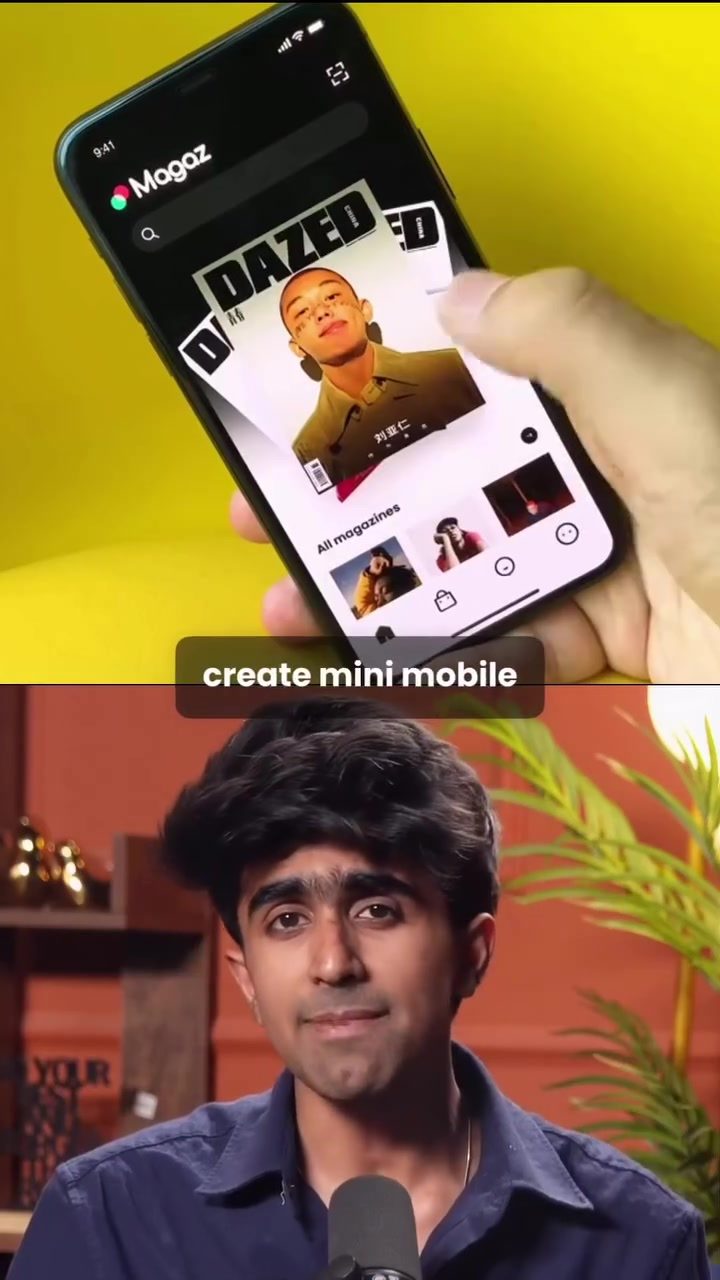
Creating Mini Mobile Apps with Google's Opal in Gemini
Google has recently introduced an exciting new feature that allows users to create mini mobile apps directly within its Gemini platform. This feature, known as Opal, is available under the Gems section and offers a range of capabilities that make app development more accessible than ever. Here's a comprehensive guide to get you started on creating your own mini mobile apps using Google's Opal.
Why This Matters
The ability to create mobile apps without extensive coding knowledge can be a game-changer for both individuals and businesses. Whether you're looking to build a personal project, a tool for your workflow, or a product for your business, Google's Opal makes it easier to turn your ideas into functional apps. This democratization of app development can lead to increased innovation and productivity across various sectors.
Getting Started with Opal
Accessing Opal
To begin, you need to access the Opal feature within the Gemini platform. Here are the steps to get started:
- Open Gemini: Launch the Gemini app on your device.
- Navigate to Gems: Once inside Gemini, click on the Gems section. This is where you'll find Opal and other tools.
- Create a New Gem: Click on the option to create a new gem. This is the starting point for building your mini app.
- Define Your App: Type in what you want to build. For example, you can type "Create a workout app for weight loss." The system will then generate a fully functional mini app based on your input.
Building a Workout App
One of the examples showcased is the creation of a workout app for weight loss. Here’s how the process works:
- Initial Prompt: Type your request into the app. For instance, "Create a workout app for weight loss."
- App Generation: The app will generate a structured routine that includes exercises, information, and flow. This routine is designed to be balanced and effective for weight loss.
- Customization: You can further customize the app to fit your specific needs. The advanced editor allows you to tweak the backend like a visual workflow, making it easy to adjust settings and add features.
Features and Capabilities
Opal isn't just limited to workout apps. It can generate a variety of mini apps, including:
- Recipes: Create apps that generate recipes based on user preferences and dietary needs.
- Interactive Quizzes: Develop quizzes that can be used for educational purposes, entertainment, or as part of a survey.
- Meeting Analysis: Create tools that can help analyze meetings, providing insights and actionable data.
The capabilities of Opal are vast, and the platform is designed to be user-friendly, even for those with minimal technical knowledge.
Practical Tips
Utilizing the Advanced Editor
Once your app is ready, you can use the advanced editor to make further customizations. Here are some practical tips:
- Accessing the Editor: Click on the 'Advanced' option within the app to access the editing tools.
- Visual Workflow: The backend editing is designed like a visual workflow, making it easier to understand and adjust.
- Similarities to N8n: The interface is similar to tools like N8n, but with a simpler and more intuitive design.
Sharing Your App
Sharing your newly created app is straightforward. Here’s how you can do it:
- Public Sharing: Once your app is ready, you can share it publicly with a single click. This makes it easy to distribute your app to a wider audience.
- Copy the Link: Just copy the link provided and share it like you would with a Google Drive file. This allows for seamless sharing and accessibility.
Important Takeaways
Google's Opal in Gemini is a powerful tool for creating mini mobile apps with ease. It offers a range of features that can cater to various needs, from personal projects to business tools. The user-friendly interface and the ability to share apps publicly make it an invaluable resource for anyone looking to venture into app development.
Conclusion
Google's Opal in Gemini represents a significant step forward in making app development more accessible. Whether you're a beginner or an experienced developer, this tool offers the flexibility and ease of use that can help bring your app ideas to life. With its range of features and capabilities, Opal is set to revolutionize how we approach mobile app development.
Questions readers ask
What is Google's Opal feature in the Gemini platform?
Google's Opal is a feature within the Gemini platform that allows users to create mini mobile apps without needing extensive coding knowledge. It is designed to make app development accessible to a broader audience, including those with little to no programming experience.
Do I need coding skills to create a mini mobile app with Google's Opal?
No, you do not need coding skills. Google's Opal is specifically designed to enable users to build mini mobile apps using a no-code approach. This makes it ideal for personal projects, business tools, or any other app you can imagine.
Where can I find the Opal feature in the Gemini platform?
The Opal feature is located under the Gems section of the Gemini platform. Once you access the Gems section, you can explore the various capabilities and tools provided by Opal to start creating your mini mobile apps.
What types of mini mobile apps can I create with Google's Opal?
With Google's Opal, you can create a wide range of mini mobile apps tailored to your personal or business needs. This includes personal projects, workflow tools, or even small-scale business products. The possibilities are vast, and the platform is flexible enough to accommodate various app ideas.
How does Google's Opal benefit businesses?
Google's Opal benefits businesses by allowing them to create mini mobile apps quickly and efficiently, without the need for a dedicated development team. This can help streamline workflows, improve internal processes, and even create new products or services to offer to customers.
Can I use Google's Opal for personal projects?
Absolutely! Google's Opal is perfect for personal projects. Whether you want to create a tool for personal use or experiment with app development as a hobby, the platform provides a user-friendly environment to bring your ideas to life.
What support is available for users creating mini mobile apps with Google's Opal?
Google provides comprehensive support and resources for users creating mini mobile apps with Opal. This includes documentation, tutorials, and a community of developers who can offer guidance and tips to help you through the app development process.
Related deep dives
Similar reads based on topic and creator.




Recent articles
Fresh deep dives from the latest Reels we unpacked.




Comments
Be the first to comment.