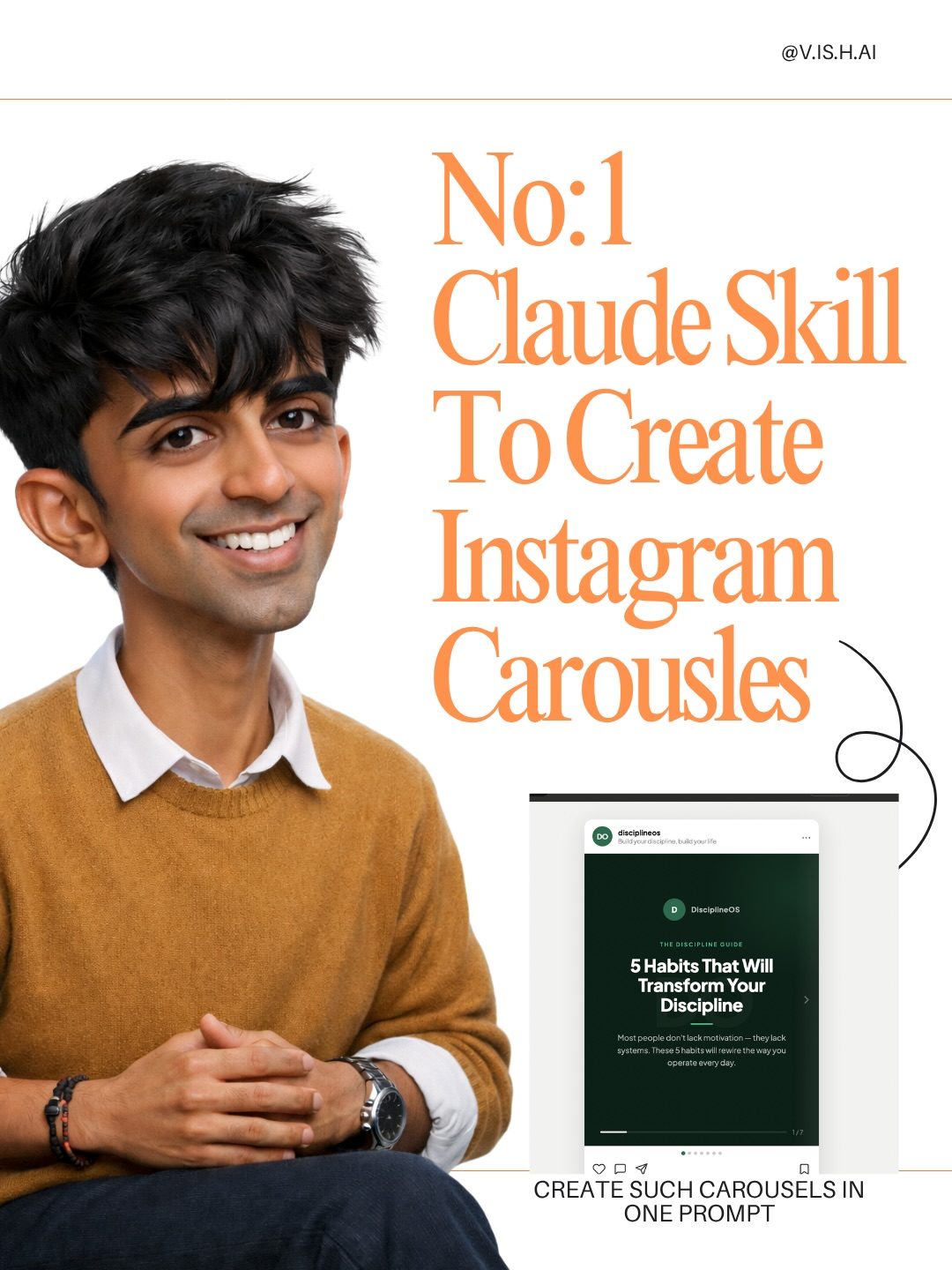
Leveraging Claude AI for Instagram Carousel Creation
Instagram carousels are an engaging way to showcase multiple images or videos in a single post, making them a popular choice for content creators. Claude, an AI chatbot, offers a streamlined way to create these carousels with minimal effort. By leveraging Claude's capabilities, you can generate visually appealing and cohesive carousel content tailored to your needs.
Why This Matters
Creating engaging content on Instagram is crucial for maintaining audience interest and growing your following. Carousels are particularly effective for storytelling, sharing step-by-step guides, or displaying a series of related images. However, designing these carousels manually can be time-consuming. This is where Claude AI comes in, offering a efficient solution to create high-quality carousels with just a few simple steps.
Main Discussion
Getting Started with Claude AI
To begin, access the Claude interface and navigate to the skills section. Here, you can customize Claude's capabilities to better suit your needs. For creating Instagram carousels, you can tailor the AI's skills to focus on generating cohesive and visually appealing content.
Customizing Claude's Skills
The first step is to customize Claude's skills. Enter the interface and select the "Skills" option. This will allow you to configure the AI to generate carousels by enabling the appropriate settings. The interface is user-friendly, making it easy to adjust the parameters according to your preferences.
Generating Carousel Content
Once you have customized the skills, you need to provide specific instructions for Claude to create the carousel. This involves pasting a detailed prompt into the instructions section of the interface. The prompt should outline the type of content you want, the number of slides, and any specific design elements you prefer.
Refinement and Finalization
After inputting your instructions, Claude will generate the carousel content based on your specifications. You can then review the output and make any necessary adjustments. The AI's flexibility allows for easy modifications, ensuring that the final product aligns with your vision.
Sharing Your Creation
Once you are satisfied with the carousel, the final step is to share it on Instagram. Simply download the carousel from Claude and upload it to your Instagram account. The process is straightforward, and the AI's high-quality output ensures that your content stands out.
Example: Creating a Carousel on Discipline
For instance, if you want to create a carousel titled "5 Habits That Will Transform Your Discipline," you can input a prompt that outlines the five habits and any specific visual elements you want to include. Claude will then generate a carousel that effectively communicates your message in a visually appealing manner.
Practical Tips
Crafting Effective Prompts
The quality of your carousel is heavily dependent on the prompt you provide. Be as detailed as possible in your instructions, specifying the type of images, the sequence of slides, and any text overlays you want to include.
Utilizing Templates
If you frequently create carousels on similar topics, consider using templates. These can save you time and ensure consistency in your content. Claude allows you to save and reuse templates, making the process even more efficient.
Reviewing and Editing
Always review the generated content to ensure it meets your standards. While Claude's output is generally high-quality, there may be instances where you need to make adjustments. The interface allows for easy editing, so take advantage of this feature to refine your carousel.
Staying Updated
Claude regularly updates its skills and capabilities, so stay informed about the latest features. Keeping up with these updates can help you leverage the AI's full potential and create even more impressive carousels.
Important Takeaways
Effortless Creation
One of the most significant advantages of using Claude for creating Instagram carousels is the ease of use. With just a few clicks and some detailed instructions, you can generate high-quality content that would otherwise take hours to create manually.
Customization and Flexibility
Claude's customizable skills allow you to tailor the AI's output to your specific needs. Whether you're creating a carousel for a personal blog, a business, or a social media campaign, the AI can adapt to your requirements.
Time Efficiency
By automating the carousel creation process, Claude saves you time and allows you to focus on other aspects of your content strategy. This efficiency is particularly valuable for content creators who need to produce high-quality content regularly.
High-Quality Output
The carousels generated by Claude are visually appealing and cohesive, ensuring that your content stands out on Instagram. The AI's attention to detail and ability to create engaging visuals make it a valuable tool for any content creator.
Conclusion
Using Claude AI to create Instagram carousels offers a streamlined and efficient way to produce high-quality content. By customizing the AI's skills and providing detailed instructions, you can generate visually appealing and cohesive carousels that engage your audience and enhance your online presence. Whether you're a content creator, a business owner, or a social media manager, leveraging Claude's capabilities can significantly improve your content creation process.
Questions readers ask
What is Claude AI and how can it assist in creating Instagram carousels?
Claude AI is a versatile chatbot that can help you generate content, including Instagram carousels. It assists by creating visually appealing and cohesive slides, allowing you to focus on other aspects of your content strategy. The AI can be customized to fit your specific needs, whether you're sharing step-by-step guides, storytelling, or showcasing a series of images.
What are the benefits of using Claude AI to create Instagram carousels?
Using Claude AI to create Instagram carousels saves time and ensures a polished, engaging format. It allows you to maintain consistency in your content, which is crucial for keeping your audience engaged. Additionally, AI-generated content can help you experiment with different styles and formats more efficiently.
Can I customize the carousel content generated by Claude AI?
Yes, you can customize the content generated by Claude AI to fit your brand's aesthetic and messaging. The AI can be tailored to create slides that match your desired color schemes, fonts, and overall design. You can provide specific instructions or examples to guide the AI in generating content that aligns with your vision.
How does Claude AI help in maintaining a consistent look for Instagram carousels?
Claude AI ensures consistency by maintaining a uniform style and format across all slides. You can set parameters such as color schemes, fonts, and layouts, which the AI will adhere to throughout the carousel. This consistency is key for creating a professional and cohesive appearance that resonates with your audience.
What are some examples of content that can be created using Claude AI for Instagram carousels?
Claude AI can help create a variety of content for Instagram carousels, such as step-by-step tutorials, before-and-after comparisons, product showcases, behind-the-scenes stories, and infographics. The AI can generate engaging and informative slides that effectively communicate your message and keep your audience engaged.
Is it difficult to learn how to use Claude AI for creating Instagram carousels?
Learning to use Claude AI for creating Instagram carousels is straightforward. The AI is designed to be user-friendly, with simple steps to guide you through the process. By following a step-by-step guide, you can quickly become proficient in using Claude AI to create visually appealing and cohesive carousels tailored to your needs.
How can Claude AI save time in the process of creating Instagram carousels?
Claude AI saves time by automating the content creation process. Instead of manually designing each slide, you can input your requirements and let the AI generate the content for you. This allows you to create high-quality carousels more efficiently, freeing up your time to focus on other important tasks or aspects of your content strategy.
Related deep dives
Similar reads based on topic and creator.




Recent articles
Fresh deep dives from the latest Reels we unpacked.




Comments
Be the first to comment.