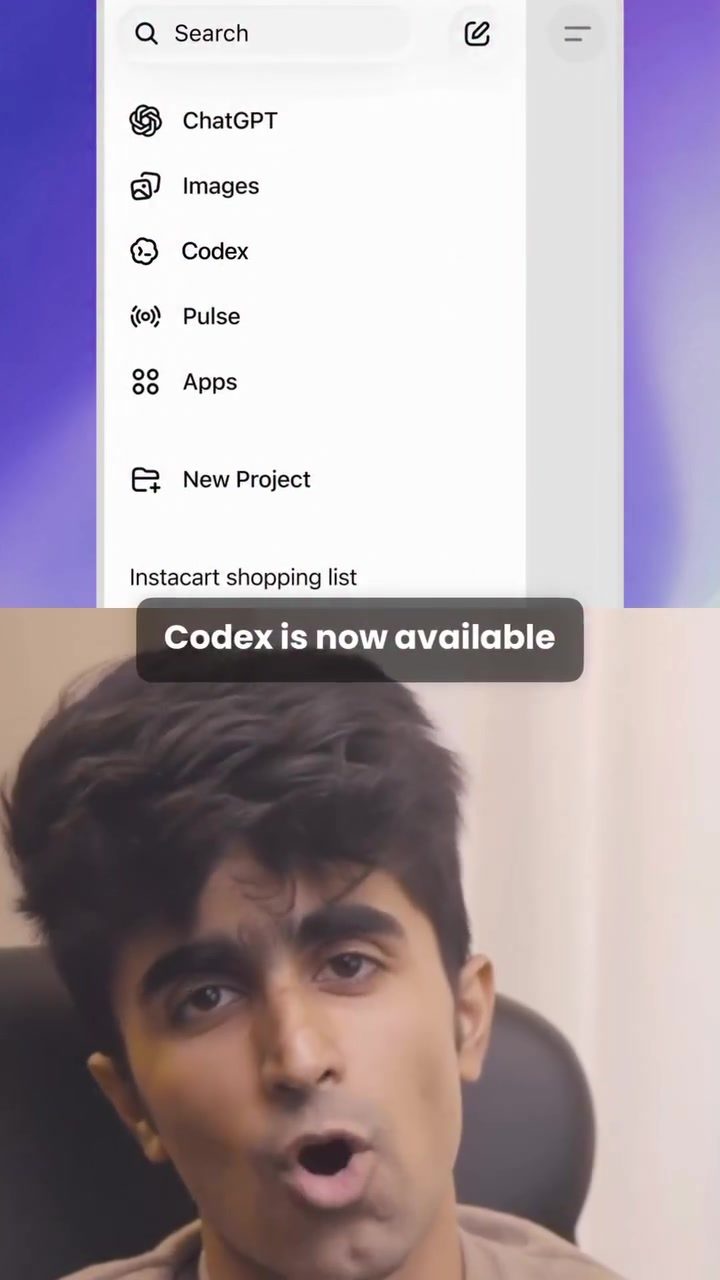
Codex AI Now Available on Mobile: Revolutionizing Task Automation
Codex, the AI-powered tool, is now accessible directly from your mobile app. This integration marks a significant shift in how users can interact with and utilize the capabilities of this powerful AI tool. Let's dive into what this means for users and how to get started with Codex on your mobile device.
Why This Matters
Codex is more than just a coding tool; it's a versatile agent designed to handle a wide range of tasks. From writing and refactoring code to automating mundane tasks, Codex streamlines workflows and enhances productivity. With its availability on mobile, users can now enjoy the same level of efficiency and automation from their smartphones, making it easier to manage tasks on the go.
The Versatility of Codex
Coding and Beyond
Codex isn't just a coding assistant. It's a general-purpose agent that can write code, fix bugs, and refactor files. It also controls your computer and automates tasks in Chrome, making it an invaluable tool for developers and non-developers alike.
Real-Time Task Automation
One of the standout features of Codex is its ability to automate complex tasks. For instance, you can instruct Codex to organize files on your desktop, open Chrome, reply to emails, schedule meetings, and add contacts to your Notion list—all from your phone. This level of automation not only saves time but also reduces the mental overhead of managing multiple tasks.
Setting Up Codex on Your Mobile Device
Setting up Codex on your mobile device is straightforward. Here’s a step-by-step guide to get you started:
- Open the ChatGPT App: Make sure you have the ChatGPT app installed on your phone. If not, download it from your app store.
- Sign In: Use the same account you use on your laptop to sign in. This ensures a seamless transition between devices.
- Connect Your Machine: Connect your laptop, Mac mini, or remote dev box to the app. There's a secure relay system in place that ensures your connection is safe and secure, avoiding exposure to the open internet.
- Start Automating: Once connected, you can start giving Codex tasks through the app. The live state of whatever Codex is doing will be visible right on your phone, allowing you to monitor progress in real-time.
Practical Tips for Maximizing Codex on Mobile
- Batch Tasks: Instead of giving one task at a time, batch your tasks to make the most of Codex's capabilities. This can save time and ensure that your workflow remains uninterrupted.
- Use Prompt Templates: Create and save prompt templates for frequently used tasks. This can speed up the process and ensure consistency in how tasks are automated.
- Monitor Progress: Keep an eye on the live updates on your phone. This allows you to intervene if necessary and ensures that everything is running smoothly.
- Integrate with Other Tools: Leverage Codex's ability to control your computer and automate tasks in Chrome. Integrate it with other productivity tools you use to create a seamless workflow.
Important Takeaways
- Flexibility: Codex's availability on mobile means you can manage tasks from anywhere, at any time, making it a powerful tool for on-the-go productivity.
- Security: The secure relay system ensures that your data and tasks are safe, even when managing them from your mobile device.
- Efficiency: Automating tasks through Codex can significantly reduce the time and effort required to manage daily workflows, allowing you to focus on more critical tasks.
Conclusion
The integration of Codex into the mobile app landscape is a game-changer. It brings the power of AI automation to your fingertips, making it easier than ever to manage tasks, automate workflows, and enhance productivity. Whether you're a developer looking to streamline your coding tasks or someone who wants to automate daily activities, Codex on mobile is a tool worth exploring.
Related deep dives
Similar reads based on topic and creator.




Recent articles
Fresh deep dives from the latest Reels we unpacked.




Comments
Be the first to comment.