ChatGPT Work: Automating Tasks with AI
OpenAI has recently launched ChatGPT Work, a powerful new feature designed to help even complete beginners automate real work tasks using AI. By simply typing tasks in plain language, users will be able to find the latest model 5.6 SOL with the new Work tab available in both web and desktop apps.
Why This Matters
The integration of AI into everyday tasks is becoming increasingly important as businesses and individuals look for ways to streamline their workflows. With ChatGPT Work, users can automate complex tasks with minimal effort, making it a valuable tool for professionals across various industries.
How ChatGPT Work Operates
Setting Up and Connecting Apps
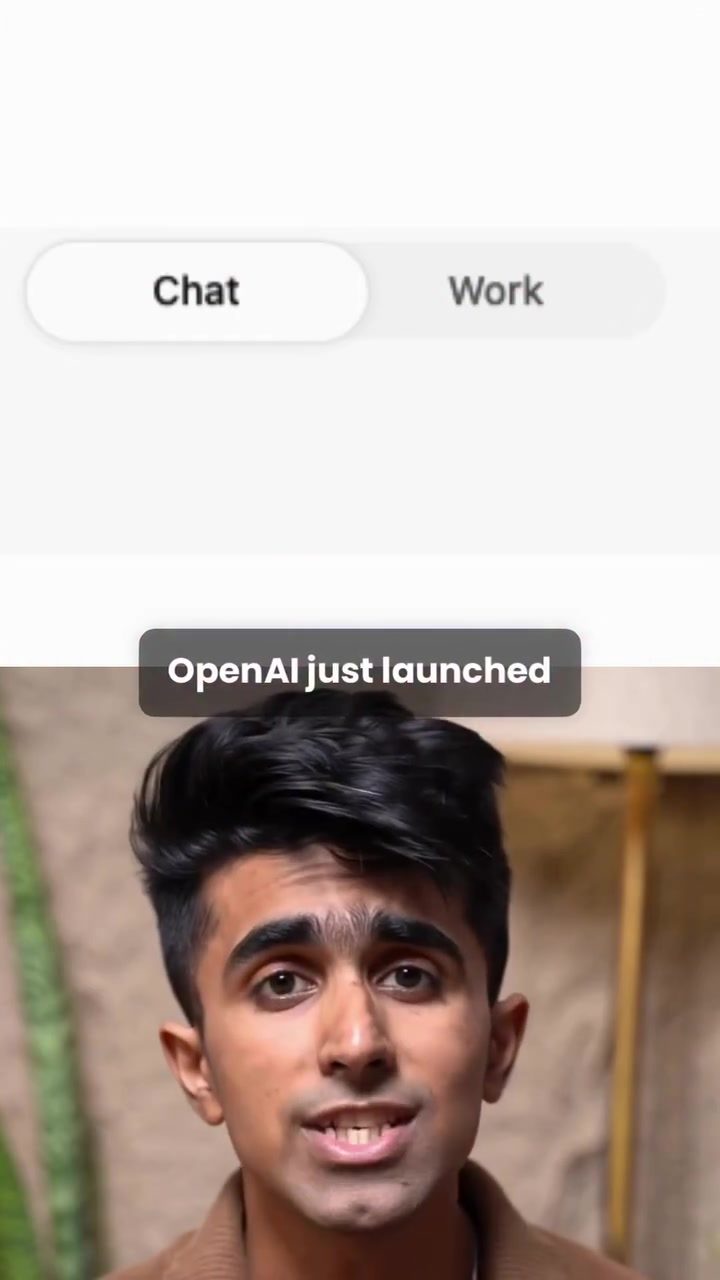
To get started with ChatGPT Work, users can toggle from the Chat interface to the Work tab within the web or desktop applications. The initial setup involves connecting your apps, such as Google Workspace, to the AI. This connection allows ChatGPT to pull context from your connected applications, making it easier to automate tasks.
Defining Goals and Executing Tasks
Once the apps are connected, users can define their goals by typing them out in plain English. For instance, a user might instruct the AI to "Research all the viral AI films made by creators and find the people and email IDs of them, to pitch them, draft the outreach emails, ready to send."
Real-Time Execution and Monitoring
As the AI begins executing the task, users can watch the process unfold with the built-in browser. The AI will research, scrape through the web, and find leads in real time. For example, the AI found 12 filmmakers' contact details and created a tailored outreach deck and tracker, all without additional context from the user.
Contextual Understanding and Automation
One of the standout features of ChatGPT Work is its ability to understand the context of the tasks it's automating. This contextual understanding allows the AI to create materials that match the user's company context and draft outreach emails accordingly.
Practical Tips for Using ChatGPT Work
1. Define Clear Goals
When setting up tasks in ChatGPT Work, it's essential to define clear and concise goals. Breaking down complex tasks into smaller, manageable steps can help the AI execute them more efficiently.
2. Connect Relevant Apps
Ensure that you connect all relevant apps to ChatGPT. This allows the AI to pull context from various sources, making the automation process more seamless and effective.
3. Utilize the Built-in Browser
The built-in browser in ChatGPT Work allows users to monitor the task execution process. This feature is particularly useful for understanding how the AI is working and ensuring that it is on the right track.
Important Takeaways
Ease of Use
One of the most significant advantages of ChatGPT Work is its ease of use. Even beginners can automate complex tasks with minimal effort, making it accessible to a wide range of users.
Time-Saving
By automating tasks, users can save a significant amount of time. This time can be redirected towards more critical aspects of their work, leading to increased productivity.
Contextual Understanding
The AI's ability to understand the context of the tasks it's automating is a game-changer. This feature ensures that the automated materials are tailored to the user's needs, making the process more effective.
Conclusion
ChatGPT Work is a powerful tool for automating tasks with AI. With its user-friendly interface, contextual understanding, and real-time execution, it offers a seamless way to streamline workflows. Whether you're a professional looking to automate repetitive tasks or a beginner exploring the world of AI, ChatGPT Work has something to offer for everyone. Stay tuned as it rolls out across web, mobile, and desktop, starting with Pro, Enterprise, and Edu users, and soon available to Plus users as well.
Questions readers ask
How does ChatGPT Work help beginners automate tasks?
ChatGPT Work allows beginners to automate tasks by simply typing instructions in plain language. This user-friendly approach eliminates the need for complex coding or technical skills, making it accessible to everyone.
Which apps can I integrate with ChatGPT Work?
ChatGPT Work integrates with popular apps like Google Workspace, enabling users to streamline their workflows across various platforms. This integration allows for seamless task automation directly within the apps you already use.
Do I need any special software to start using ChatGPT Work?
No special software is required to start using ChatGPT Work. The feature is available through the new Work tab, accessible in both web and desktop apps. You can begin automating tasks right away by toggling from the Chat interface.
What types of tasks can I automate with ChatGPT Work?
You can automate a wide range of tasks with ChatGPT Work, from simple data entry to more complex processes. The AI can handle various tasks across different industries, making it a versatile tool for professionals.
What's the benefit of using ChatGPT Work for professionals?
ChatGPT Work benefits professionals by saving time and reducing manual effort. By automating tasks with AI, professionals can focus on more strategic and creative aspects of their work, enhancing overall productivity and efficiency.
What industries can benefit from using ChatGPT Work?
Various industries can benefit from using ChatGPT Work, including but not limited to, healthcare, finance, marketing, and customer service. The tool's ability to automate complex tasks makes it a valuable asset for any business looking to improve efficiency.
How can I get started with automating tasks using ChatGPT Work?
To get started, simply toggle to the Work tab in the ChatGPT interface. From there, you can begin typing your tasks in plain language, and ChatGPT Work will guide you through the process of automating them. No prior experience with AI is necessary.
Related deep dives
Similar reads based on topic and creator.




Recent articles
Fresh deep dives from the latest Reels we unpacked.




Comments
Be the first to comment.