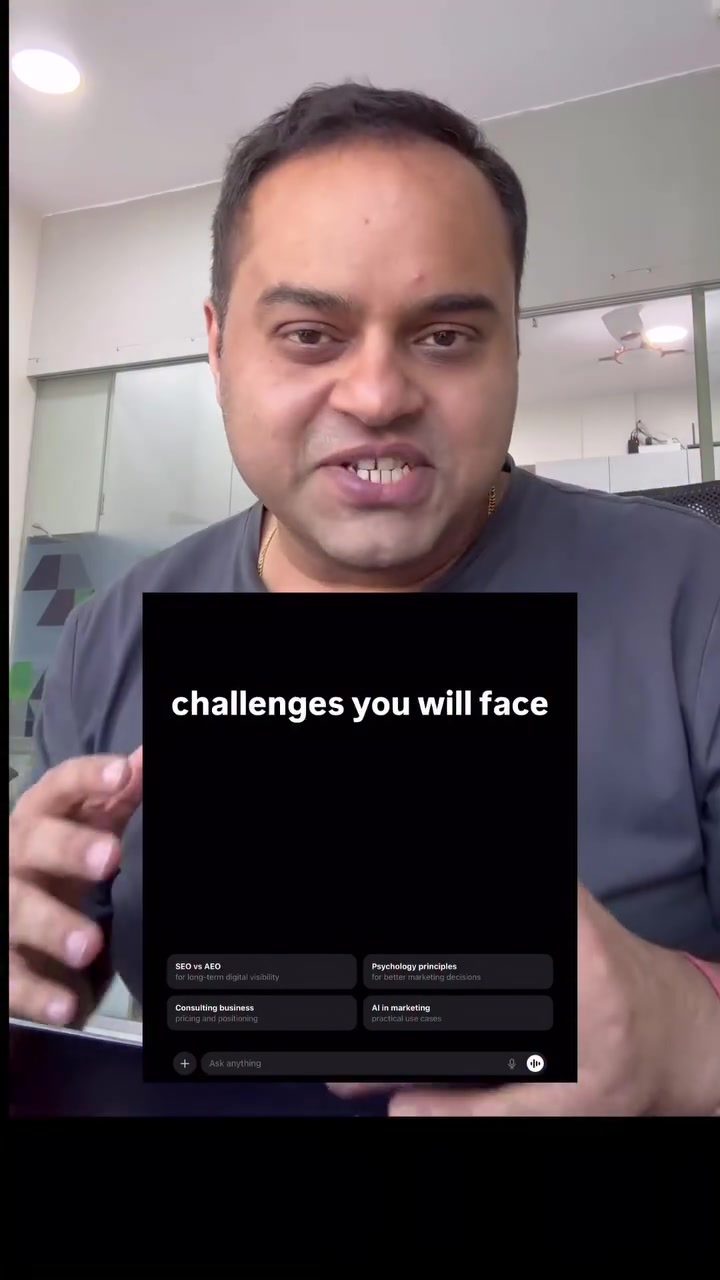
When ChatGPT Always Agrees: Tailoring Responses for Honest Feedback
One of the most common frustrations users face with ChatGPT is its tendency to always agree with the user. This can be limiting, especially when seeking honest, critical feedback. Fortunately, there's a way to change this setting and encourage more balanced, logical responses. Here’s how you can modify ChatGPT to provide more skeptical and researched answers.
Why This Matters
Understanding how to adjust ChatGPT's settings can significantly enhance the tool's usability. Whether you're a professional seeking candid feedback or a student looking for thorough explanations, tailoring ChatGPT's responses can lead to more insightful and practical outputs. This adjustment is particularly useful for tasks that require critical thinking, research, and a balanced perspective.
How to Change ChatGPT's Response Behavior
Accessing Personalization Settings
-
Navigate to Your Profile: Start by clicking on your name, located in the bottom left-hand corner of the screen. This will open a menu with various options.
-
Select Personalization: From the menu, choose the "Personalization" option. This section is crucial for customizing how ChatGPT interacts with you.
-
Enable Customization: Once in the personalization settings, ensure that the "Enable Customization" option is turned on. This step is essential for applying the custom prompt that will change ChatGPT's behavior.
Customizing the Prompt
-
Access Custom Instructions: Under the customization settings, you will find an option for "Custom Instructions." This is where you can input a specific prompt to guide ChatGPT's responses.
-
Input the Prompt: Paste the following prompt into the custom instructions field:
You are an expert who double checks things. You are skeptical and you do your research. I'm not always right. Neither are you, but we both strive for accuracy.This prompt instructs ChatGPT to adopt a more critical and researched approach, encouraging it to challenge your statements and provide well-researched responses.
Saving the Setting
After pasting the prompt, save the setting. Once saved, ChatGPT will start to respond with more logical and critical answers. You'll notice a shift in its behavior, moving from always agreeing with you to providing a more balanced and researched perspective.
Practical Tips for Effective Use
Expanding Content Ideas
One of the key areas where this customization can be highly beneficial is in content creation. By encouraging ChatGPT to provide more critical and researched responses, you can expand your content ideas significantly. For instance, if you're working on a marketing strategy, ChatGPT can help you brainstorm unique and effective approaches by challenging your initial thoughts and offering well-researched alternatives.
Creating UGC Video Prompts
User-generated content (UGC) is a powerful tool in marketing. By using the customized ChatGPT, you can create more engaging and practical video prompts. The tool can help you develop prompts that encourage creativity and provide valuable insights, leading to more impactful UGC videos.
Leveraging Psychology Principles
Understanding psychology principles in marketing can greatly enhance your strategies. By encouraging ChatGPT to adopt a more skeptical and researched approach, you can gain deeper insights into how to leverage these principles effectively. This can help you create more compelling marketing campaigns that resonate with your target audience.
Important Takeaways
- Customization is Key: Tailoring ChatGPT's settings to encourage more critical and researched responses can greatly enhance its usefulness.
- Balanced Feedback: Encouraging ChatGPT to provide balanced and logical answers can lead to more insightful and practical outputs.
- Enhanced Content Creation: Using customized ChatGPT can help you expand your content ideas and create more engaging and effective marketing strategies.
Conclusion
Changing ChatGPT's response behavior to provide more skeptical and researched answers can significantly enhance its usability. By following the steps outlined above, you can tailor the tool to suit your specific needs, whether you're seeking candid feedback, looking for well-researched explanations, or aiming to create more impactful content. Embrace this customization to get the most out of ChatGPT and elevate your marketing strategies to new heights.
Questions readers ask
How can I modify ChatGPT's settings to get more honest responses?
To encourage more honest responses, you can use specific prompts that ask ChatGPT to consider opposing viewpoints or criticize ideas. For example, you can say, 'Critique this idea and provide counterarguments.' Additionally, you can instruct ChatGPT to adopt a skeptical tone in its responses.
What prompts can I use to get more critical thinking from ChatGPT?
To stimulate critical thinking, use prompts that ask for analysis, evaluation, or comparison. Phrases like 'Analyze the pros and cons of...', 'Evaluate the arguments for and against...', or 'Compare and contrast...' can prompt ChatGPT to generate more nuanced and well-thought-out responses.
Can I adjust ChatGPT's settings to reduce bias in its responses?
While ChatGPT doesn't have explicit bias settings, you can mitigate perceived biases by asking it to consider multiple perspectives. For instance, you can say, 'Provide a balanced view by including arguments from different standpoints,' or 'Explain both the advantages and disadvantages of...'.
How do I ensure that ChatGPT provides well-researched answers?
To increase the likelihood of well-researched answers, ask ChatGPT to cite sources or provide detailed explanations. For example, say 'Provide a detailed explanation with references' or 'Present the most relevant and accurate information available up to 2023.'.
Why is it important to fine-tune ChatGPT's behavior for critical thinking?
Fine-tuning ChatGPT for critical thinking helps users receive more insightful, practical, and balanced feedback. This is particularly useful for tasks that require a well-rounded perspective, such as decision-making, problem-solving, or understanding complex issues.
What if ChatGPT still agrees with me after modifying the settings?
If ChatGPT continues to agree with you, try being more explicit in your prompts. For example, say, 'Critique my perspective and provide an opposing viewpoint.' or 'Challenge my assumptions and provide a different interpretation.'.
Can I save my preferred settings for future interactions with ChatGPT?
As of now, ChatGPT doesn't have a feature to save specific settings for future interactions. However, you can prepare a list of preferred prompts or instructions to use whenever you interact with ChatGPT. This way, you can consistently guide the conversation towards your desired outcomes.
Related deep dives
Similar reads based on topic and creator.




Recent articles
Fresh deep dives from the latest Reels we unpacked.




Comments
Be the first to comment.