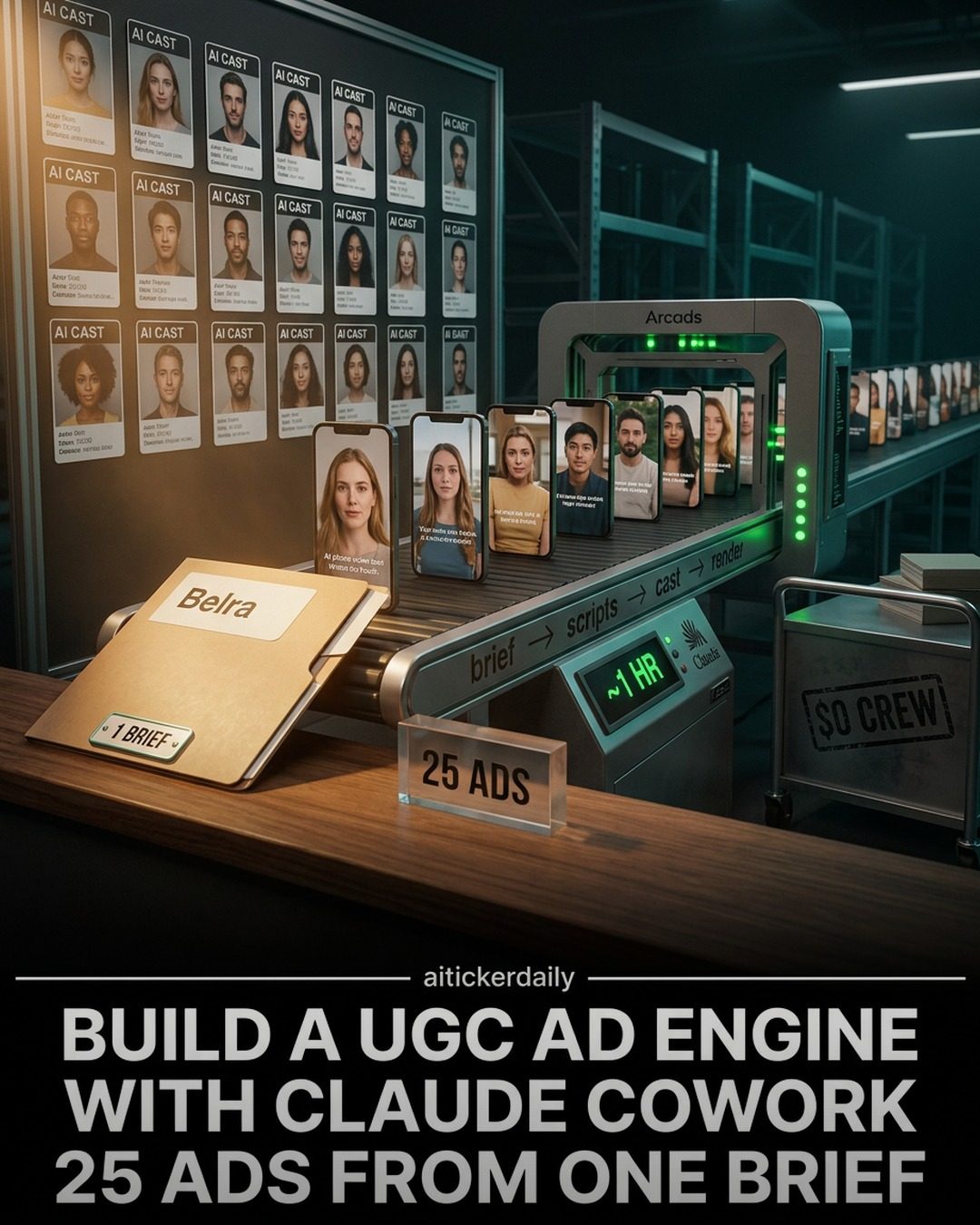
Building a UGC Ad Engine with AI Tools
Creating high-quality user-generated content (UGC) ads efficiently can be a game-changer for marketing strategies. AI tools are increasingly being leveraged to streamline this process. Here, we'll explore how to build a UGC ad engine using a combination of AI technologies and software, specifically focusing on the tools and methods showcased in this demonstration.
Context/Why This Matters
In today's fast-paced digital landscape, brands are always on the lookout for innovative ways to produce engaging content. UGC ads have proven to be highly effective, as they often feel more authentic and relatable to audiences. However, generating these ads manually can be time-consuming and resource-intensive. This is where AI comes in, offering a solution that can significantly accelerate the production process.
Main Discussion
Understanding the Tools
The process outlined involves several key components:
- Claude Cowork: This tool handles the research and writing of scored scripts.
- Arcads Actors API: Used for casting AI actors in the videos.
- Seedance 2.0 API: Responsible for rendering the final videos.
- AI CAST: The overarching platform that integrates these tools and provides the interface for managing the project.
Setting Up the Environment
To get started, you need to set up your project environment. This includes creating a project folder, configuring environment variables, and preparing a brief. The brief serves as the foundational document that outlines the project's goals, target audience, and key messaging.
Folders and Environment Variables
Creating a well-organized folder structure and setting environment variables is crucial for smooth operation. The folder should contain all necessary scripts, briefs, and any other relevant documents. Environment variables help in managing configurations and API keys securely.
Scriptwriting and Casting
One of the standout features of this process is the ability to generate scored scripts automatically. Claude Cowork takes care of the research and writing, ensuring that the scripts are tailored to the brief and optimized for engagement. Once the scripts are ready, Arcads Actors API is used to cast AI actors that will bring the scripts to life.
Rendering and Output
The final step is rendering the videos. With Seedance 2.0 API, you can render high-quality videos efficiently. The output math, as mentioned, allows for a quick turnaround, producing 25 ads in about an hour. This efficiency is a significant advantage, especially for brands that need to produce a large volume of content quickly.
The 48-Hour Winner Loop
The entire process is designed to be iterative and efficient. The 48-hour winner loop ensures that the best-performing ads are quickly identified and optimized. This continuous improvement cycle helps in maintaining high-quality standards and adapting to audience preferences.
Practical Tips
Optimizing the Workflow
- Plan Thoroughly: Make sure your brief is comprehensive and detailed. This will guide the entire process and ensure that the output aligns with your goals.
- Organize Your Files: A well-organized folder structure and clear naming conventions can save a lot of time and reduce errors.
- Leverage AI Tools: Use the power of AI to handle repetitive tasks like scriptwriting and casting. This frees up your time to focus on more strategic aspects of the project.
Testing and Iteration
- Test Different Scripts: Don't settle for the first script. Experiment with different versions to see what resonates best with your audience.
- Iterate Based on Feedback: Use the data from the 48-hour winner loop to iterate and improve your ads continuously.
Ensuring Quality
- High-Quality Rendering: Make sure you're using high-quality tools for rendering. The final output should be visually appealing and professional.
- Consistent Branding: Maintain consistency in your branding elements to build a strong and recognizable identity.
Important Takeaways
- Efficiency: The use of AI tools can dramatically reduce the time and resources needed to produce UGC ads.
- Quality: By automating key aspects of the process, you can ensure high-quality output consistently.
- Flexibility: The iterative nature of the process allows for continuous improvement and adaptation based on real-time data.
Conclusion
Building a UGC ad engine with AI tools like AI CAST, Claude Cowork, and Arcads Actors API offers a powerful solution for brands looking to produce high-quality, engaging content efficiently. By setting up the environment correctly, leveraging AI for scriptwriting and casting, and using robust rendering tools, you can create a streamlined workflow that delivers impressive results. Embracing these technologies not only saves time but also ensures that your ads are always on point, aligning with the latest trends and audience preferences.
Questions readers ask
What are the key benefits of using AI to create UGC ads?
AI enables faster and more efficient generation of UGC ads, reducing the manual effort required. It also ensures consistent quality and allows for quick scaling of ad production to meet demand.
Which AI tools are essential for building a UGC ad engine as per the article?
The key components include Claude Cowork, Arcads Actors API, Seedance 2.0, and AI CAST. These tools work together to automate and enhance the creation of UGC ads.
How does Claude Cowork facilitate the creation of UGC ads?
Claude Cowork plays a crucial role in automating the generation of high-quality UGC ads, helping to streamline the content creation process and integrate seamlessly with other tools in the ad engine.
What is the role of the Arcads Actors API in a UGC ad engine?
The Arcads Actors API is responsible for integrating various AI actors into the ad creation workflow, allowing for dynamic and diverse content generation.
How does Seedance 2.0 contribute to the UGC ad creation process?
Seedance 2.0 is used to setup the UGC ad workflow, ensuring that the ad engine can efficiently produce and manage user-generated content.
What specific tasks can AI CAST handle in the UGC ad engine?
AI CAST can automate various tasks such as video editing, voiceover generation, and content optimization, making the overall ad production process smoother and more efficient.
Can the UGC ad engine be customized to fit different marketing strategies?
Yes, the UGC ad engine can be tailored to fit various marketing goals. By integrating different AI tools and adjusting the workflow, it can produce ads that align with specific brand messages and audience preferences.
Related deep dives
Similar reads based on topic and creator.




Recent articles
Fresh deep dives from the latest Reels we unpacked.




Comments
Be the first to comment.