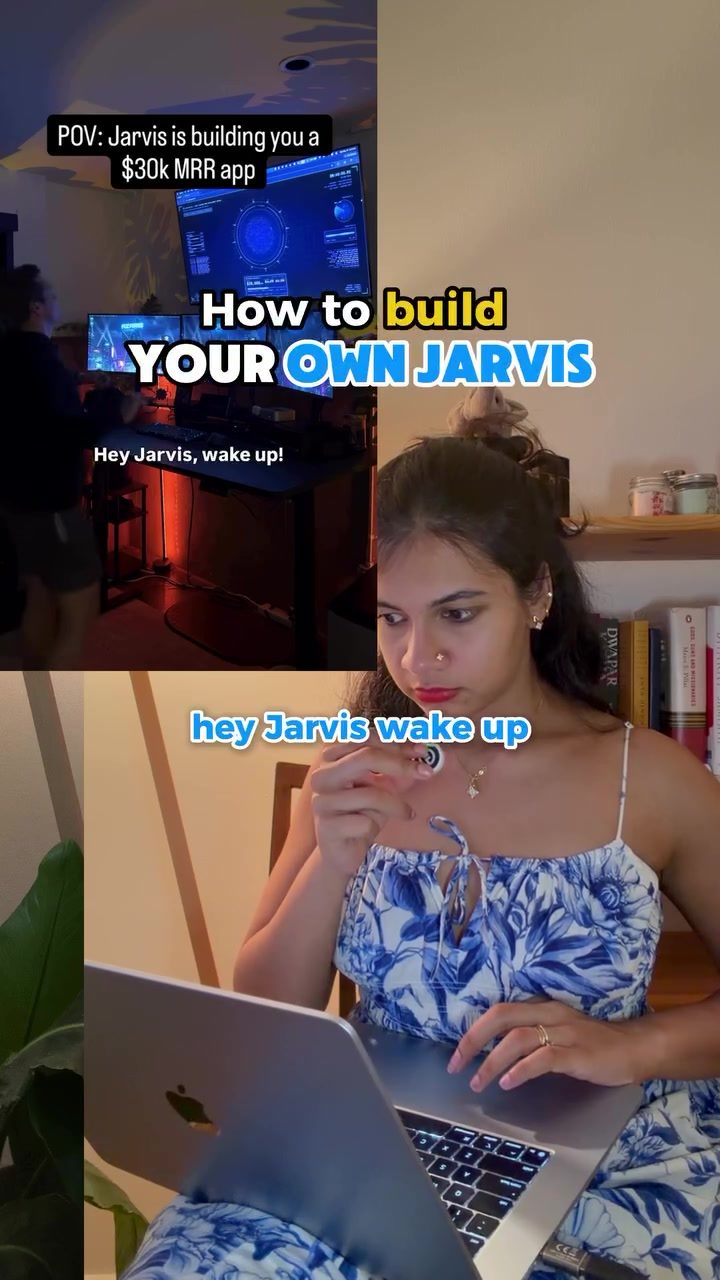
Build Your Own AI-Powered Assistant with Claude, ChatGPT, and Hermes
Ready to create an AI assistant that can handle tasks, answer emails, and even provide daily briefings? This guide will walk you through the process of building a sophisticated AI assistant using tools like Claude, ChatGPT, and Hermes. This setup is designed for non-technical founders and small business owners who want to automate tasks and improve efficiency.
Why This Matters
Automating tasks and creating an efficient workflow is crucial for productivity. With the right tools and setup, you can build an AI assistant that handles various tasks, from drafting emails to managing social media content. This not only saves time but also ensures that tasks are completed accurately and efficiently.
Building Your AI Assistant
The process of building an AI assistant involves several key steps. Let's break down the essential components and tools you'll need.
Setting Up the Core Components
Claude and ChatGPT
Claude and ChatGPT are powerful AI models that can handle a wide range of tasks. To get started, you'll need to connect these models to your system. Here’s how:
-
Connect Claude or ChatGPT to Gmail: This allows your AI assistant to draft and send emails. You can set up an FAQ file and provide context so that the AI knows what to say. This way, it can draft replies in your email, which you can approve and send when you're ready.
-
Use RevenueCat MCP for Revenue Tracking: RevenueCat MCP is a tool that helps you track your app's revenue. It integrates seamlessly with your AI assistant, providing real-time data on your app’s financial performance.
Voice Mode and Additional Tools
For a more immersive experience, you can enable voice mode. This allows you to interact with your AI assistant using voice commands.
-
Cloud Voice: Use Cloud Voice for basic voice interactions. If you prefer a more sophisticated tone, such as a British-accented voice, you can connect it to 11 Labs or Phish Audio.
-
Cloud Design: For designing the user interface and overall look of your AI assistant, Cloud Design is a great tool. It helps in creating a visually appealing and user-friendly dashboard.
Optimizing Organic Content
Creating and managing organic content is essential for engaging your audience and driving user growth. Here are some tips:
-
Posting Schedule: Consistently posting short-form videos can significantly increase engagement. Aim for three short-form videos per day. Tools like Buffer MCP or Metricool can help you schedule and publish these videos across various platforms.
-
Content Creation with Claude: Claude is particularly effective at creating engaging advertisements and content. Use it to draft scripts, write captions, and create engaging visuals for your videos.
Automating Customer Support
Automating customer support can significantly improve response times and customer satisfaction. Here’s how you can set it up:
-
Hermes Agent: This is an advanced always-on agent that can handle customer service emails 24/7. It can draft replies, manage FAQs, and provide context-based responses. To set up Hermes, you can either use it as an orchestrator, handing tasks over to subagents, or integrate it directly into Claude or ChatGPT using Claude Code.
-
Subagents and Orchestration: Setting up an orchestrator and subagents can help manage complex tasks. Claude or ChatGPT can handle the orchestration, managing various subagents to perform specific tasks.
Practical Tips
Here are some practical tips to help you get the most out of your AI assistant:
-
Use Cloud Browsers: For accessing stats and performance data, use the new in-house browsers available on ChatGPT and Cloud. This ensures that you have accurate and up-to-date information at your fingertips.
-
Schedule Tasks: Set up a daily morning brief with scheduled tasks. This ensures that your AI assistant is always ready to provide you with the latest updates and perform necessary tasks.
-
Memory File and Context Files: Create a memory file (CLAUDE.md) and a FAQ context file. These files provide the AI with context and history, allowing it to respond more accurately and effectively.
-
Regular Updates and Reviews: Regularly review your AI assistant’s performance and make necessary adjustments. This ensures that the system continues to improve and adapt to your needs.
Important Takeaways
- Efficiency: Automating tasks with an AI assistant can significantly improve efficiency and productivity.
- Customization: Tailor your AI assistant to your specific needs by integrating various tools and setting up custom workflows.
- Continuous Improvement: Regularly update and review your AI assistant to ensure it continues to meet your evolving needs.
Conclusion
Building an AI-powered assistant with Claude, ChatGPT, and Hermes is a powerful way to automate tasks, manage content, and improve customer support. By following these steps and utilizing the right tools, you can create a sophisticated AI assistant that enhances your workflow and helps your business thrive. Whether you're a non-technical founder or a small business owner, this setup can provide the efficiency and productivity boost you need.
Questions readers ask
What are the key benefits of using an AI assistant for no-code automation?
An AI-powered assistant can significantly enhance productivity by automating repetitive tasks, drafting emails, and managing content. This setup is particularly beneficial for non-technical users, as it eliminates the need for coding skills, allowing founders and business owners to focus on strategic tasks.
How do Claude and ChatGPT integrate with Hermes for task automation?
Claude and ChatGPT provide advanced language processing capabilities, enabling the AI assistant to understand and generate human-like text. Hermes serves as the automation layer, orchestrating tasks and integrating with other tools to execute actions based on the instructions generated by Claude and ChatGPT.
Can a non-technical user build an AI assistant with these tools?
Yes, this setup is designed with non-technical users in mind. The tools used—Claude, ChatGPT, and Hermes—offer user-friendly interfaces and integration capabilities that do not require any coding skills. This makes it accessible for founders and small business owners to automate tasks and improve efficiency.
What types of tasks can be automated with this AI assistant setup?
The AI assistant can handle a wide range of tasks, including drafting emails, managing social media content, generating reports, and providing daily briefings. By automating these tasks, users can save time and ensure that their workflows are consistent and accurate.
How does the AI assistant improve productivity for small businesses?
An AI assistant improves productivity by streamlining workflows and automating routine tasks. This allows small business owners to allocate more time to strategic activities, ultimately leading to better decision-making and increased efficiency in operations. Tasks such as content creation, email management, and task scheduling are handled by the AI, freeing up valuable time for core business activities.
What is the role of Hermes in the AI assistant setup?
Hermes serves as the automation layer in the AI assistant setup. It connects with Claude and ChatGPT to execute tasks based on the instructions generated. Hermes ensures that the AI assistant can interact with various tools and platforms, making it a versatile and powerful component of the overall system.
How can the AI assistant help with email drafting and content management?
The AI assistant can draft emails by using natural language processing capabilities of Claude and ChatGPT to generate contextually appropriate and professional emails. For content management, it can schedule posts, generate content ideas, and even create drafts, ensuring that social media and other content platforms are regularly updated with high-quality material.
Related deep dives
Similar reads based on topic and creator.




Recent articles
Fresh deep dives from the latest Reels we unpacked.




Comments
Be the first to comment.