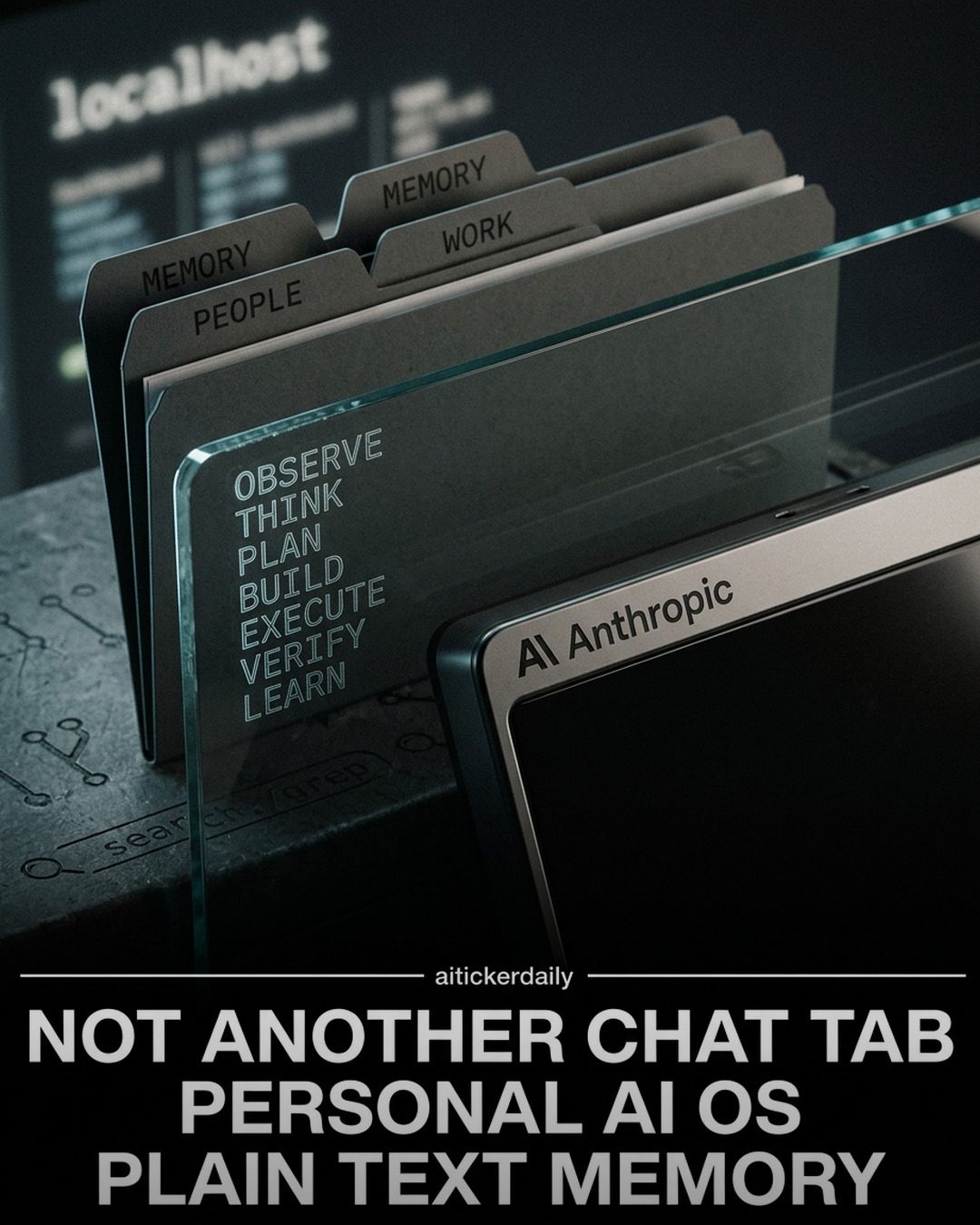
PAI: Personal AI Infrastructure by Anthropic
PAI, or Personal AI Infrastructure, is a groundbreaking concept developed by Anthropic. It packages Claude Code as a personal infrastructure, offering a range of features designed to enhance productivity and streamline workflows for developers. This infrastructure includes Markdown memory, skills and workflows, hook routing, optional Pulse visibility, and a digital assistant layer. The system is designed to compound context rather than resetting it with every new session, making it a powerful tool for those who already live in the terminal.
Why This Matters
In an era where AI is increasingly integral to various industries, having a personal AI infrastructure can significantly enhance productivity and efficiency. Developers, in particular, can benefit from a system that understands and adapts to their workflows, providing a seamless and intuitive experience. The key features of PAI, such as plain-text memory and context compounding, ensure that users can build upon their past interactions, making the system more effective over time.
Main Discussion
PAI is built on Claude Code, a versatile and powerful foundation. The infrastructure is designed to be developer-friendly, with a focus on automation and customization. Let's delve into the key components that make PAI a standout solution.
Plain-Text Memory
One of the standout features of PAI is its use of plain-text memory. This approach allows for easy versioning and skills management. By utilizing plain text, the system ensures that all data is readily accessible and editable, making it simpler to track changes and updates. This is particularly useful for developers who need to maintain detailed records of their work.
Four memory lanes cover different aspects of a user's interactions with the system: work, knowledge, people, and learning. Each lane serves a specific purpose, ensuring that all relevant information is organized and easily retrievable. This structure helps in maintaining context and continuity, which is essential for complex workflows.
Context Compounding
Context compounding is another critical feature of PAI. Unlike traditional systems that reset context with each new session, PAI builds upon previous interactions. This means that the system becomes more effective and efficient over time as it learns from the user's behavior and preferences. This continuous learning process ensures that the AI assistant becomes a more effective tool, adapting to the user's needs and workflows.
Developer-First Design
PAI is designed with developers in mind. The infrastructure emphasizes a developer-first approach, ensuring that all features are intuitive and easy to implement. This includes a digital assistant layer that provides chief-of-staff automation, handling routine tasks and freeing up the developer to focus on more complex issues. The system also offers hook routing, allowing for seamless integration with various tools and platforms.
Markdown Memory and Skills
The use of Markdown for memory and skills management is a significant advantage. Markdown is a simple and efficient way to format text, making it ideal for documentation and note-taking. By using Markdown, PAI ensures that all information is easily readable and editable, enhancing the overall user experience. Additionally, the system supports skills and workflows, allowing users to automate repetitive tasks and streamline their workflows.
Optional Pulse Visibility
Optional Pulse visibility is another feature that enhances the flexibility of PAI. This feature allows users to control the visibility of their interactions, ensuring that sensitive information remains private. This level of control is crucial for developers who work with confidential data and need to maintain security and privacy.
Practical Tips
To get the most out of PAI, consider the following tips:
- Start with the Basics: If you're new to PAI, begin by exploring the four memory lanes. Understand how they work and how they can be used to manage different aspects of your workflow.
- Leverage Markdown: Make the most of the Markdown memory feature. Use it to document your work, take notes, and manage skills. The simplicity and efficiency of Markdown can significantly enhance your productivity.
- Explore Context Compounding: Take advantage of the context compounding feature. Allow the system to learn from your interactions and adapt to your workflows. This will make the AI assistant more effective over time.
- Automate Routine Tasks: Use the digital assistant layer to automate routine tasks. This will free up your time to focus on more complex issues and enhance your overall productivity.
Important Takeaways
PAI offers a comprehensive solution for developers looking to enhance their productivity and streamline their workflows. With features like plain-text memory, context compounding, and a developer-first design, PAI provides a powerful and intuitive experience. By leveraging Markdown for memory and skills management, and offering optional Pulse visibility, PAI ensures that users have control over their data and interactions. The system's ability to compound context and adapt to user behavior makes it a valuable tool for developers who want to stay ahead in a fast-moving world.
Conclusion
PAI represents a significant advancement in personal AI infrastructure. By packaging Claude Code as a personal infrastructure, Anthropic has created a system that is both powerful and flexible. With features like plain-text memory, context compounding, and a developer-first design, PAI offers a comprehensive solution for developers looking to enhance their productivity and streamline their workflows. Whether you're just starting out or looking to optimize your existing workflows, PAI offers a range of features and tools to help you achieve your goals. Explore the capabilities of PAI and see how it can transform your workflow.
Questions readers ask
What is the primary function of Anthropic's PAI?
Anthropic's PAI, or Personal AI Infrastructure, is a developer-focused system created to enhance productivity. It achieves this by integrating features like plain-text memory and context compounding, allowing for a seamless and intuitive user experience.
How does PAI's context compounding work?
Unlike systems that reset context with each new session, PAI compounds context over time. This means it retains and builds upon previous interactions, making it more intuitive and efficient for users who work extensively in the terminal.
What are some of the key features of Anthropic's PAI?
PAI offers a range of features including Markdown memory, skills and workflows, hook routing, and an optional Pulse visibility. Additionally, it includes a digital assistant layer which allows for personalized and efficient task management.
How can developers access and utilize PAI on their own systems?
To access and utilize PAI, developers can visit the Anthropic PAI GitHub repository. The repository provides the necessary resources and instructions for integrating PAI into their personal and professional workflows.
What is the significance of the digital assistant layer in PAI?
The digital assistant layer in PAI provides a personalized and efficient way for users to manage tasks and workflows. This feature enhances productivity by adapting to the user's needs and offering a seamless, intuitive experience.
How does the plain-text memory feature in PAI benefit users?
Plain-text memory in PAI allows users to store and retrieve information in a simple, readable format. This feature is particularly useful for developers who need to keep track of code snippets, commands, and other textual data across different sessions.
What type of user would benefit most from using Anthropic's PAI?
Developers and users who spend a significant amount of time in the terminal will find PAI particularly beneficial. The system's ability to compound context and offer a digital assistant layer makes it an invaluable tool for optimizing workflows and enhancing productivity.
Related deep dives
Similar reads based on topic and creator.




Recent articles
Fresh deep dives from the latest Reels we unpacked.




Comments
Be the first to comment.