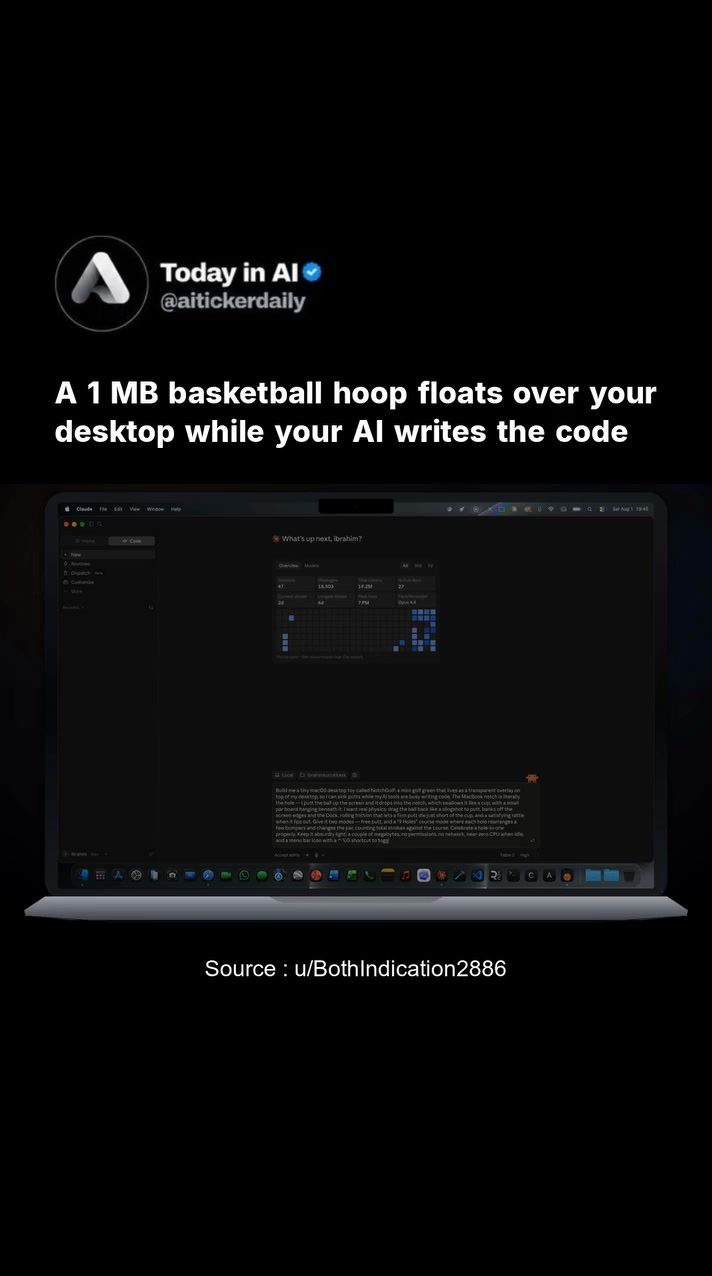
NotchBasket: A Floating Basketball Hoop for Your Desktop
AI technology has opened up new avenues for creativity and innovation, particularly when it comes to integrating fun and functionality into our daily tasks. One such example is NotchBasket, a tiny basketball hoop that floats over your desktop, allowing you to take a quick break from work to shoot some hoops.
Why This Matters
NotchBasket is more than just a novelty; it's a testament to the capabilities of AI and creative coding. By leveraging AI, developers can create interactive applications that enhance productivity and provide entertainment. The app demonstrates how programming and AI can make daily tasks more enjoyable, even if it's just for a moment.
NotchBasket in Depth
What is NotchBasket?
NotchBasket is an AI-generated basketball hoop that appears on your desktop. This app enables users to flick the ball like a slingshot to shoot, with the score kept in the MacBook notch. The entire application is a result of AI writing the code, showcasing the power of artificial intelligence in creative development. Built with Claude, an AI model, the app includes an interactive net simulation and a scoreboard displayed in the MacBook notch.
How Does It Work?
The app operates on a simple yet engaging premise. Users can flick the ball to shoot hoops, and the score is kept in the MacBook notch. The app includes two modes: a free-play mode and a 24-second shot-clock mode, where buzzer-beaters count. This design ensures that the game is both fun and challenging, providing a brief but satisfying break from your work.
The app is lightweight, with a file size of around 1 MB, making it accessible for users with varying system specifications. It requires no permissions or network access, ensuring that your data and privacy are secure. Being open source, the app encourages further development and customization, allowing users to contribute to its growth and adapt it to their needs.
The Development Process
The development of NotchBasket involved a collaborative effort between a developer and an AI model. The code for the app was written with the help of AI, showcasing the potential of AI in coding and development. The project also involved a days-long fight over the net until the model rewrote it as a real cloth simulation, highlighting the iterative process in AI development.
The app was built with Claude, an AI model, which played a crucial role in the development process. The AI model's ability to write code and simulate realistic physical interactions, such as the net, demonstrates the versatility and power of modern AI.
Why Use NotchBasket?
NotchBasket offers a unique way to take a break from your work. The game is designed to be intuitive and fun, providing a brief respite from your daily tasks. The 24-second shot-clock mode adds an extra layer of challenge, making the game more engaging and enjoyable. Additionally, the app's open-source nature allows for further development and customization, ensuring that it can adapt to the needs of its users.
Practical Tips
Installation and Setup
To try NotchBasket, you can download it from the GitHub releases page. The installation process is straightforward, and the app is compatible with most systems.
Playing the Game
Once installed, NotchBasket will appear on your desktop. To shoot the ball, simply flick it like a slingshot. The score will be displayed in the MacBook notch, and you can choose between the free-play mode and the 24-second shot-clock mode. The 24-second shot-clock mode adds an extra layer of challenge, making the game more engaging and enjoyable.
Customization
Being an open-source application, NotchBasket allows for customization. Users can contribute to the development of the app, adding new features and improving existing ones. This ensures that the app can adapt to the needs of its users, providing a more personalized experience.
Important Takeaways
NotchBasket is a testament to the capabilities of AI and creative coding. By leveraging AI, developers can create interactive applications that enhance productivity and provide entertainment. The app demonstrates how AI can be used to build functional and enjoyable tools, making daily tasks more engaging. The development process of NotchBasket, which involved a days-long fight over the net, highlights the iterative nature of AI development and the importance of collaboration between developers and AI models.
Conclusion
NotchBasket offers a unique way to take a break from work, providing a fun and engaging experience. The app's lightweight design, open-source nature, and interactive features make it an attractive tool for users. Additionally, the development process of NotchBasket showcases the potential of AI in creative coding and development, demonstrating how AI can be used to build innovative and enjoyable tools.
Questions readers ask
How does NotchBasket enhance productivity?
NotchBasket enhances productivity by providing a quick, engaging break from work, allowing you to rest your eyes and mind while still staying focused. The interactive nature of the game helps to refresh your perspective and helps you feel more refreshed when you return to your tasks. This makes it a useful tool for maintaining focus over extended periods.
Is NotchBasket a free desktop app?
Yes, NotchBasket is available as a free desktop app. You can download and start using it right away to enjoy a unique blend of entertainment and functionality, without any cost.
Can I use NotchBasket with any desktop game for breaks?
While you can take breaks from any activity, this is primarily designed to be used with desktop applications. It is an AI-powered desktop game that can be used in conjunction with any task you have on your desktop.
Does the NotchBasket app have an interactive scoreboard?
Yes, the NotchBasket app includes an interactive scoreboard that keeps track of your shots, adding a competitive element to your breaks. This feature makes the game more engaging and motivating, as you can track your progress and improve your skills over time.
How does AI enhance the NotchBasket experience?
AI enhances the NotchBasket experience by making the game more interactive and adaptive. The AI can adjust the difficulty level based on your performance, ensuring that the game remains challenging and enjoyable. Additionally, the AI can provide insights and tips to help you improve your shooting skills, making each break more productive.
Can I adjust the difficulty level in NotchBasket?
Yes, you can adjust the difficulty level in the NotchBasket app. The AI-driven design allows for customization based on your skill level, ensuring that whether you're a beginner or an experienced player, you can enjoy the game and have a fun, quick break.
How can I use the mini basketball hoop on my desktop?
You can use the mini basketball hoop on your desktop by simply installing the NotchBasket app. Once installed, the basketball hoop will appear on your screen, and you can use your mouse or touchpad to shoot hoops. It's a seamless integration that brings a fun, physical activity to your digital workspace.
Related deep dives
Similar reads based on topic and creator.




Recent articles
Fresh deep dives from the latest Reels we unpacked.




Comments
Be the first to comment.