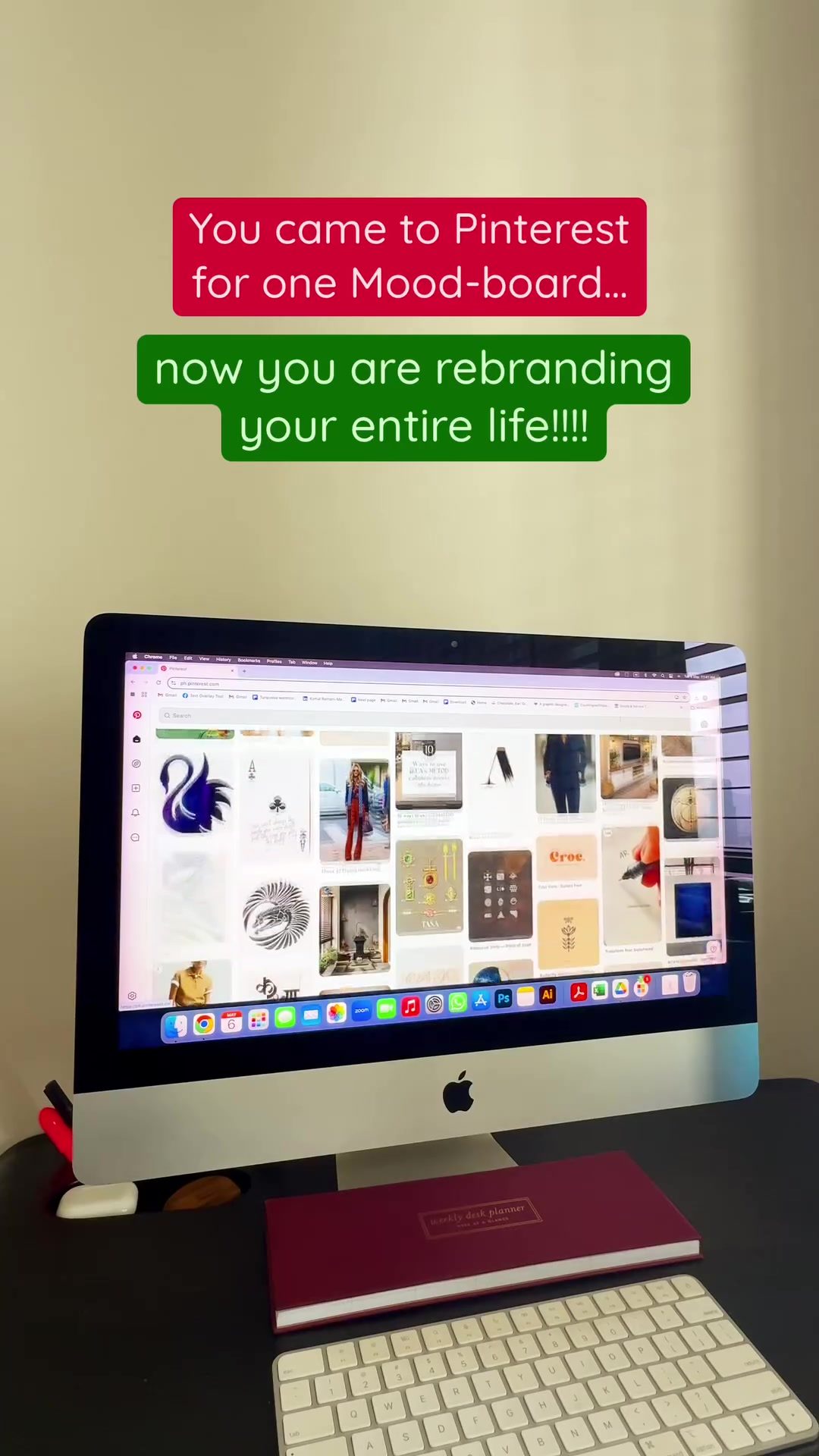
Pinterest Mood Board Setup
The setup of a Pinterest mood board can be a transformative tool for organizing and visualizing ideas, be it for personal creativity or professional branding. This setup often involves gathering images, colors, and other visual cues that evoke a specific theme or aesthetic. Let's dive into the world of mood boards, their significance, and how to create an effective one.
Context / Why This Matters
A well-crafted mood board serves as a visual reference that helps in maintaining consistency across different projects. Whether you're a designer, a brand consultant, or simply someone who wants to rebrand their life, a mood board can be an invaluable asset. It provides a clear direction for design choices, color schemes, and overall aesthetic, ensuring that all elements align with the desired outcome. For professionals, mood boards are essential for presenting concepts to clients, while for individuals, they can be a source of inspiration and motivation. It's a versatile tool that streamlines the creative process and makes it easier to stay on track with your vision.
Main Discussion
Defining Mood Boards
A mood board is essentially a collection of visual elements that represent a specific theme or aesthetic. These elements can include images, textures, color swatches, typography, and even physical objects. The goal is to create a cohesive visual representation that conveys the desired mood or atmosphere. Mood boards are commonly used in industries such as fashion, interior design, and graphic design, but they can be applied to any field that requires a clear visual direction.
Components of a Mood Board
Images
Images are the backbone of any mood board. They can be photographs, illustrations, or even digital art. The key is to choose images that evoke the desired mood or theme. For example, if you're creating a mood board for a beach-themed project, you might include images of sandy beaches, clear blue waters, and tropical plants.
Colors
Color is a powerful element in any visual project. Mood boards often include color swatches that represent the palette you want to use. Consistency in color is crucial for maintaining a cohesive look and feel. When selecting colors, consider the emotions and associations they evoke. For instance, blues and greens might convey calmness and nature, while reds and oranges can create a sense of energy and warmth.
Textures
Textures add depth and dimension to a mood board. They can be physical textures, such as fabrics or paper, or digital textures, such as patterns and overlays. Textures help to create a tactile experience and can enhance the overall aesthetic of the board. For example, a mood board for a rustic theme might include textures like wood grain, burlap, and distressed metal.
Typography
Typography is another essential element. Fonts and text styles can convey different moods and emotions. A mood board might include samples of typography that align with the project's aesthetic. Serif fonts might be used for a classic and elegant look, while sans-serif fonts can create a modern and minimalist feel.
Creating an Effective Mood Board
Step-by-Step Guide
- Identify Your Theme: Start by clearly defining the theme or mood you want to convey. This could be a specific emotion, a season, or a design style. For instance, if you want to create a mood board for a cozy and rustic living room, your theme might be "rustic elegance."
- Gather Inspiration: Collect images, textures, colors, and typography that align with your theme. Use resources like Pinterest, design blogs, and magazines to find inspiration. For a rustic theme, you might collect images of wooden furniture, cozy textiles, and natural elements.
- Organize Your Elements: Arrange your collected elements in a way that creates a cohesive and visually appealing layout. The goal is to create a harmonious blend of all the elements. This can be done digitally using software like Adobe InDesign or Canva, or physically by pinning images and materials to a board.
- Refine and Edit: Review your mood board and make adjustments as needed. Remove any elements that don't fit the theme or that detract from the overall aesthetic. Ensure that the board is balanced and visually pleasing. Add any missing elements that might enhance the mood.
- Share and Use: Share your mood board with clients, colleagues, or friends to get feedback. Use it as a reference throughout your project to maintain consistency and stay on track. For a brand consultant, this might mean using the mood board to guide design choices and marketing materials.
Digital vs. Physical Mood Boards
Digital Mood Boards
Digital mood boards are created using software and can be easily shared and edited. They are particularly useful for projects that require frequent updates or collaboration. Digital tools like Pinterest, Adobe Illustrator, and Canva offer templates and features that make it easy to create and customize mood boards. The advantage of digital mood boards is their flexibility and accessibility; they can be viewed and edited from anywhere, making collaboration seamless.
Physical Mood Boards
Physical mood boards, on the other hand, offer a tactile and personal experience. They are created by pinning or attaching images, textures, and samples to a physical surface, such as a corkboard or foam board. Physical mood boards can be more engaging and inspire creativity, especially for visual thinkers. They also provide a tangible reference that can be easily consulted during the creative process.
Practical Tips
Tools for Creating a Mood Board
Pinterest is a popular tool for creating digital mood boards. It allows you to save and organize images, pin them to boards, and view them in a visually appealing format. You can create multiple boards for different projects or themes and easily share them with others.
Adobe Creative Suite
Adobe Creative Suite, including programs like Adobe InDesign, Illustrator, and Photoshop, offers advanced tools for creating digital mood boards. These programs allow for precise editing, layering, and customization, making it easy to create professional-looking mood boards.
Canva
Canva is a user-friendly graphic design platform that offers a variety of templates and design elements for creating mood boards. It's a great option for those who are new to digital design or who need to create mood boards quickly and easily.
Tips for Organizing Your Mood Board
- Group Similar Elements: Organize your mood board by grouping similar elements together. For example, place all images in one section, colors in another, and textures in a third. This helps to create a clear and organized layout.
- Use a Grid Layout: A grid layout can help to create a balanced and visually appealing mood board. Place elements in a grid to ensure that the board is evenly distributed and easy to navigate. For a digital mood board, use grid lines or guides to align elements precisely.
- Add Descriptive Text: Include descriptive text to provide context and explain the purpose of the mood board. This can be particularly useful for sharing the board with others or using it as a reference during the creative process. For example, you might add a title that describes the theme or a brief description of each element.
- Keep It Simple: Avoid overcrowding your mood board with too many elements. Aim for a clean and uncluttered design that allows each element to stand out. Remove any unnecessary elements that detract from the overall aesthetic.
Regular Maintenance
Regularly update and maintain your mood board to ensure it stays relevant and useful. As your project evolves, so should your mood board. Add new elements, remove old ones, and make adjustments as needed. This will help to keep your mood board an accurate and valuable reference throughout the entire process.
Important Takeaways
Creating a mood board is an essential step in any creative project. It helps to visualize your ideas, maintain consistency, and communicate your vision effectively. Whether you're a designer, a brand consultant, or simply someone looking to rebrand their life, a well-crafted mood board can be an invaluable tool. By gathering and organizing visual elements that align with your theme, you can create a cohesive and inspiring reference that guides your project from start to finish.
Conclusion
A mood board is more than just a collection of images and colors; it's a visual representation of your ideas and aspirations. It serves as a roadmap for your creative journey, ensuring that every element of your project aligns with your vision. By taking the time to create an effective mood board, you can streamline your creative process, stay organized, and bring your ideas to life in a meaningful and impactful way. Whether you opt for a digital or physical mood board, the key is to make it a living document that evolves with your project and provides ongoing inspiration and guidance.
Questions readers ask
What are the key elements to include in a Pinterest mood board for personal branding?
For personal branding, a Pinterest mood board should include images that represent your desired aesthetic, color schemes that evoke the emotions you want to convey, and text styles that align with your branding message. Additionally, incorporating quotes or words that encapsulate your personal brand values can enhance the board's effectiveness.
How can using Pinterest mood boards help in visual storytelling?
By using Pinterest mood boards for visual storytelling, you can curate a collection of images and visuals that tell a cohesive story about your brand or personal journey, including themes, narratives, and aesthetic elements. The visual consistency helps to reinforce your message and can inspire others to engage with your narrative.
What are the benefits of creating a digital mood board for designers?
Creating a digital mood board on Pinterest for designers offers the flexibility to easily update and rearrange visual elements, providing a dynamic and adaptable reference point for projects. It also allows for seamless collaboration, as designers can share and gather feedback from colleagues or clients in real-time.
How can mood boards help in achieving life goals through visual inspiration?
Mood boards can help achieve life goals by serving as a constant visual reminder of what you aspire to accomplish. By pinning images that represent your objectives, you create a tangible representation of your aspirations, making it easier to stay motivated, focused, and inspired throughout your journey.
Recent articles
Fresh deep dives from the latest Reels we unpacked.




Comments
Be the first to comment.