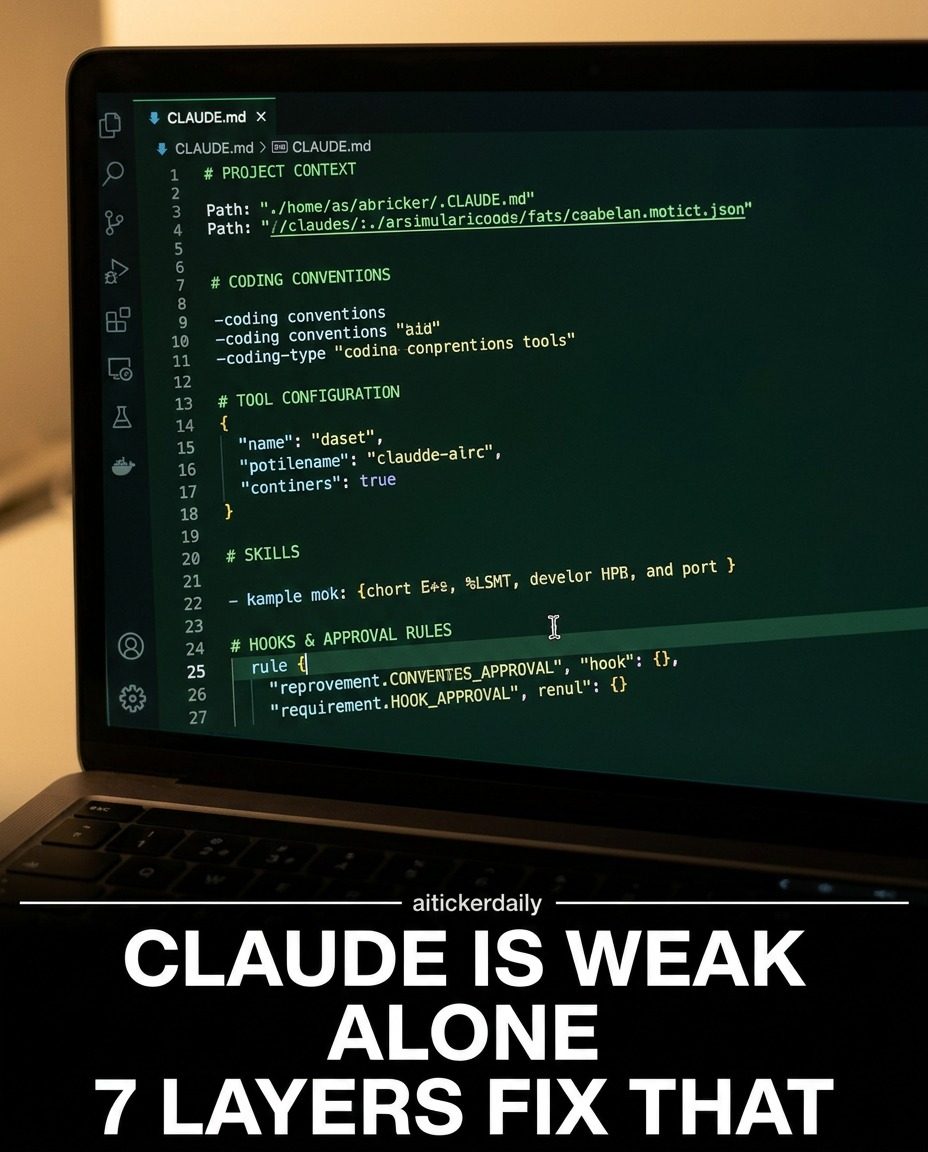
AI Coding Conventions: Enhancing Claude's Performance with Layered Setup
Claude, an AI tool designed for coding, can significantly enhance its capabilities with a structured, layered approach. By providing a comprehensive setup, users can transform Claude from a basic tool into a powerful coding assistive engine. The setup involves seven distinct layers, each contributing to improved performance and reliability.
Why This Matters
In the rapidly evolving world of AI and software development, efficiency and precision are paramount. By understanding and implementing these layers, developers can leverage AI to its fullest potential, streamlining processes and reducing the likelihood of errors.
Main Discussion
Understanding the Problem
When AI tools like Claude are given minimal context, their effectiveness is severely limited. A single sentence input, without context, documentation, or examples, restricts the AI's ability to perform complex tasks accurately. This is where a structured, multi-layered setup comes into play.
Layer 1: Project Definition
The first layer involves defining the project clearly. This step includes setting up a detailed project brief that outlines the objectives, constraints, and requirements. This foundational layer ensures that Claude understands the scope and goals of the project, providing a clear direction for its tasks.
Layer 2: Working Brief
The working brief is the second layer, focusing on detailed instructions and guidelines. This involves creating a comprehensive document, possibly a "Claude.md" file, that includes examples, current sources, and any other relevant information. This layer ensures that the AI has access to all necessary data to perform its tasks accurately.
Layer 3: Web Search
Connecting Claude to the web allows it to access current and relevant information. This layer involves integrating web search capabilities, enabling the AI to draw from a vast pool of data. This is particularly useful for staying updated on the latest coding conventions, tools, and best practices.
Layer 4: Connecting Tools
This layer involves integrating various tools and applications that Claude will work with. This could include version control systems, code repositories, or other development tools. By connecting these tools, Claude can seamlessly navigate the developer's ecosystem, enhancing its efficiency and productivity.
Layer 5 and 6: Skills and Plugins
Skills and plugins are integral to enhancing Claude's capabilities. This layer involves adding specialized skills and plugins that align with the project's requirements. These additions can range from coding languages and frameworks to specific coding conventions or documentation standards. This layer ensures that Claude is equipped to handle a wide range of tasks with precision.
Layer 7: Approval and Hooks
The final layer involves setting up approval rules and hooks. Approval rules ensure that any changes or actions taken by Claude are reviewed and approved, providing an additional layer of safety. Hooks, on the other hand, enforce specific actions or commands, ensuring that the AI operates within defined parameters. This layer is crucial for maintaining the integrity and reliability of the coding process.
Practical Tips
Documentation and Examples
Clear and comprehensive documentation is key. Ensure that all documents are well-organized and easily accessible to Claude. Use examples to illustrate coding conventions and workflows, providing a clear reference for the AI.
Regular Updates
Regularly update the AI with the latest information and tools. This ensures that Claude is always operating with the most current data, reducing the risk of outdated practices or errors.
Integration with Tools
Integrate Claude with as many relevant tools as possible. This not only enhances the AI's capabilities but also streamlines the development process, making it more efficient and less prone to errors.
Testing and Approval
Always test the AI's outputs and set up approval mechanisms. This ensures that any changes or actions taken by the AI are accurate and align with the project's requirements.
Continuous Learning
AI tools like Claude are continually evolving. Stay updated with the latest features and capabilities, and incorporate them into your workflow. This continuous learning approach ensures that you are always leveraging the full potential of the AI.
Important Takeaways
Implementing a multi-layered setup for AI tools like Claude can significantly enhance their performance and reliability. By defining the project clearly, providing comprehensive documentation, and integrating with relevant tools and plugins, developers can leverage AI to its fullest potential. Additionally, setting up approval rules and hooks ensures that the coding process remains safe and accurate.
Conclusion
Enhancing AI tools with a structured, multi-layered setup is a practical approach to improving coding efficiency and accuracy. By following the outlined layers and tips, developers can transform AI tools like Claude into powerful coding assistants, streamlining workflows and reducing errors. This approach not only enhances the capabilities of AI but also ensures that it operates within defined parameters, providing a reliable and efficient coding experience.
Questions readers ask
What are the seven layers involved in maximizing Claude's AI coding capabilities?
The seven layers include setting clear coding conventions, integrating essential plugins, optimizing the AI coding environment, enhancing coding skills, implementing precise coding practices, reducing errors, and refining AI coding projects. Each layer builds on the previous one to create a robust coding setup.
How does a structured coding layer approach benefit software development?
A structured coding layer approach benefits software development by improving efficiency and precision. It helps developers leverage AI tools more effectively, reducing errors and streamlining the coding process.
What role do AI coding plugins play in enhancing Claude's performance?
AI coding plugins extend Claude's functionality, allowing it to perform specific tasks more effectively. They can automate repetitive tasks, provide real-time coding suggestions, and integrate with other development tools, making the coding process faster and more efficient.
How can developers reduce errors when using Claude for AI coding?
Developers can reduce errors by implementing precise coding practices and using AI tools to catch mistakes early. This includes thorough code reviews, automated testing, and utilizing AI-driven debugging tools. Ensuring a clean and well-structured coding environment can also minimize errors.
Why is optimizing the AI coding environment important for maximizing AI coding capabilities?
Optimizing the AI coding environment ensures that Claude can perform at its best. This includes setting up the right tools, configuring them correctly, and maintaining a clean workspace. An optimized environment allows developers to focus on coding without technical interruptions.
How can developers enhance their AI coding skills while using Claude?
Developers can enhance their AI coding skills by actively using Claude's features, experimenting with different coding techniques, and staying updated with the latest AI coding trends. Practical experience and continuous learning are key to improving coding proficiency with AI tools like Claude.
What are some key plugins recommended for enhancing Claude's AI coding capabilities?
Recommended plugins for enhancing Claude's capabilities include code completion tools, real-time error detection plugins, and integrations with version control systems. Additionally, plugins that support specific programming languages and frameworks can be particularly beneficial, depending on the project's requirements.
Recent articles
Fresh deep dives from the latest Reels we unpacked.




Comments
Be the first to comment.