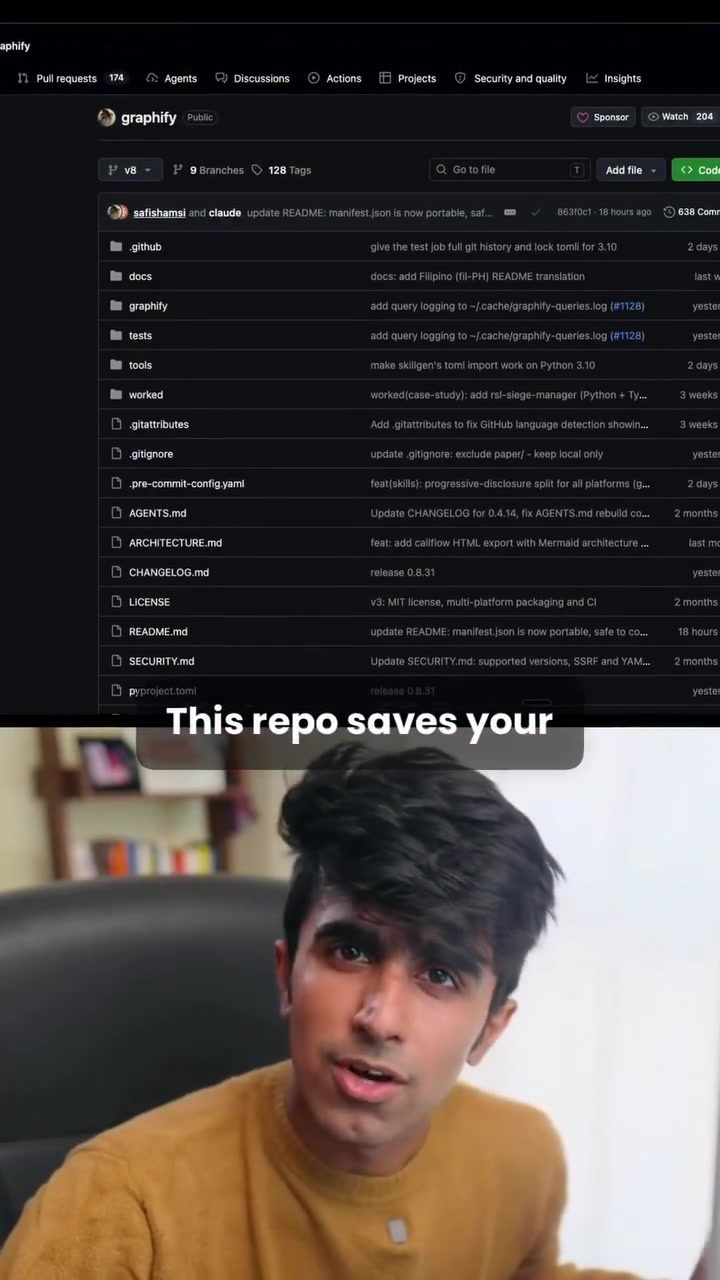
Graphify: The AI Coding Assistant for Efficient Code Management
Graphify is an innovative AI coding assistant designed to optimize the workflow of developers working on large projects. By converting codebases into knowledge graphs, Graphify significantly enhances the efficiency and effectiveness of AI coding assistants like Claude.
Context
In large-scale software projects, developers often rely on AI coding assistants to understand and manage complex codebases. However, these assistants frequently need to repeatedly scan entire projects, leading to increased token usage and context management. This repetitive scanning can be inefficient and time-consuming, especially for projects with extensive codebases. Graphify addresses this issue by providing a more streamlined and efficient approach to codebase management.
Understanding Graphify
How Graphify Works
Graphify operates by first converting the codebase into a knowledge graph. This graph serves as a brain map of the project, allowing the AI coding assistant to understand the project's structure and relationships more effectively. By doing so, Graphify eliminates the need for the AI to repeatedly scan the entire project, thereby saving tokens and reducing the context load.
Key Features of Graphify
- Knowledge Graph Conversion: Graphify transforms the codebase into a knowledge graph, making it easier for AI assistants to navigate and understand the code.
- Visual Graph and Project Report: In addition to the knowledge graph, Graphify provides a visual graph and a detailed project report. This visual representation helps developers gain a deeper understanding of their codebase.
- Machine-Readable JSON File: Graphify generates a machine-readable JSON file that the AI coding assistant can use for future reference. This file ensures that the AI can quickly access and utilize the knowledge graph without repeated scanning.
- Compatibility: Graphify is compatible with a wide range of AI coding assistants, including Cloud Code, Cursor, Codex, Gemini CLI, GitHub Copilot Chat, and Ader. This compatibility makes it a versatile tool for developers using different AI assistants.
Practical Tips for Using Graphify
Getting Started with Graphify
To get started with Graphify, follow these steps:
- Installation: Download and install Graphify from the official repository. The installation process is straightforward and can be completed with minimal effort.
- Integration: Integrate Graphify with your preferred AI coding assistant. Graphify's compatibility with various assistants makes this process seamless.
- Conversion: Use Graphify to convert your codebase into a knowledge graph. This step is crucial as it forms the foundation for efficient codebase management.
- Utilization: Leverage the visual graph, project report, and machine-readable JSON file to enhance your coding workflow. These resources will help you understand and manage your codebase more effectively.
Important Takeaways
Efficiency and Effectiveness
Graphify's primary advantage lies in its ability to enhance the efficiency and effectiveness of AI coding assistants. By converting the codebase into a knowledge graph, Graphify reduces token usage and context management, making it an invaluable tool for developers working on large projects.
Compatibility and Versatility
Graphify's compatibility with a wide range of AI coding assistants makes it a versatile tool for developers. Whether you use Cloud Code, Cursor, Codex, Gemini CLI, GitHub Copilot Chat, or Ader, Graphify can integrate seamlessly into your workflow.
Visual and Machine-Readable Outputs
Graphify provides both visual and machine-readable outputs, which are crucial for effective codebase management. The visual graph and project report offer a clear understanding of the codebase, while the machine-readable JSON file ensures that the AI assistant can quickly access and utilize the knowledge graph.
Conclusion
Graphify is a powerful AI coding assistant that revolutionizes the way developers manage and understand their codebases. By converting codebases into knowledge graphs, Graphify enhances the efficiency and effectiveness of AI coding assistants, making it an essential tool for developers working on large projects. With its compatibility with various AI coding assistants and its ability to provide visual and machine-readable outputs, Graphify is a versatile and indispensable tool for modern software development.
Questions readers ask
What is a knowledge graph and how does Graphify use it?
A knowledge graph is a structured representation of data that highlights relationships between different entities. Graphify converts extensive codebases into these graphs, making it easier for AI coding assistants to understand and navigate complex code structures, thereby improving codebase optimization and developer workflows.
How does Graphify reduce the need for repetitive scanning of codebases?
Graphify minimizes repetitive scanning by transforming the codebase into a knowledge graph, which allows AI tools to quickly access and interpret information without repeatedly scanning the entire codebase. This saves time and reduces token usage, making the coding process more efficient.
What are the benefits of using knowledge graphs for code management?
Knowledge graphs offer a clear and structured visual representation of the codebase, enhancing comprehension and simplifying navigation. This visual clarity helps developers quickly identify relationships between different code elements, leading to improved coding project management.
Can Graphify be integrated with existing AI coding assistants?
Yes, Graphify is designed to work with existing AI coding assistants, such as Claude. By using Graphify, these assistants can operate more efficiently, providing better insights and support for developers working on large-scale projects.
How does Graphify improve the efficiency of AI coding assistants?
Graphify improves the efficiency of AI coding assistants by providing a structured knowledge graph of the codebase, which reduces the need for repetitive scanning and allows for more precise and swift analysis. This enables AI tools to offer more accurate and timely assistance to developers.
What types of coding projects can benefit from using Graphify?
Graphify is particularly useful for large-scale and complex coding projects where the codebase is extensive and intricate. By converting these codebases into knowledge graphs, Graphify helps streamline management, improve comprehension, and enhance overall productivity.
How does Graphify enhance code comprehension for developers?
Graphify enhances code comprehension by offering a clear, visual representation of the codebase through knowledge graphs. This allows developers to see the relationships between different code components, making it easier to understand and manage complex projects. This facilitation leads to better code analysis and more effective project management.
Recent articles
Fresh deep dives from the latest Reels we unpacked.




Comments
Be the first to comment.