Video Editing with Claude
Context / Why This Matters
Video editing is a crucial skill for content creators, YouTubers, and filmmakers. The emergence of new tools and software that simplify the editing process can significantly enhance productivity and creativity. One such tool is Palmier, a video editor built for Claude, an AI model. This software offers a unique approach to video editing, allowing users to edit videos simply by texting Claude. Let's explore how this tool works and its potential benefits.
Main Discussion
What is Palmier?
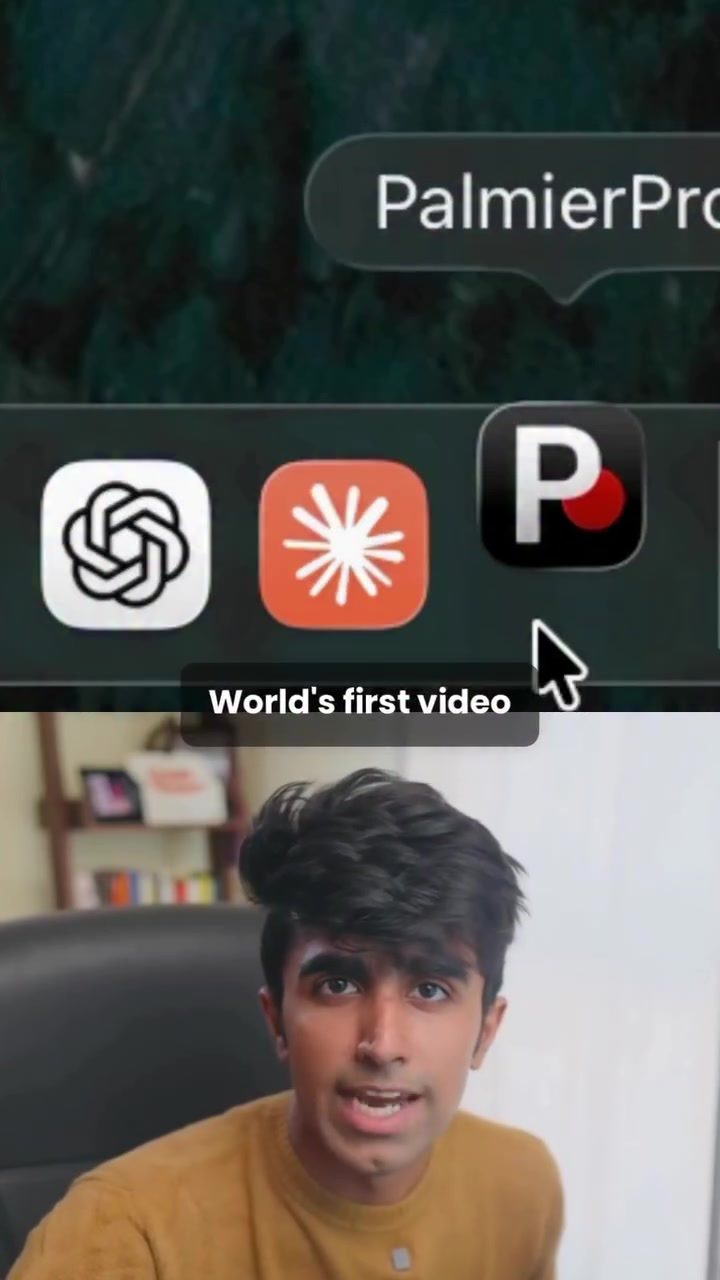
Palmier is a groundbreaking video editing tool that leverages the power of AI, specifically Claude, to streamline the editing process. This tool is open-source and completely free to start, making it accessible to a wide range of users. Backed by Y Combinator (YC), Palmier is designed to run locally on Mac computers, although plans for broader compatibility may be in the works. The software allows users to edit videos by simply texting Claude, making it an intuitive and efficient tool for those who prefer a hands-off approach to editing.
How to Use Palmier
Using Palmier is straightforward. Here are the steps to get started:
- Download the App: Palmier is available for download at palmier.io. Since it's open-source, you can also grab the repo from the developer's GitHub page.
- Connect Claude: Once you have the app, connect it to Claude via API or through the Claude desktop app.
- Start Editing: You can then begin editing your videos by texting Claude. The AI will take care of the editing tasks, such as trimming video clips and cutting out silence.
- Manual Editing: If you prefer a more hands-on approach, Palmier also offers a full timeline similar to Premiere Pro. This allows you to edit by hand while keeping the conversation going with Claude.
Features of Palmier
Palmier stands out with several key features:
- AI-Powered Editing: The ability to edit videos by texting Claude simplifies the editing process, making it accessible even to those with minimal editing experience.
- Open-Source: Being open-source, Palmier encourages community contributions and improvements, ensuring that the tool evolves with user needs.
- Free to Start: While the editor itself is free, the AI generation runs on paid credits. This model allows users to try out the tool without any initial investment and pay for additional features as needed.
- Compatibility: Initially available for Mac users, Palmier may expand to other platforms in the future, making it a versatile tool for diverse user needs.
Practical Tips
Getting Started with Palmier
- Explore the Interface: Spend some time familiarizing yourself with the interface. The timeline should feel intuitive if you've used editing software before.
- Experiment with Commands: Try out different text commands to see how Claude responds. This will give you a better understanding of the tool's capabilities.
- Use the Timeline: Even if you prefer AI-powered editing, the timeline can be a useful backup. It's handy for making precise adjustments.
- Join the Community: As an open-source tool, Palmier benefits from community contributions. Joining forums or GitHub discussions can provide additional support and insights.
Important Takeaways
- Innovation in Video Editing: Palmier represents a significant step forward in video editing technology, combining AI with traditional editing tools.
- User-Friendly: The tool is designed to be user-friendly, making it accessible to both beginners and experienced editors.
- Cost-Effective: The free-to-start model, along with pay-as-you-go credits for AI generation, makes Palmier a cost-effective option.
Conclusion
Palmier is a revolutionary video editing tool that leverages AI to simplify the editing process. Its unique features, such as text-based editing and a full timeline, make it a versatile option for creators. Whether you're a seasoned editor or just starting out, Palmier offers a fresh approach to video editing that can significantly enhance your workflow. Take the time to explore this tool and see how it can benefit your video editing projects.
Questions readers ask
What makes Palmier unique compared to other video editing software?
Palmier stands out due to its integration with Claude, an AI model, allowing users to edit videos using text commands. This text-based approach simplifies the editing process and makes it more accessible, especially for those who are new to video editing or prefer a more intuitive interface.
Can I use Palmier if I’m not a Mac user?
Currently, Palmier is designed for Mac users. If you're using a different operating system, you might need to explore alternative AI-powered video editing tools or consider using a virtual machine to run macOS.
Is Palmier truly free to use?
Yes, Palmier is open-source and free to start. This means you can download and use the software without any initial cost. However, always check the official Palmier website for the most current information on pricing and any potential in-app purchases or subscriptions.
What kind of text commands can I use with Palmier?
With Palmier, you can use a variety of text commands to perform different editing tasks. For example, you might say 'cut the video at 1 minute' or 'add a transition effect at 30 seconds.' The exact commands and their capabilities will be detailed in the software's documentation.
What are the potential benefits of using AI in video editing?
AI in video editing, like that used in Palmier, can significantly speed up the editing process by automating many tasks. It can also provide creative suggestions and help users achieve professional-looking results more easily, enhancing overall productivity and creativity.
How does Palmier assist content creators and filmmakers?
Palmier assists content creators and filmmakers by offering a more efficient and user-friendly editing experience. Its text-command interface can save time and reduce the learning curve, allowing creators to focus more on the creative aspects of their projects.
What should I do if I encounter issues while using Palmier?
If you run into problems with Palmier, start by checking the software's official documentation and community forums for troubleshooting tips. If the issue persists, consider reaching out to the Palmier support team or community for assistance.
Recent articles
Fresh deep dives from the latest Reels we unpacked.




Comments
Be the first to comment.