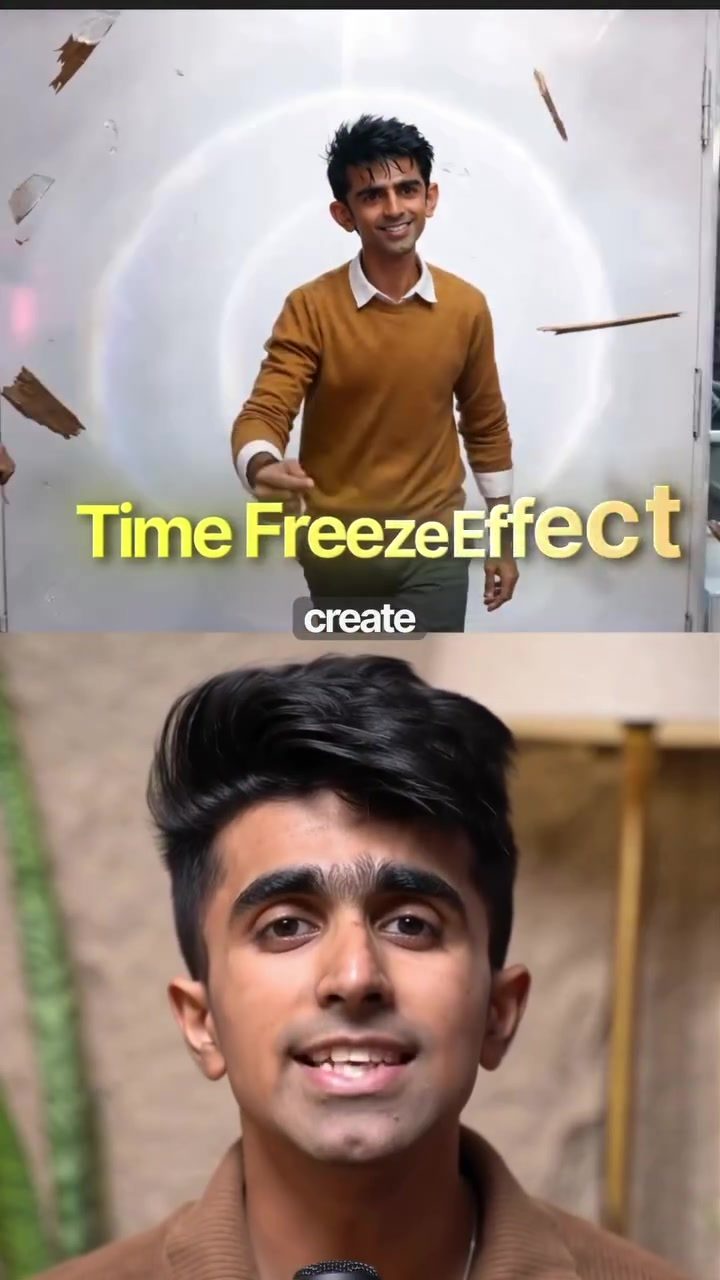
Creative Reel Editing with the Time Freeze Effect
The time freeze effect has become a staple in creative reel editing, where the camera moves seamlessly while the surroundings are frozen in time. This effect, once a labor-intensive process requiring hours of work in software like After Effects, can now be achieved with just one click, thanks to advanced tools like Morphic.
Why this Matters
A time freeze effect can significantly enhance the visual appeal of any video, making it stand out in a crowded social media feed. Traditionally, achieving this effect involved complex editing techniques such as masking and rotoscoping, which required a high level of skill and considerable time. With new tools, even beginners can produce professional-looking results, making creative editing more accessible than ever.
Main Discussion
The Evolution of Editing Techniques
In the past, creating a time freeze effect involved meticulous manual work. Editors would spend hours masking out elements in their video and applying rotoscoping techniques to ensure that the moving elements were separated from the static background. This process demanded not only technical expertise but also a keen eye for detail to ensure the final product looked seamless. However, with the advent of workflow tools, the entire process has been simplified to a few clicks.
How Morphic Simplifies the Process
Morphic has revolutionized the way creative effects are applied to videos. By launching workflows, Morphic allows anyone to build a creative pipeline and share it with others. This means that even those with minimal editing experience can achieve professional results. One such workflow is the time freeze effect, which automates the entire process. Here’s how it works:
- Head to the Morphic tool and click on "run workflow."
- Upload the image or video you want to bring to life.
- Drop in a quick character description to guide the AI.
- Pick the style and the place you want for your scene.
- Hit "run," and within seconds, the entire cinematic shot is ready.
Achieving the Matrix Shot
The time freeze effect can transform an ordinary video into something extraordinary. Imagine a scene where a person is walking through a bustling Tokyo street at night. With the time freeze effect, the rain can be frozen mid-fall, neon reflections held in place, and the camera can glide through the scene as if it were a shot from "The Matrix." The result is a visually stunning effect that looks like it took weeks of effort from a film school graduate, but in reality, it only takes a few seconds to generate.
Practical Tips
Choosing the Right Image
The quality of the final output depends heavily on the quality of the input image. Ensure that the image you upload is high-resolution and clear. This will help the AI in Morphic generate a more accurate and visually appealing result. Also, pay attention to the lighting and composition of the image, as these factors can significantly impact the final effect.
Crafting a Descriptive Description
The character description you provide is crucial in guiding the AI to generate the desired effect. Be specific in your description, including details about the environment, the subject, and any specific elements you want to highlight. This will help the AI understand your vision better and produce a more accurate result.
Experimenting with Styles and Places
Morphic offers a variety of styles and places to choose from, allowing you to customize your video according to your creative needs. Experiment with different styles and places to see which one best fits your vision. Whether you want a moody cinematic look or a vibrant, energetic feel, Morphic has you covered.
Important Takeaways
With tools like Morphic, even beginners can achieve professional results in their video editing. The time freeze effect, in particular, can add a unique touch to any video, making it stand out from the rest. By following the steps outlined above, anyone can create stunning visual effects with minimal effort.
Conclusion
The time freeze effect is a powerful tool in the world of creative reel editing. With the help of tools like Morphic, achieving this effect has become easier and more accessible than ever before. Whether you're a seasoned editor or a beginner, incorporating this effect into your videos can elevate your content to new heights.
Questions readers ask
What is the time freeze effect in video editing?
The time freeze effect in video editing involves making an object or scene appear frozen in time while the camera or other elements continue to move. This effect can add a dramatic or artistic flair to videos, making them more engaging for viewers.
Which tools can help achieve a time freeze effect easily?
Tools like Morphic have simplified the process of creating a time freeze effect, making it accessible even to beginners. With just a few clicks, users can achieve professional results that were once time-consuming and required advanced skills.
How has the time freeze effect evolved over time?
Traditionally, the time freeze effect required complex techniques such as masking and rotoscoping, which were labor-intensive and demanded a high level of expertise. However, with the advent of modern video editing tools, this effect can now be created quickly and easily.
What are some common uses of the time freeze effect in videos?
The time freeze effect is often used in creative reels, social media videos, and other content where the goal is to make the video stand out. It can be used to highlight a specific moment, create a dramatic pause, or add a unique visual element to the content.
Can beginners create a time freeze effect in their videos?
Yes, beginners can create a time freeze effect using modern video editing tools like Morphic. These tools are designed to be user-friendly, allowing even those without extensive editing experience to produce high-quality videos with professional-looking effects.
What are the benefits of using a time freeze effect in videos?
Using a time freeze effect can significantly enhance the visual appeal of a video, making it more engaging and memorable. This effect can help videos stand out in a crowded social media feed, attracting more viewers and potential followers.
Are there tutorials available for creating a time freeze effect?
Yes, there are many tutorials available online that guide users through the process of creating a time freeze effect. These resources can help users understand the steps involved and make the most out of the tools available, such as Morphic.
Recent articles
Fresh deep dives from the latest Reels we unpacked.




Comments
Be the first to comment.