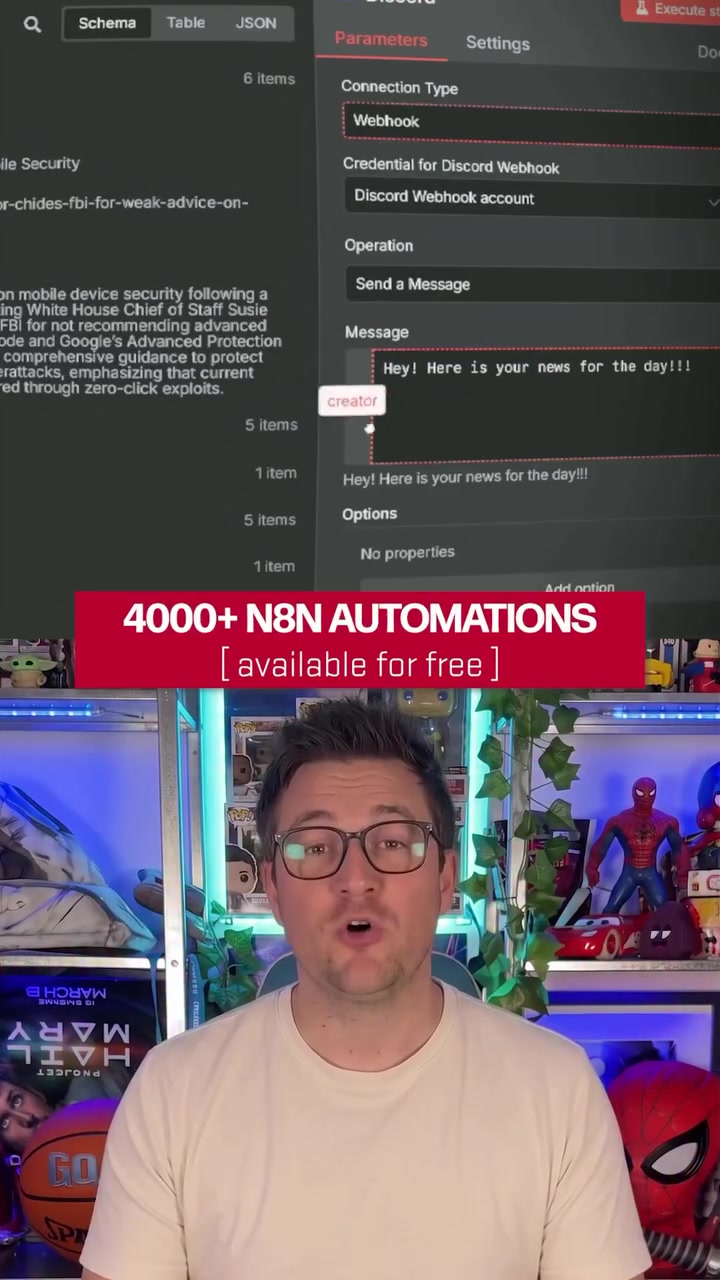
Free automation workflows for N8N, which can automate various tasks like YouTube video analysis. Free and accessible, these automation workflows for N8N software help create workflows instantly. Automations ease repetitive tasks, N8N automations can automate anything from creating YouTube shorts to sending personalized messages. The software integrates smoothly with other tools, and the GitHub repo offers over 4,000 automation workflows, all available for free.
The Power of Open-Source Workflows
3,000+ automation workflows are all available for free. N8N automations are intuitive and immediately functional. Each workflow is organized by category and includes notes on required tools, keys, and integrations. Users can find workflows like YouTube Video Analyzers or YouTube 2 Shorts, and copy the JSON to create automation instantly. An open-source project, it’s strengthened and enhanced by the community of users. Services like integrating with OpenAI models make it highly functional.
The Surge of Workflow Sharing
Workflow sharing communities have seen a rise, as users find unparalleled value in sharing and replicating each other’s workflows. Automations are streamlined, and the process is made easy with N8N. It’s simple to access, as users just need to open the GitHub repo, find the workflows they need, and copy JSON into their N8N dashboard. Don’t spend hundreds of thousands of dollars. The recent leak of 4,000 N8N automations have all been released for free.
The Visual Dashboard
N8N automation workflows integrate seamlessly with OpenAI Chat Models. The dashboard provides statistics on workflows and hosts a wide variety of integrations. Although, this potentially introduces the need for specific integrations, it also allows for an impressive array of workflows that can be accessed in the dashboard. Specific workflows like RSS Read, Schedule Trigger, and Execute Command are available.
Categories and Tools
N8N workflows are categorized by function and can use various tools, keys, and integrations. Categories range from data processing to content creation, helping users. They know what is needed to set up each workflow and provide concise training on integrating with other tools that a user needs.
The Power of Integration
N8N extends integration to various applications, including RSS Feed Readers and OpenAI models. The problem of compatibility issues can be solved by N8N’s extensive integrations. The link to access the workflows is also provided, making them easily accessible. Just a few categories include open AI chains, RSS readers, and schedule triggers.
Using N8N for Your Needs
If you are new to workflows, getting started can be overwhelming. With scheduled triggers and execute commands, workflows can be tailored to various purposes. Just organize by category, copy the JSON into your N8N dashboard and your workflow is built instantly. It is highly user-friendly, and even beginners can get started with minimal effort. It provides a clear guide on how to use the workflow. Understand the Basics: Begin by understanding the basics of workflow automation and identifying your needs. Learn to read the workflows from the repository. Then, as you use them, categorize them based on their purpose. For example, with the “RSS Read” feature, you can scrape website content. Note the tools you need, like RSS reader keys and integration pieces. Select and Customize: Choose a workflow from the repo. Then, copy JSON from the repository, and paste it into your N8N dashboard. Add integrations like “OpenAI Chat Model” or tools as needed. For instance, if you want to automate your content, execute commands specific to your needs. Monitor and Evaluate: Keep track of all your workflows and active workflows. This is where the dashboard helps provide statistics on workflows. For example, 4,343 total workflows, 434 active workflows, and 268 integrations. The 4,000+ N8N automation workflows represent a game-changing resource in the automation world. You can find a wide variety of workflows, and the community is always growing, enhancing the software and making it more versatile.
Questions readers ask
What exactly is N8N and what makes it special?
N8N is a free, open-source automation hub that allows users to streamline repetitive tasks through automated workflows. It's special because it offers over 4,000 free workflows on GitHub, making it accessible and intuitive for users to create and implement automations instantly. The software integrates seamlessly with various tools and services.
How do I access and use the 4,000 free workflows on GitHub?
To access the workflows, you need to visit the N8N GitHub repository, find the workflow that suits your needs, and then copy the JSON code into your N8N dashboard. Each workflow is organized by category and includes notes on required tools, keys, and integrations, making it easy to set up and use.
Can I integrate N8N with other tools and services I already use?
Yes, N8N is designed to integrate smoothly with a wide range of tools and services. From RSS Feed Readers to OpenAI models, N8N's extensive integrations help solve compatibility issues and allow for a variety of workflows. The dashboard provides statistics and hosts these integrations, making it a versatile tool for automation.
How can N8N help with content creation, like YouTube video analysis?
N8N offers specific workflows tailored for content creation, such as YouTube video analysis and creating YouTube shorts. These workflows are designed to automate repetitive tasks, allowing you to focus on more creative aspects. You can find these workflows in the GitHub repository and implement them directly into your N8N dashboard.
What if I'm new to workflow automation? Is N8N user-friendly for beginners?
N8N is highly user-friendly, even for beginners. The software provides a clear guide on how to use the workflows, and the workflows themselves are organized by category, making it easy to find what you need. You can copy the JSON code into your dashboard and have your workflow built instantly, with minimal effort required.
Related deep dives
Similar reads based on topic and creator.


Recent articles
Fresh deep dives from the latest Reels we unpacked.




Comments
Be the first to comment.