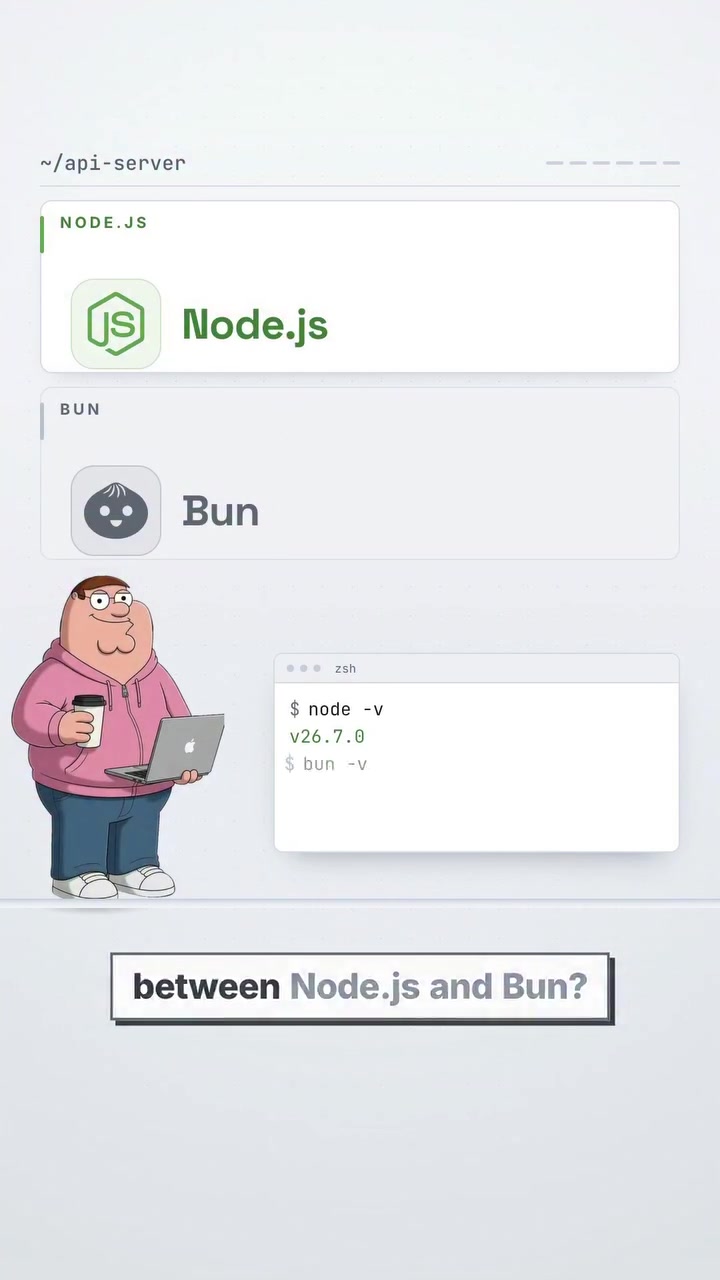
The Two Flavors of JavaScript Outside the Browser
Node.js and Bun are both JavaScript runtimes, meaning they allow developers to run JavaScript code outside of a web browser. The former, however, does this with Google's V8 engine, while the latter goes for JavaScriptCore, the engine behind Safari. Both serve the same purpose: they offer environments for building APIs, scripts, and full backends. But the way each runtime approaches this from there is distinctly different. The key difference lies in how much each tries to do. Node.js focuses on being a runtime. It’s the foundational platform on which developers could build a full backend ecosystem with tools, modules and much more. Bun, on the other hand, offers a more extensive suite of integrated tools, all bundled into a single binary. This includes a package manager, a bundler, and a test runner, along with runtime and TypeScript support, optimizing the entire development toolchain.
The JavaScript Runtime Battle
The JavaScript Backend Battlefield
JavaScript has been traditionally used for front-end development. That is, running scripts in browsers to enhance web pages. But the introduction of Node.js extended JavaScript’s reach to the server side. Node.js is essentially a JavaScript engine. It takes V8, originally built by Google for its Chrome browser, and makes it capable of running JavaScript outside the browser. Bun takes a different approach: it uses JavaScriptCore, another JavaScript engine, which powers Apple’s Safari. Developers can use it to run JavaScript on the server to execute scripts, connect to an API, interact with a database, etc. By 2023, Bun is a relatively new runtime, released in 2021, but it aims to solve the same problem versus Node.js.
Stretching vs Consolidation
Node.js has been around since 2009, which gives it a considerable edge in terms of maturity and stability. It's been widely tested and refined over the years, making it a reliable choice for large, stable production systems. With a significant ecosystem of modules, it taps into its NPM package manager, which hosts millions of backend libraries. This ecosystem is supported by the sheer volume of applications and infrastructure built on Node.js. Whereas Bun, released in 2021, is more of a comprehensive toolchain. It offers up to five distinct tools as a single binary, such as a runtime, package manager, bundler, test runner, and TypeScript support. Bun's approach of integrating these tools into a single binary aims to simplify development and speed up processes. Bun's benchmarking numbers are compelling: it installs packages 8.75 times faster than Node.js and starts scripts 2.7 times faster. While these numbers can sway many towards Bun, it's important to note that Bun isn't always backward compatible with Node.js. For projects relying on native modules or specific Node internals, Node.js remains the safer option.
The Backend Developer's Dilemma
With Node and Bun games, the real question for JavaScript developers is what to choose. Node's maturity brings in deep ecosystem compatibility and stability. But Bun's modern bundling and speeding up processes is enticing for new projects. For developers preferring mature, stable systems and an extensive module library, Node.js provides the tried-and-true, tested infrastructure. Developers seeking a modern, faster, more integrated toolchain, especially for new projects, might opt for Bun. In reality, the choice often boils down to the specific requirements and constraints of a project: Bun for speed and simplicity, Node.js for stability and compatibility.
The Long-Term Hope For Bun
The biggest strength of Node.js is its extensive ecosystem. With 132 million downloads a week for the Express.js framework alone, it has an expansive library of tested modules and a host of community support. Bun's promise of speed and efficiency are promising, but it needs more time to find and resolve the edge cases that Node has long solved.
Building With Bun or Node
Bun’s comprehensive bundled tools can be cost-saving on configuration and overhead. However, if you choose Bun, it is best to avoid native modules or Node-specific internals. For teams that are constantly developing and deploying, Bun’s speed and efficiency in its integrated toolchain will be substantial. For Node.js users who are looking to transition to Bun, it's crucial to assess the compatibility of each project. The majority of applications will work seamlessly, but there may be some exceptions. While Bun is a powerful toolchain, Node's extensive ecosystem and deeper compatibility will likely keep it as a reliable choice for many. For those developing new projects, prioritizing speed and efficiency, Bun is a strong contender. Today, Node.js remains the safe default, especially for large production systems. Bun makes a strong case for new projects with its integrated toolchain and speed. Developers interested in Bun will want to keep an eye on its evolving compatibility and ecosystem. It's a race to watch.
The Future of JavaScript Outside the Browser
This runtime race between NodeJS and Bun will continue, as both have their strengths and limitations. While Node.js continues to be the gold standard for backend development, Bun’s innovative approach to integrating the entire development toolchain shows that the future may lie in more efficient, integrated solutions. In either case, the development space outside the browser will continue to grow.
Questions readers ask
What is Bun and how does it differ from Node.js?
Bun is a JavaScript runtime that uses the JavaScriptCore engine, which is the same engine that powers Apple's Safari browser. It differs from Node.js, which uses Google's V8 engine, by offering a more bundled toolkit that includes a package manager, bundler, and test runner, all in a single binary. This approach aims to simplify development and speed up processes.
Can I use Bun for a project that currently uses Node.js?
While Bun offers compelling performance benefits, it may not be fully backward compatible with Node.js. If your project relies on native modules or specific Node internals, you might encounter issues. It's best to thoroughly test Bun in a development environment before migrating a production project.
What are the main advantages of using Bun over Node.js?
Bun's main advantages include faster package installation (up to 8.75 times faster than Node.js) and quicker script startup times (up to 2.7 times faster). Additionally, Bun integrates multiple development tools into a single binary, which can streamline the development process and make it more efficient.
Is Bun suitable for large, stable production systems?
Bun is relatively new, having been released in 2021, so it may not have the same level of maturity and stability as Node.js, which has been around since 2009. However, Bun’s performance benefits and integrated tools make it an attractive option for new projects or those willing to test and adapt to its ecosystem.
What kind of projects would benefit most from using Bun?
Projects that prioritize development speed and efficiency would benefit most from using Bun. Its bundled tools and faster performance make it ideal for developers looking to streamline their workflow and reduce the time spent on setup and configuration. However, projects that require extensive use of Node.js-specific modules or native add-ons might face compatibility issues.
How does the performance of Bun compare to Node.js?
Bun outperforms Node.js in several key areas. It installs packages up to 8.75 times faster and starts scripts up to 2.7 times faster. However, it's important to consider that while these benchmarks are impressive, the real-world performance can vary based on the specific use case and dependencies of your project.
What are the trade-offs of using Bun over Node.js?
The primary trade-offs of using Bun over Node.js include potential compatibility issues with certain Node.js-specific modules and the lack of a mature ecosystem compared to Node.js. While Bun offers faster performance and integrated tools, these benefits come with the risk of encountering bugs or limitations in a relatively new runtime.
Related deep dives
Similar reads based on topic and creator.




Recent articles
Fresh deep dives from the latest Reels we unpacked.




Comments
Be the first to comment.