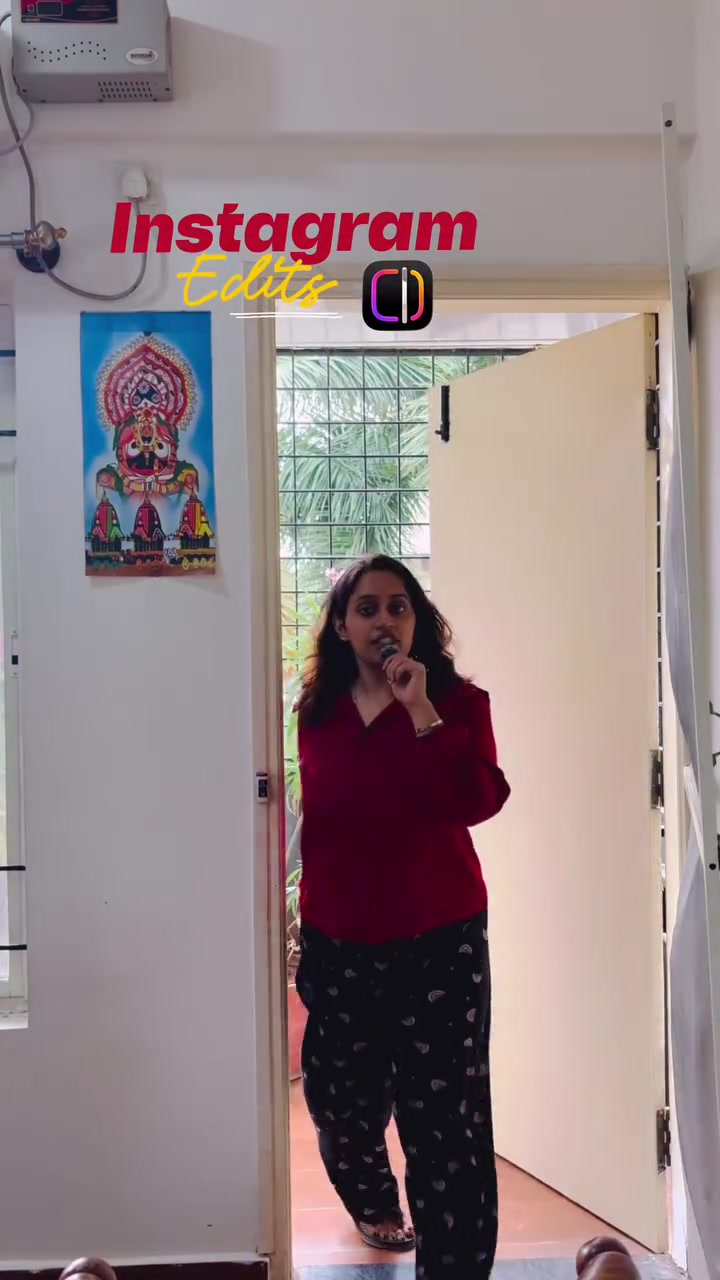
Instagram video editing is more accessible than ever. The video-sharing platform, in addition to person-to-person sharing, offers a suite of editing tools within the app. Anyone with an Instagram account in India can import, duplicate, and manipulate video clips to create polished, engaging content.
Transforming Videos through Layers
Instagram's built-in video editing tools let users import video clips, overlay transitions and text, and adjust the aesthetics to better engage viewers. Whether you're adjusting video length or overlaying text, Instagram has capabilities that make it easier to create professional-looking videos. Editing online videos to make them more dynamic and engaging is possible. The app allows for seamless video import and manipulation, including a process of overlaying, duplicating, and splitting video clips. The speaker describes how "to use Instagram's video editing features." The process begins with importing the video file and choosing a background. "First, import the video and select the background you want to use." Next, take the imported video over the selected background. The editing tools allow you to adjust the video length and create a duplicate. The speaker mentioned "let's create a duplicate and overlay it on top of the background." The overlay video can also be edited. After duplication, the tool allows for trimming video lengths according to the creator's preference. This leads to creating a "cutout" area for text and graphically adding visuals. The app allows users to place and customize the text with different fonts and colors. This feature can be used to add text overlays, transitions, and Adjust video lengths to fit your needs. This makes it easy to create engaging content and add text, graphics, and effects, all within the app. Users can add text using their desired fonts and colors and place it under the cutout to create a more engaging video. The speaker mentioned "Next, add some text. Choose your font and color, then place it under the cutout."
The smartphone editor’s secret weapon
As videos dominate social media, Instagram's editing features are popular. The hunger for more engaging, dynamic video content has spurred the rise of online editing tools, especially on mobile. Instagram's features are designed for ease of use, making it a popular choice. This is especially true for those who want to create, add text, and transitions without complicated software or expertise. Instagram’s focus on easy, in-app editing simplifies the process, eliminating the need for third-party applications by offering tools for transitioning, duplicating, and overlaying videos, trimming clips, and adding text and visuals. The video showcases these tools, including the ability to create cutouts for text, overlay videos, and customize text. The speaker describes the process of editing and overlying video clips.
Optional Layers and Vignettes
Instagram's video editing tools allow for creative customization. Overlays are one such feature. Overlays add depth, allowing for more complex compositions. The overlay feature can also be used to create a cutout for text or graphics, adding visual flair. Filters and Transitions. The app offers filters and transitions for visual effects. Instagram makes it easy to adjust video speed and add effects. Video speed adjustment allows for slow-motion or sped-up effects. It’s a tool for emphasizing key moments. There are also various existing filters, enhancing visual appearance with presets. Effects and transitions can also add visual flair. The speaker mentioned "split clips, add effects, and adjust speed."
Building from the Ground Up
Understanding how to build your editing from scratch is key. This includes understanding the basics, such as how to import a video, choose a background, and overlay video clips. These tools can be manipulated to add text and visuals, making it easy to create engaging content. To build your videos, understand these basics:
- Work from a Template: Start with a video template and overlay text and visuals. Incorporate Effects and Filters Incorporating effects and filters can add depth to your videos. Filters can enhance the aesthetic, while transitions and visual effects can emphasize key moments.
Engineering an Instagram Edit
Instagram's video editing tools are a powerful asset. The app provides a range of tools that make it easy to manipulate and customize videos. This includes overlaying text and visuals, duplicating and trimming video clips, and adding effects and transitions. If you want to create engaging content, these tools can be very useful. To create a polished, dynamic video, import your video, choose a background, and overlay video clips. Then, add text, transitions, and visual effects. Finally, trim and adjust the video length to fit your needs.
Examine the Interface
Instagram provides an intuitive interface for editing. The editing options include tools for editing text, adding filters, and overlaying videos. The interface also includes features for trimming and adjusting video speeds. This makes it easy to create and publish videos on Instagram.
Related deep dives
Similar reads based on topic and creator.

Recent articles
Fresh deep dives from the latest Reels we unpacked.



Comments
Be the first to comment.