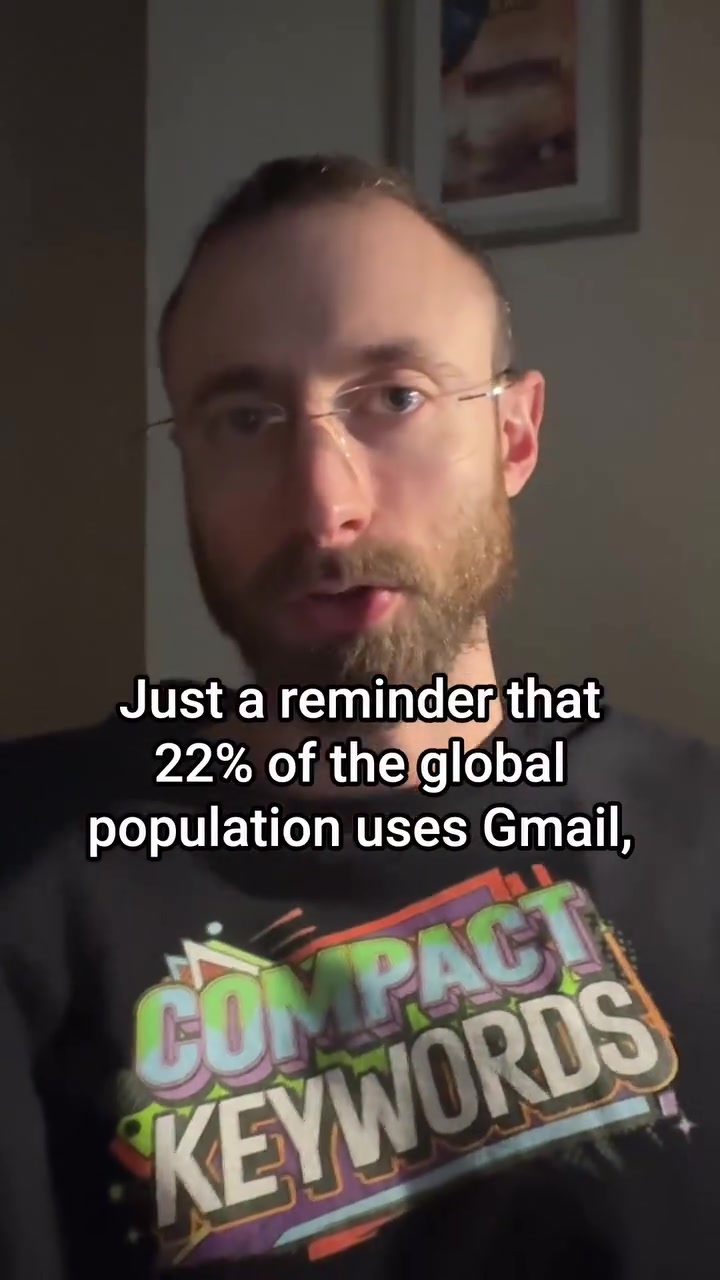
Twenty-two percent of the global population — that's over 1.6 billion people — use Gmail. This gives email marketers a unique, mostly untapped opportunity. "This is the easiest marketing hack that anybody can do", and that's evident in these clear, specific steps to achieve moving icons in emails. This includes how it uses AI, and why AI isn't always your friend on this hack. We show you how the process only takes seconds, and if you do it right, you could make your emails stand out and get higher open rates. So, let's jump in.
Elevating Email with Gmail
If you have a business, there's a good chance you use marketing emails. Email marketing allows you to reach a broad audience directly, and many businesses use it as a key tool. Gmail is the first step in creating a marketing email that captures attention. The hack is converting a business logo into a GIF and using animation to breathe life into your email icon. The process adds a little magic to your emails. "All you have to do is upload the GIF you made," and this is one of the easiest marketing hacks around. If you're an email marketer, you know the importance of a strong subject line and visuals. But the first thing you'll have to do is get your potential readers to open your emails, and that's where a moving GIF icon comes in.
An Eye on Open Rates
By leveraging the simple and effective hack, you can get open rates to go way up, especially among Gmail users. Gmail is the world's most popular free email service with hundreds of millions of users in the US alone. The platform's simplicity, along with its integration into a smartphone, makes it a popular choice. It's important to understand where you fit in. "75% of the US market uses Gmail". Assuming you're marketing in a market where over 70% of users are on a single platform, you should establish your email marketing strategy around it. This is a practical way of thinking about the problem and what makes this unique. If you're doing email marketing, you know the importance of open rates. But many marketers have everything wrong. By using something as simple as moving icons, you can get your emails to stand out.
The making of a Moving Email Icon
This process starts with Gemini, is converted to a GIF, and then uploaded. If you talk about what's the technology behind this, it is not just computers, but AI. It's driven by AI and machine learning, which is the ability to solve problems with the help of AI programs.
Gemini to MP4
The first step is to create a minor animation of your logo using Gemini. Drag your business logo into the Gemini app and say, "Animate my logo." Choose a simple animation that doesn’t need a ton of creative license, so the logo looks just as recognizable as ever, but with a subtle touch of motion. Download the animation as an MP4 using the app.
MP4 to GIF
Next, convert the MP4 file into a GIF, which is done by searching "MP4 to GIF" in your web browser and clicking the top result. Click the converted GIF once it appears. This process is easy, but the music technology behind the conversion is a more complex topic. The process will take only a few seconds.
Upload to Gmail
Now, go to myaccount.google.com, click on the camera icon and upload the GIF to your profile.
Gmail will convert the GIF into an animated icon, which will now appear whenever you open the account and as the recipient of your emails.
Sending Gmail to your brand's audience using this hack. Retailers can boost their image by adding a logo as a GIF. This is how the technology of email marketing is changing. Email marketing is using the latest technology to keep up with changing needs.
The Art of Subtle
AI can be your friend when it comes to email marketing hacks. It can help to design this technique, even if you're not a designer. AI's role is to analyze the color, size, and design elements and come up with a logo animation that will match your brand's aesthetics and logo.
Creative Liberty and Restrictions
The small animation gives your emails a bit of flair. The movement catches the recipient's attention in a sea of static email icons. The GIF makes so many things easier. It's subtle, adds a nice touch, and properly balances the ease of communication with the attention span of the audience, without being too distracting. The GIF animation should be minor—no need to overdo it. It must appear professional and sleek, not overly flashy.
When AI Isn't Your Friend
But AI can also hurt when it comes to designing an animation — often it doesn't know what it's doing, and it can result in a bad design with too much creative freedom. To avoid that, you should always have a human element in the creation of the design. When AI does the animation, it often does a bad job at it.
Demystifying the 2024 to 1698 Paradigm
The benefits of using moving icons in emails. Emails are not just a medium for communication, but also an opportunity for you to stand out. Many marketers think that having a visually appealing email body will increase open rates. But it's not enough. You need to go beyond the email body and focus on the email icon. The icon is the first thing people see when they receive an email. Using moving icons, you'll ensure that your email icon catches the reader's eye. It's a small change that can make a big impact. If your brand is visible in Gmail, you stand a better chance of getting noticed. When people open their emails, they are bombarded with so many emails that they don't know where to look. In a world where email marketing is so common, it's important to find ways to stand out. This hack can help you do just that. When people open their emails, they can see the logo of your company. As a result, they are more likely to click on your email than the others. You want them to notice your email, click it, and open it. When they open it, they see a static image. But that's, it's just a myth. With a moving email icon, you can achieve more than that.
Questions readers ask
What exactly is the Gmail email marketing hack and how does it work?
The hack involves converting your business logo into a moving GIF and using it as an email icon in Gmail. This adds a dynamic element to your email, making it more eye-catching, which should boost open rates. The process involves using an app like Gemini to animate your logo and convert the animation into a GIF.
How does AI play a role in this email marketing hack?
AI is involved in the animation process. Gemini, the app used to animate your logo, leverages AI and machine learning to create the moving icon. The AI helps in simplifying the creation process, making it accessible even for those without design skills.
Can I use this hack if I'm not a Gmail user?
The hack is specifically designed for Gmail users. Since Gmail is the most popular email service, with 75% of the US market using it, this hack is particularly effective for reaching a broad audience. If you're targeting users on other platforms, you might need a different strategy.
What kind of animations work best for this hack?
The best animations are simple and recognizable. You want to keep the logo looking as it does, but with a subtle touch of motion. Complex animations might confuse the viewer or make the logo unrecognizable, so it's best to keep it straightforward.
Is this hack only for businesses, or can individuals use it too?
While the article focuses on businesses, individuals can also use this hack to make their personal emails more engaging. Anyone looking to stand out in their inbox can benefit from this simple yet effective technique.
How long does it take to implement this hack?
The process is quite quick. Animating your logo with Gemini and converting the MP4 file into a GIF takes only a few seconds each. Uploading the GIF to your Gmail account is also straightforward, making the entire process efficient.
What if I don't have design skills? Can I still create a moving icon?
You don't need design skills to create a moving icon. The app Gemini handles the animation process for you. All you need to do is upload your logo, choose a simple animation, and download the MP4 file. The rest of the process, converting the MP4 to a GIF and uploading it to Gmail, is also user-friendly.
Related deep dives
Similar reads based on topic and creator.

Recent articles
Fresh deep dives from the latest Reels we unpacked.




Comments
Be the first to comment.