
Conflicts among developers are inevitable in collaborative coding. One common challenge arises from Git merge conflicts, when two changes to the same part of a project can't be automatically reconciled. Git flags these conflicts for human decision-making.
The Anatomy of a Git Merge Conflict
A Git merge conflict occurs when two developers modify the same line of code in different ways. If one developer changes a line to "Hello world," while the other changes it to "Hey everyone," Git can't automatically determine which change to keep. Thus, it flags these conflicting changes for manual resolution. The conflict is about making a decision — not about Git breaking or being wrong.
The process involves two key changes. First, one developer changes a line of code to "Hello world." At the same time, another developer independently changes the same line to "Hey everyone." Both changes might look fine on their own, but when Git tries to combine them, it runs into a problem.
Git doesn't choose between these changes randomly. Instead, it flags the conflicting sections and asks the developer to decide.
The process begins when a merge operation occurs and Git encounters a conflict. Git responds by marking the conflicting sections in the code, allowing the developer to compare the differences between the versions. The developer then has three options: choose one version, combine them into something new, or create a new approach altogether. Git leaves this decision in the hands of the developer.
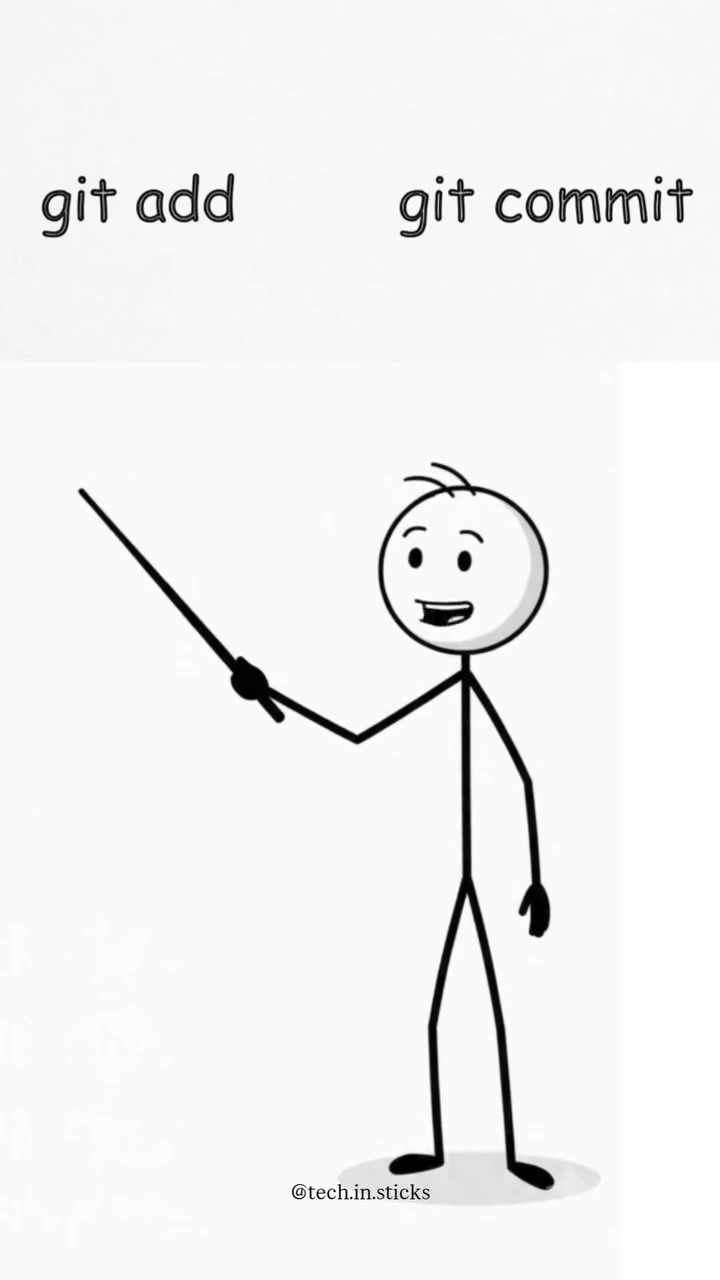
After resolving the conflict, the developer saves the file, stages the changes using git add, and creates a new commit with git commit. The conflict is then resolved, and the project can proceed.
Merge Conflicts in the Software Development Lifecycle
Merge conflicts are a natural part of the collaborative development process, highlighting the need for effective communication and coordination among team members. In the fast-paced world of software development, teams often work on different features or bug fixes simultaneously, increasing the likelihood of encountering merge conflicts. Developers tackle these conflicts often, but they are more likely to arise when multiple developers focus on the same codebase. By recognising that merge conflicts are not errors but opportunities for collaboration, teams can adopt best practices. These conflicts encourage developers to communicate more effectively, ensuring that changes align with the project's overall goals. This approach promotes discussion and encourages a closer look at the broader implications of the changes.
Resolving a Merge Conflict
When a merge conflict arises, Git provides clear instructions by marking the conflicting sections. The developer is tasked with reviewing these changes by looking at both versions and deciding on the correct course of action.
The developer then modifies the code to reflect the desired outcome and stages the changes using the git add command. The final step involves committing the changes with a meaningful commit message that reflects the resolution and the reason behind it.
Git does not randomly choose which changes to keep. Instead, it marks the conflicting sections and leaves the decision to the developer. This process ensures that the final codebase accurately represents the intended changes while preserving the integrity of the project.
The Four Steps to Resolving a Merge Conflict
1. Save the File:* After manually resolving the conflict, save the changes made in your local repository.
Stage the Changes: Use the git add command to stage the resolved file, preparing it for the next commit. Avoid using git add . indiscriminately, as it can stage unintended changes.
Create a New Commit: Use the git commit command to finalize the merge, ensuring that the commit message clearly states the resolution of the conflict and the rationale behind the chosen changes.
Push Changes to the Remote Repository: After resolving the conflict and committing the changes, use git push to update the remote repository with the merged changes.
Conflict Resolution as Collaboration
Merge conflicts serve as natural checkpoints for collaboration. Conflict resolution requires developers to reconcile their changes with those of their peers. This process fosters active communication and collaboration, ensuring that all team members are aligned on the project's direction. It also encourages a closer look at the broader implications of the changes, promoting a more thoughtful and intentional approach to coding. A merge conflict represents an opportunity for developers to engage in deeper discussions about the project's goals and the best way to achieve them. Instead of viewing conflicts as hindrances, teams can leverage them to enhance collaboration and maintain project coherence.
Mastering Git Merge Conflicts
Declarative, explicit, and precise — this is the developer's only decision during a merge conflict. Decide on the changes that reflect the intended outcome and commit the new version. Do not let Git's warnings and messages overwhelm you. Merge conflicts can teach valuable lessons about communication and collaboration, highlighting the importance of clear and consistent coding practices. By adopting these best practices, developers can mitigate the challenges posed by conflicts and ensure a smoother development process. As Git is a collaborative tool, addressing conflicts is part of the job. The process of resolving conflicts is a learning opportunity for developers to deepen their understanding of the project's goals, the broader implications of their changes, and the importance of clear, consistent, and thoughtful coding practices.
Questions readers ask
What exactly is a Git merge conflict and how does it happen?
A Git merge conflict occurs when two developers change the same lines of code in different ways. For example, if one developer changes a line to 'Hello world' and another changes it to 'Hey everyone,' Git can't automatically decide which change to keep. It flags these conflicts for manual resolution.
Why can't Git automatically resolve all merge conflicts?
Git can't automatically resolve conflicts when the changes are fundamentally different and it can't determine which change is correct. It needs human intervention to decide which changes to integrate, ensuring the final code aligns with the project's goals.
What steps should I take to resolve a Git merge conflict?
First, review the conflicting sections marked by Git. Then, decide whether to keep one version, combine them, or create a new approach. Modify the code accordingly, stage the changes with `git add`, and commit with a meaningful message using `git commit`.
How can teams prevent or minimize Git merge conflicts?
Effective communication and coordination are key. Teams should regularly discuss changes, ensuring everyone is aware of what others are working on. Frequent merges and smaller, incremental changes can also help reduce the likelihood of conflicts.
What are the three options for resolving a Git merge conflict?
The developer can choose to keep one version of the conflicting code, combine the changes into a new version, or create an entirely new approach. The choice depends on the specific needs and goals of the project.
Related deep dives
Similar reads based on topic and creator.

Recent articles
Fresh deep dives from the latest Reels we unpacked.
Comments
Be the first to comment.