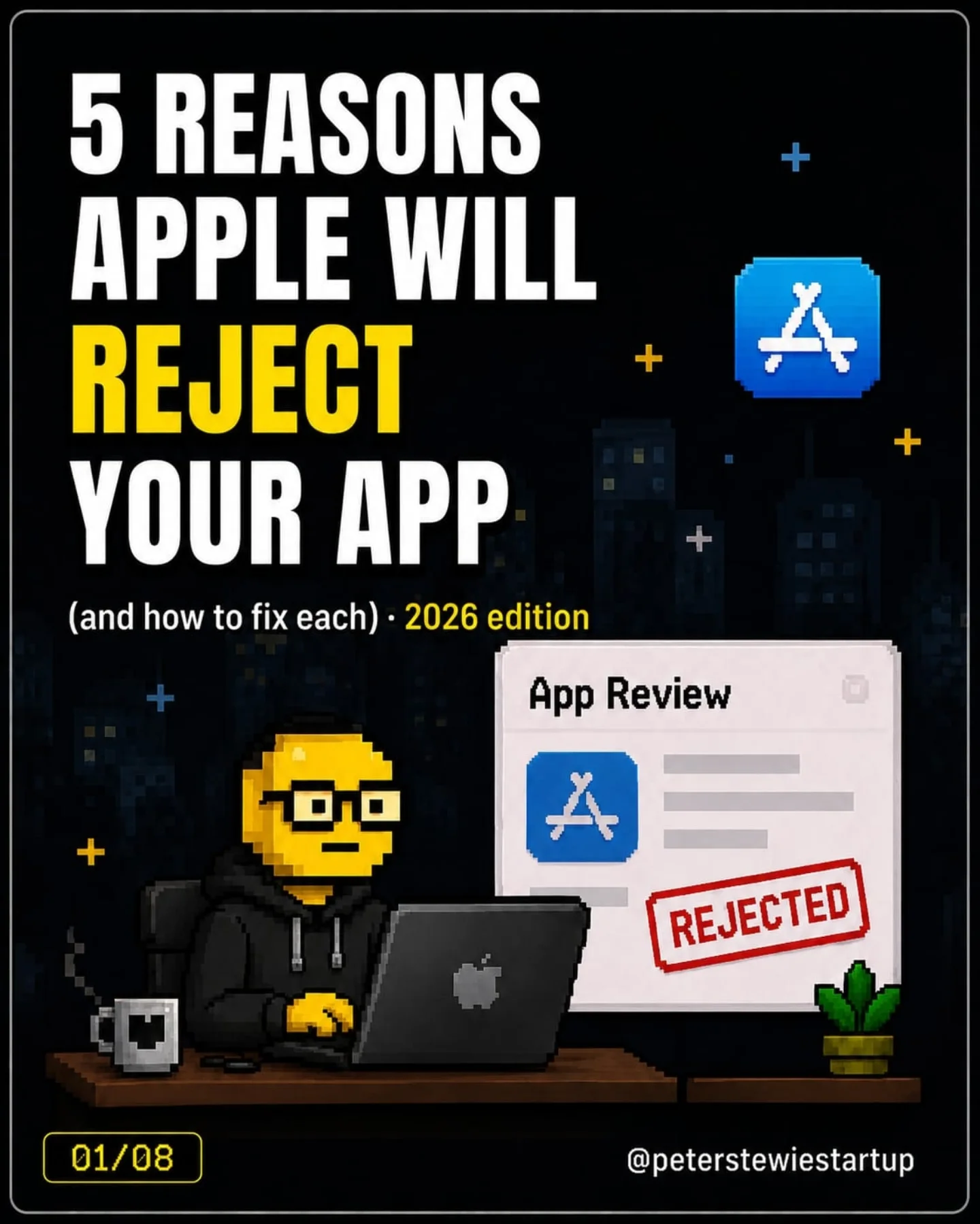
The hidden obstacles of Apple App rejection
Getting your app approved on the App Store isn't a piece of cake. Peterstewiestartup revealed some eye-opening info: Apple has a list of reasons why apps might get rejected. They're not always about bugs or crashes. Peterstewiestartup was clear about how Apple reviews apps. You don't want to fall into these traps. Peterstewiestartup presented their "2026 Edition" checklist, highlighting a few specific hurdles users would likely find in their app development journey.
The showstoppers in App Store approval
Apple doesn't just want any app on its store. Each app must provide a compelling experience that offers more than a mobile-friendly website. For example, a native app should offer native features like notifications or offline modes, as even a mobile-friendly website can be a barrier for approval if it doesn't offer a real app experience. Programs have to provide a "minimum functionality", per Guideline 4.2. Approach Mobile App Review in 2026: "If your app is basically a website in a wrapper or does one tiny thing, Apple says it’s not app-worthy."
The AI transparency mandate
Apple has tight rules for apps using AI. The creator must disclose the AI provider, as well as the data sharing practices, before the app goes live. OpenAI, for instance, can't be used covertly. The information must be placed in an "AI Service Consent" modal. If you fail to comply, you may face trouble. Another key requirement is that AI-generated content must be clearly labeled. This isn't just about transparency — it's about building trust.
The survival checklist
Peterstewiestartup offers a comprehensive checklist for avoiding common pitfalls in the App Store. They mentioned many traps developers could stumble into, and their checklist is intended to be a one-stop solution. It contains "all 12 rejection traps + the exact fixes, in one doc." But do you really want to hard-code your app for Apple? Their checklist is a recommendation to follow to maximize your chances of App Store approval, but "peterstewiestartup" was clear: you can only obtain this checklist by commenting "APPROVE".
Apps as Products
Apps are not merely software products but are also products that users purchase. Beyond functionality, many Apps provide value from native content (app-created) or generated content (AI created). Apple’s requirements for disclosing AI-generated content and AI providers are crucial because users have a right to know what they're interacting with. Apps that don't follow these guidelines hurt Apple’s reputation.
Content Quality
Apple has particularly stringent rules for content. There should be no misleading or misleading content — even if it’s AI-generated. Anything that a user may misconstrue needs to be properly labeled. Apps must adhere to the guidelines to ensure a quality user experience. This also helps in maintaining trust.
The minimum functionality trap
Apple will reject your app if it doesn't offer more than just a website experience. Apps need to be more than just a mobile-friendly website. There is a clear guideline on functionality — Apps should offer some form of utility or value that users can’t get from simply using a browser. For example, a native app that only allows users to browse a website may be rejected. Native features like push notifications or offline mode are mandatory.
AI-generated content labeling
AI is transforming many apps, but Apple has strict rules for apps that use AI. Apps using AI must disclose the AI provider (such as OpenAI). Consent and data sharing practices have to be clearly stated. The app must also clearly label AI-generated content. Apple wants users to trust the apps on its store, and this is a step towards building that trust.
Recipes for good AI practice
For developers using AI, Apple provides a clear recipe for success:
- Disclose AI Providers: Clearly state who is powering the AI in your app.
- Explicit Consent: Get a user's consent to use their data for AI processing and clearly state the data sharing practices.
- Label AI-Generated Content: Make sure that every piece of AI-generated content is clearly labeled as such. Transparency helps in building user trust. Apple’s guidelines are designed to create trust between users and the app ecosystem. Non-compliance could lead to app rejection, so it’s best to proactively build ethical AI practices into your app development process.
How to navigate the App Store winding road
The best way to avoid Apple's rejection reasons is to be proactive. Here are some practical steps to try:
- Learn the Guidelines: Read and understand the App Store Review Guidelines. Apple provides detailed instructions for app developers. Familiarize yourself with the rules, especially the guidelines on minimum functionality and AI disclosure.
- Test Your App: Before submitting your app, test it extensively. Ensure it provides value beyond a website in a wrapper.
- Plan Consent: If you're using AI, plan how you will disclose your AI provider and handle consent.
- Seek Feedback: Consider using the App Store Survival Checklist. If available, it might help you prevent your app from running into common traps. The App Store is a competitive and demanding marketplace. Apple's guidelines are strict, but they ensure a quality user experience. By following the rules and being proactive, you can increase your chances of success.
Questions readers ask
What are some of the most common reasons apps get rejected by Apple?
Apple rejects apps for a variety of reasons beyond just technical issues. Some common reasons include lack of minimum functionality, where the app doesn’t offer more than a mobile-friendly website, and issues with AI transparency, where the app doesn’t clearly disclose AI providers or data sharing practices. Additionally, apps may be rejected if they don’t provide a compelling user experience or if they contain misleading content.
How does Apple handle AI transparency in app submissions?
Apple requires that apps using AI must disclose the AI provider and data sharing practices before the app goes live. This information must be presented in an 'AI Service Consent' modal within the app. Additionally, any AI-generated content must be clearly labeled to build trust with users and ensure transparency.
What is the 'minimum functionality' requirement for Apple apps?
The 'minimum functionality' requirement means that an app must offer more than just a mobile-friendly website. It needs to provide native features like notifications or offline modes, and offer a compelling user experience that adds value beyond what a website can provide. Apple is clear that apps which are basically a website in a wrapper or do only one tiny thing are not considered app-worthy.
Can I get a checklist to avoid common App Store rejection pitfalls?
Peterstewiestartup offers a comprehensive checklist titled the '2026 Edition' that highlights common rejection traps and provides exact fixes. However, to obtain this checklist, you need to comment 'APPROVE' on their post. The checklist is designed to help developers navigate the App Store approval process more effectively.
Why is it important for apps to disclose AI-generated content?
Disclosing AI-generated content is crucial for building trust with users. Apple requires this transparency to ensure users know what they are interacting with, especially since apps are products that users purchase. By clearly labeling AI-generated content, apps can maintain a high level of trust and quality, which is essential for Apple’s reputation.
Related deep dives
Similar reads based on topic and creator.




Recent articles
Fresh deep dives from the latest Reels we unpacked.




Comments
Be the first to comment.