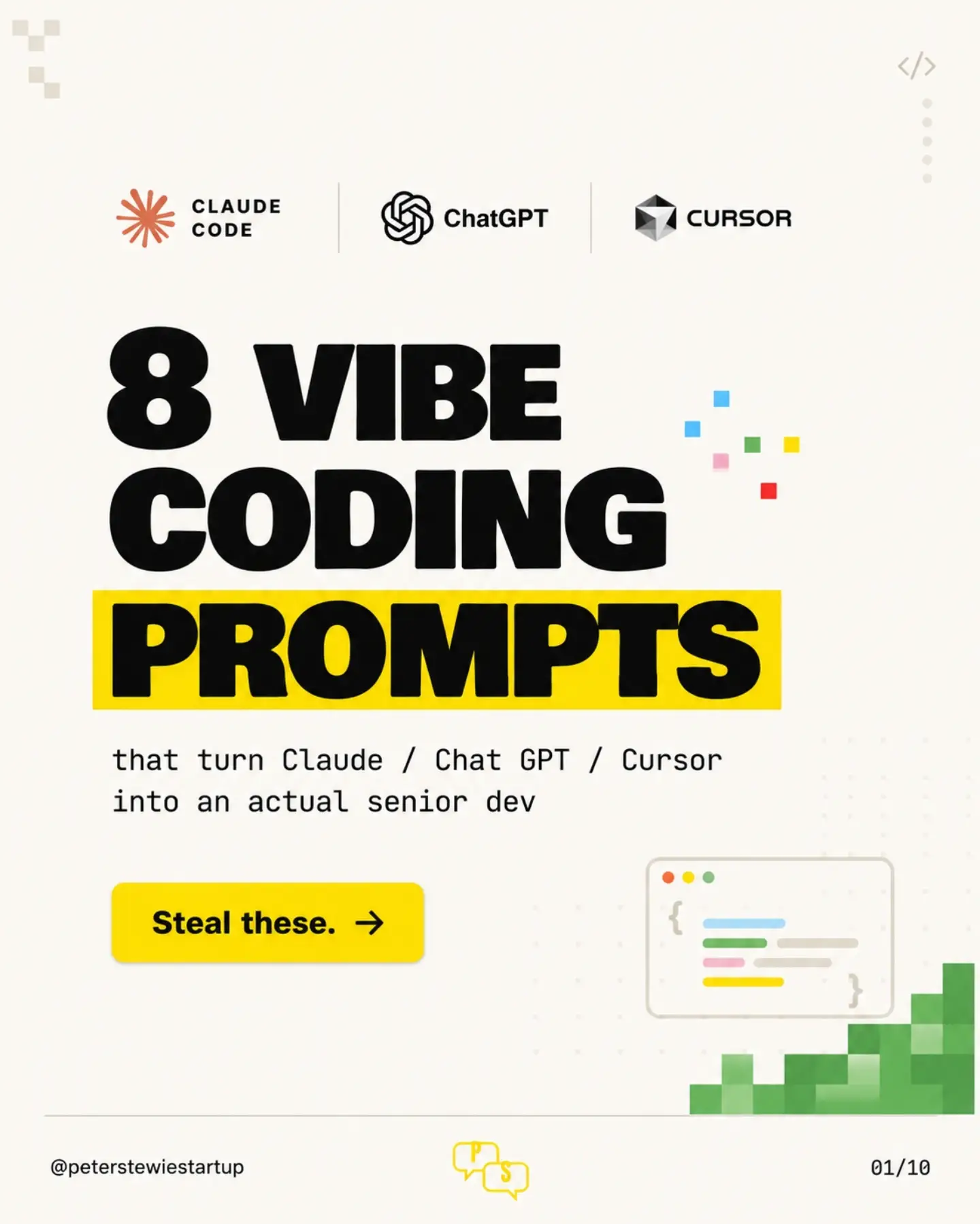
What are the eight vibe coding prompts?
The eight vibe coding prompts are pre-defined inputs designed to elicit specific, high-quality outputs from AI models. In this case, using Claude, Chat GPT, and Cursor, these prompts transform these models into a senior-level developer. These prompts are essentially a set of instructions that tell these models to complete specific tasks, like preparing a codebase for final review or ensuring an AI's code changes are properly tested. The prompts guide AI models to refine and clean codebases after initial code generation. Peter Stewart (username: peterstewiestartup) states in the video that the prompts encourage these AI models to produce outputs that would be expected from a senior developer. This involves not only producing code but also running tests, checking security, and even cleaning up redundant information. The key is that the prompts not only help the AI in producing code but also teach it to follow proper coding procedures by showing it examples of good code. Slides on a reel suggest these prompts aim to transform AI-generated code into something closer to what a senior developer would produce. This involves not only writing code but also running tests, checking for security vulnerabilities, and refactoring dead code. These tasks help make the codebase smaller and more efficient, which in turn makes the AI smarter and more capable. These eight prompts cover a range of tasks from enhancing capabilities to improving security and cleaning up old code. Several prompts are shown on the screen for tasks such as turning Claude, Chat GPT, and Cursor AI into a senior dev, finding security gaps, and cleaning up and refactoring dead code. They serve as a checklist that ensures the AI-generated code is complete, secure, and optimized.
Why it matters: Niche tools for the AI-curious
In the AI world, prompt engineering–the practice of crafting specific inputs to generate custom, effective outputs–is getting its own niche tools and shortcuts. Chatting with AI models like Claude, Chat GPT, and Cursor is becoming as common as using a search engine. As more people interact with these models, there's a growing need for tools that help users get the most out of them. The eight vibe coding prompts reframe coding as a form of collaboration between a user and an AI. By using these prompts, you guide the AI toward producing code that is well-optimized, secure, and efficient. This approach helps users get the most out of these AI models by tailoring their prompts to specific scenarios.
The origins of AI prompts
Prompt engineering is very much in the single-player style of prompts: you put a question to the AI, and it gives you an answer. It's very much like a fill-in-the-blank or multiple-choice question. The eight vibe coding prompts are the product of the individual engineering workflows of Peter Stewart. Stewart is a digital technology creator who posts mostly about AI and coding who has crafted these prompts to guide existing AI models. The vibe coding prompts show that prompt engineering is a blend of art and science. Crafting the right prompt requires a deep understanding of how the AI model works and what kinds of inputs it responds to best. Stewart's prompts are designed to tap into the strengths of these models, encouraging them to produce high-quality, secure, and optimized code.
How they work: A crystal ball for AI
These eight prompts offer a glimpse of a future where AI and humans work together more seamlessly. They give users a template to generate optimized, secure, and efficient code. This involves several stages: crafting the prompt, inputting it into the AI, and then reviewing and refining the output. After these prompts are input, Claude, Chat GPT, and Cursor carry out a series of tasks, including testing and security checks. The result is code that's more secure and easier to maintain. The prompts guide the AI models through a series of tasks, including writing code, running tests, and checking for security vulnerabilities. One prompt in particular stands out. These prompts ask the AI model to rank vulnerabilities by severity and even provide a fix. This is a crucial step in the software development process, as it helps identify and address potential security threats before they can be exploited.
How the prompts turn Claude, Chat GPT, and Cursor into senior developers
The eight vibe coding prompts make AI models more capable by guiding them to perform tasks like a senior developer would. They show the AI what good code looks like and encourage it to produce outputs that are secure, efficient, and well-tested. This results in a more capable AI that can handle a wider range of tasks. One prompt in particular highlights the importance of security. It encourages the AI to audit the codebase like a security engineer, ranking vulnerabilities by severity, and providing precise fixes. These prompts also guide the AI to perform tasks that a senior developer would, such as refactoring duplicated logic and cleaning up dead code. This helps make the codebase smaller and more efficient, which in turn makes the AI smarter.
A simple and effective way to optimize AI models
For anyone wanting to use these powerful tools, the eight vibe coding prompts are an attractive option. The prompts are designed to be easy to use, with clear instructions on how to input them and what to expect from the outputs. Crafting these types of prompts involves knowing the AI models and their capabilities.
- Start simple: If you're new to AI, start with simple prompts and gradually work your way up to more complex ones.
- Learn from examples: The eight vibe coding prompts provide a good starting point. By studying these prompts, you can learn how to craft your own.
- Iterate and refine: Don't expect to get it right the first time. AI prompt engineering is an iterative process, so be prepared to refine your prompts over time.
- Stay updated: AI models are constantly evolving, so it's important to stay updated on the latest developments and best practices in prompt engineering.
Circumstances where they won’t work
The eight vibe coding prompts do have their limitations. They're designed to work with specific AI models, like Claude, Chat GPT, and Cursor. Using them with other models may not yield the same results. Additionally, the prompts are designed to guide the AI through a specific set of tasks, so they may not be suitable for all coding scenarios.
Getting started with coding prompts
You will have to comment "VIBE" to get the full prompts. Preventative suggestions prompt users to "be proactive, not reactive" and address potential issues before they become problems. Both are valuable on a large project but rarely used in coding.
Questions readers ask
What exactly do these eight vibe coding prompts do?
The eight vibe coding prompts are designed to guide AI models like Claude, Chat GPT, and Cursor to perform specific tasks that a senior developer would typically handle. This includes refining and cleaning codebases, running tests, checking for security vulnerabilities, and even removing redundant information to make the code more efficient and secure.
How do these prompts transform AI models into senior-level developers?
These prompts act as detailed instructions that help AI models produce high-quality, well-optimized, and secure code. By following these prompts, the AI not only writes code but also ensures that it adheres to best practices, including thorough testing and security checks, much like a senior developer would.
Can anyone use these vibe coding prompts, or do they require special knowledge?
While these prompts are designed to be used by anyone who interacts with AI models, having some understanding of coding and AI model behavior can help you get the most out of them. The prompts serve as a checklist, guiding the AI through tasks that result in a more refined and optimized codebase.
Are these prompts specific to certain AI models, or can they be used with any AI coding assistant?
The article mentions that these prompts are specifically designed to work with AI models like Claude, Chat GPT, and Cursor. However, the principles behind these prompts—such as guiding the AI to produce high-quality, secure, and optimized code—could potentially be adapted for use with other AI coding assistants.
What kind of tasks do these prompts cover?
The prompts cover a wide range of tasks, including enhancing the AI's capabilities, improving security, and cleaning up old or redundant code. They essentially act as a checklist to ensure that the AI-generated code is complete, secure, and optimized, making the codebase more efficient and the AI more capable.
How do these prompts help in improving the security of AI-generated code?
The prompts guide the AI to check for security vulnerabilities in the codebase, ensuring that the generated code is not only functional but also secure. This involves running tests and refactoring the code to eliminate potential security risks, much like a senior developer would do.
Are there any downsides or limitations to using these prompts?
While the prompts are designed to enhance the AI's coding abilities, they are still dependent on the AI's underlying algorithms and the quality of the initial code generation. Additionally, the effectiveness of these prompts may vary based on the specific AI model being used.
Related deep dives
Similar reads based on topic and creator.

Recent articles
Fresh deep dives from the latest Reels we unpacked.


Comments
Be the first to comment.