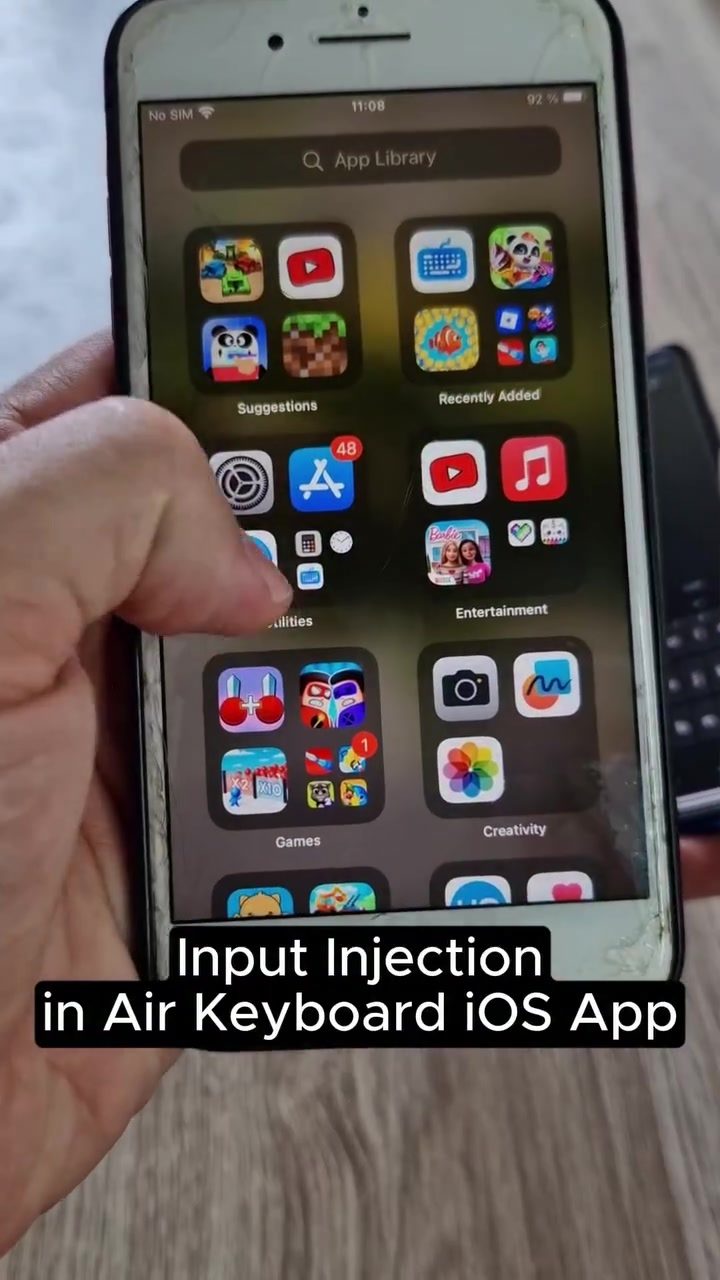
Air Keyboard Input Injection Vulnerability in iOS App
Air Keyboard, a popular mobile app, has been found to have a significant security vulnerability. The app, which allows for keyboard emulation on iOS devices, has a flaw that enables input injection, potentially allowing hackers to execute commands on the device. This vulnerability has been discovered by mobile security researchers and is still unpatched, posing a serious risk to users.
Context / Why this matters
The Air Keyboard app is designed to provide a seamless typing experience on iOS devices by emulating a physical keyboard. However, the recent discovery of an input injection vulnerability highlights a critical security concern. This type of vulnerability can be exploited by malicious actors to inject harmful commands into the device, leading to unauthorized access, data breaches, and other security issues. Given the widespread use of mobile devices for both personal and professional tasks, the security of keyboard apps is paramount. Users rely on these apps for everyday tasks, making it essential to address such vulnerabilities promptly.
Main discussion
Understanding Input Injection
Input injection in the context of the Air Keyboard app refers to the ability to inject malicious commands into the device through the keyboard interface. This technique can be used to execute unauthorized code, potentially compromising the security and integrity of the device. The vulnerability allows a hacker to inject commands that the app processes as legitimate inputs, thereby bypassing security measures.
How the Vulnerability Works
The demo showcases the process of input injection using the Air Keyboard app. The hacker connects to a server and attempts to run a Python script, injecting commands into the keyboard. This process is facilitated by the app's ability to emulate a physical keyboard, making it susceptible to such attacks. The demo highlights several key points, including connection issues and error messages, which indicate the challenges and limitations of executing the attack successfully.
Connection Issues and Error Messages
During the demonstration, the process of input injection is not seamless. The Air Keyboard Server keeps stopping, and the app crashes frequently. These issues suggest that while the vulnerability exists, executing a successful attack is not straightforward. The error messages and connection issues indicate that the app's developers may have implemented some security measures, albeit insufficient to prevent the vulnerability entirely. These challenges can provide a window for developers to address the issue and enhance the app's security.
Practical tips
For App Users
If you are using the Air Keyboard app, it is crucial to take immediate action to protect your device. Here are some practical tips:
- Update the App: While the vulnerability is still unpatched, keeping the app updated ensures that you receive any security patches as soon as they are released.
- Use Alternative Apps: Consider switching to a different keyboard app that does not have known vulnerabilities.
- Enable Two-Factor Authentication: This adds an extra layer of security to your device, making it harder for attackers to gain access.
- Monitor for Suspicious Activity: Regularly check your device for any unusual activity that might indicate a security breach.
For Developers
For developers working on similar keyboard emulation apps, the discovery of this vulnerability serves as a reminder to prioritize security. Here are some best practices:
- Conduct Regular Security Audits: Conduct thorough security audits to identify and address potential vulnerabilities.
- Implement Robust Security Measures: Implement robust security measures to prevent input injection and other types of attacks.
- Respond Promptly to Vulnerabilities: Developers should respond promptly to any reported vulnerabilities and release patches as soon as possible.
Important takeaways
The discovery of the input injection vulnerability in the Air Keyboard app underscores the importance of mobile app security. Users and developers alike must take proactive measures to protect devices and data. While the vulnerability is still unpatched, users should be vigilant and consider using alternative keyboard apps until the issue is resolved. Developers should prioritize security in their app development processes to prevent similar vulnerabilities in the future.
Conclusion
The input injection vulnerability in the Air Keyboard app highlights a significant security risk for iOS users. By understanding how the vulnerability works and taking proactive measures, users can protect their devices from potential attacks. Developers must also prioritize security in their app development processes to ensure the safety and integrity of their products. As the digital landscape continues to evolve, staying informed about security vulnerabilities and best practices is essential for both users and developers.
Questions readers ask
What is the Air Keyboard app and how does it function?
The Air Keyboard app is a mobile application designed to provide a seamless typing experience on iOS devices by emulating a physical keyboard. It allows users to type on their iOS devices using a keyboard interface, typically from a separate device.
What is the input injection vulnerability in the Air Keyboard app?
The input injection vulnerability in the Air Keyboard app allows attackers to inject malicious commands into the app, potentially leading to unauthorized control of the iOS device. This flaw enables remote execution of commands, which can compromise the device's security.
How can the Air Keyboard vulnerability lead to iOS hacking?
By exploiting the input injection vulnerability, hackers can send harmful commands to the device, potentially gaining unauthorized access and controlling the iOS device remotely. This can result in data breaches and other malicious activities.
Has the vulnerability in Air Keyboard been fixed?
The vulnerability in the Air Keyboard app remains unpatched as of the current reporting. Users are advised to be cautious and consider alternatives until the issue is resolved by the app's developers.
Are there any immediate steps users can take to protect their devices?
Users of the Air Keyboard app should temporarily disable the app or uninstall it until a patch is released. Additionally, users should keep their iOS software up to date to reduce the risk of other potential vulnerabilities. Avoiding the use of third-party keyboards for sensitive activities can also help mitigate risks.
What types of data breaches could occur due to this vulnerability?
The exploitation of this vulnerability could lead to unauthorized access to personal data, including passwords, messages, and other sensitive information stored on the device. It could also allow for the installation of malware or spyware, further compromising the user's privacy and security.
Related deep dives
Similar reads based on topic and creator.




Recent articles
Fresh deep dives from the latest Reels we unpacked.




Comments
Be the first to comment.