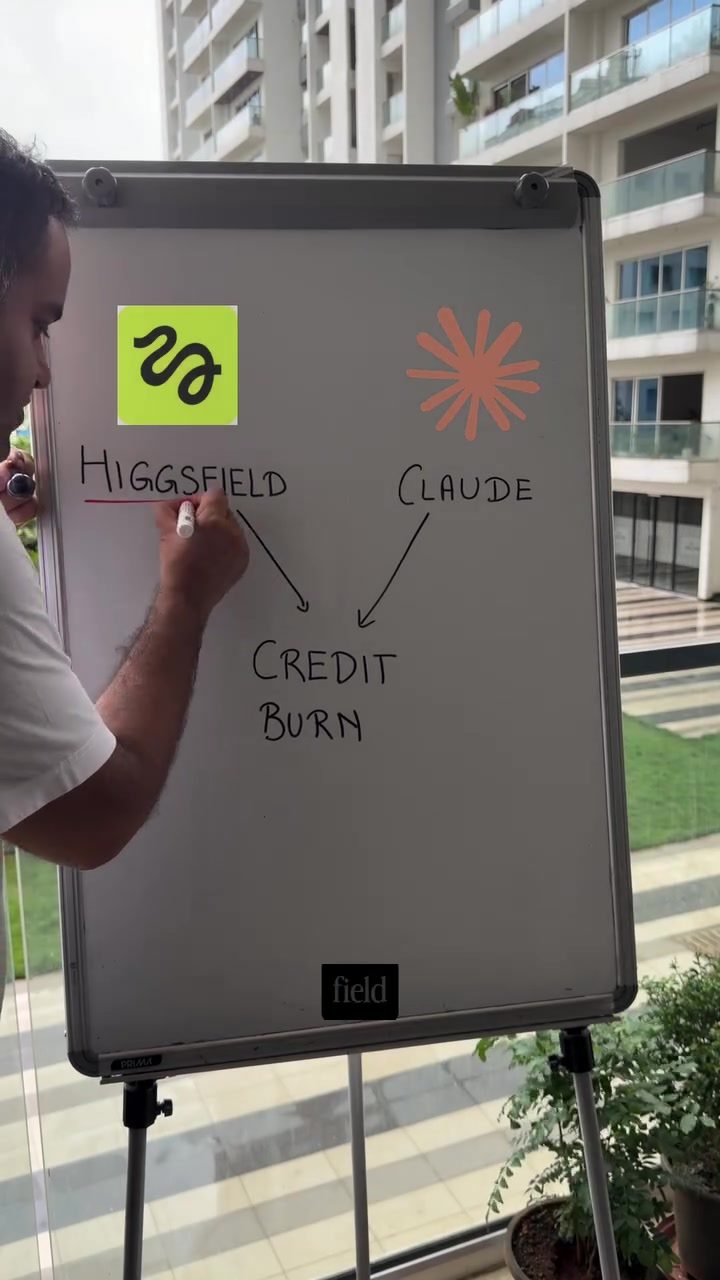
Optimizing Credit Usage in Higgs Field with Claude
Higgs Field is a powerful tool, but it can quickly deplete your credits if not used efficiently. When integrated with Claude, the credit burn rate can increase even more, especially with features like Auto Approvals. Here, we'll explore effective strategies to manage and control your credit usage in Higgs Field via Claude.
Why This Matters
Efficient credit management is crucial for maximizing the value you get from Higgs Field. By understanding how to plan and execute your tasks, you can significantly reduce unnecessary credit consumption. This is particularly important when working with tools like Claude, where automated processes can quickly deplete your credits.
Main Discussion
Understanding Credit Burn
Credit burn refers to the consumption of credits as you use Higgs Field. This can happen rapidly, especially when generating high-resolution images or adding audio to your projects. By planning your workflow and making strategic decisions, you can control how many credits you use.
Planning in Claude
Always start by planning your project in Claude. This involves generating an image first and then rendering it. Planning helps you visualize the project and make informed decisions about credit usage. It also allows you to experiment with different options before committing to a final version.
Using Cheap Variant Models
One of the most effective ways to control credit burn is by using a cheap variant model during the initial stages of your project. These models are faster and more standard, making them ideal for experimentation. Once you have a rough idea of what you want, you can then switch to higher-resolution models for the final output.
Generating 720p Versions
Instead of rendering multiple high-resolution options, start by generating 720p versions. This approach allows you to see how different elements come together without using a large number of credits. Once you find a version you like, you can scale it to HD output for the final render.
Managing Audio
Adding audio to your projects is a separate charge. To manage this cost, only add audio in the final version of your videos. This way, you won't incur additional charges during the experimentation phase.
Asking for a Single Variant
Finally, ask for a single variant first instead of generating multiple bad videos. This helps you focus on the best option and avoid wasting credits on low-quality outputs.
Practical Tips
Monitor Your Credit Usage
Keep a close eye on your credit usage as you work. Tools like Claude often have built-in features that allow you to track your credit consumption in real-time. Use these tools to stay informed and make adjustments as needed.
Experiment with Different Models
Don't be afraid to experiment with different models and settings. By trying out various options, you can find the most efficient way to achieve your desired results without overspending on credits.
Use Placeholder Assets
When planning your project, use placeholder assets instead of high-quality ones. This allows you to experiment with different layouts and designs without using up your credits.
Review and Refine
Regularly review your work and refine your approach as you go. This iterative process helps you identify areas where you can save credits and improve the overall efficiency of your workflow.
Important Takeaways
- Plan Ahead: Always plan your project in Claude before rendering. Generate an image first to visualize the final output.
- Use Cheap Models: Start with cheaper, faster models for experimentation. Switch to higher-resolution models for the final output.
- Generate 720p Versions: Focus on 720p versions initially to save credits. Scale up to HD output once you have a winning version.
- Manage Audio Costs: Only add audio in the final version to avoid additional charges.
- Single Variant Approach: Ask for a single variant first to avoid generating multiple low-quality videos.
Conclusion
By following these steps, you can control your credit burn in Higgs Field and make the most of your credits. Planning, using efficient models, and managing audio costs are key strategies for optimizing your workflow.
Questions readers ask
How can I minimize credit usage when using Claude with Higgs Field?
To minimize credit usage, start by planning your projects thoroughly. Use cheaper variants for initial drafts and generate lower resolutions first. This approach allows you to refine your work before committing to higher-resource tasks, saving credits in the process.
What is credit burn and how can I control it in Higgs Field?
Credit burn refers to the rate at which your credits are consumed while using Higgs Field. To control it, avoid using high-resolution outputs until necessary and take advantage of cheaper variants for basic tasks. Additionally, use the render control features to monitor and adjust resource usage.
How does using Claude affect credit usage in Higgs Field?
Claude, with its automated processes such as Auto Approvals, can increase the credit burn rate in Higgs Field. To manage this, set up your projects to utilize cheaper variants and lower resolutions initially. This helps in reducing the overall credit consumption without compromising the final output quality.
Why is it important to plan projects in Higgs Field?
Planning your projects in Higgs Field ensures you use your credits efficiently. By outlining tasks and prioritizing them, you can avoid unnecessary credit usage. This is particularly useful when working with advanced tools, where automated processes can quickly deplete your credits.
What are some tips to save credits when rendering audio in Higgs Field?
To save credits when rendering audio, use the cheaper variants initially to draft your audio. Monitor the render process and adjust settings to minimize the credit burn rate. Once you are satisfied with the output, you can then proceed to higher-quality renders for the final output.
Related deep dives
Similar reads based on topic and creator.




Recent articles
Fresh deep dives from the latest Reels we unpacked.




Comments
Be the first to comment.