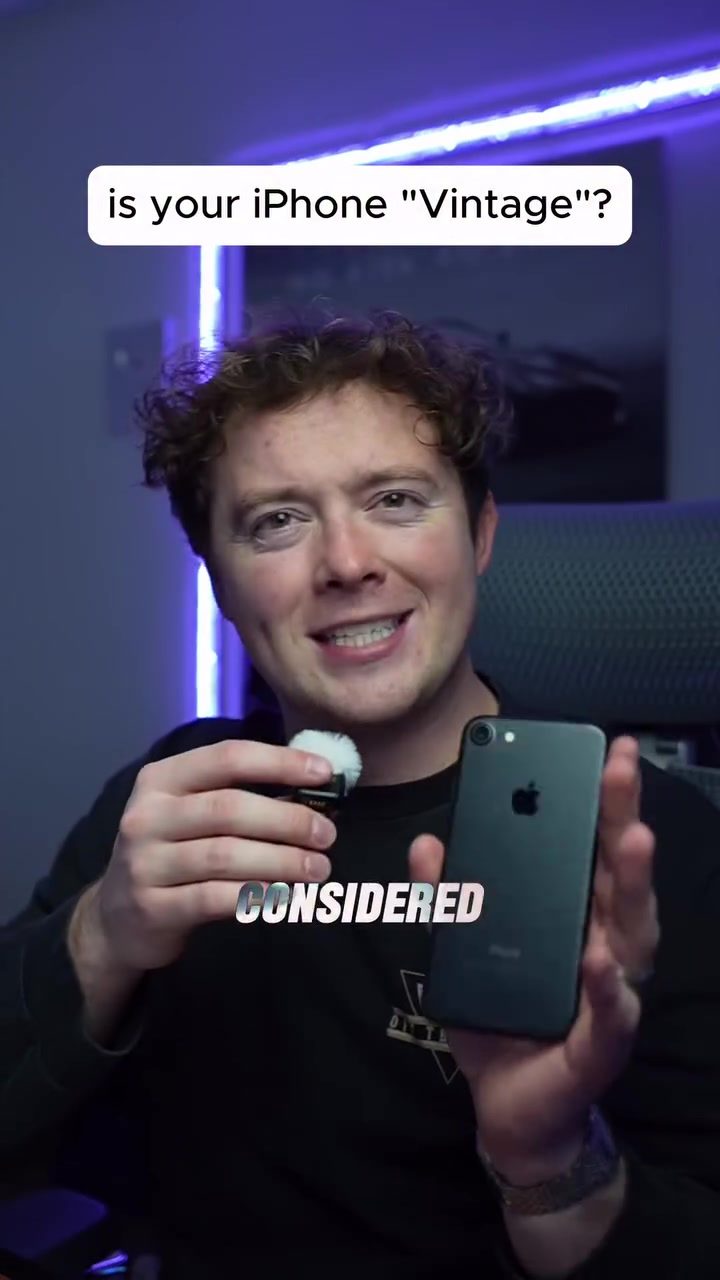
Is Your iPhone Considered Vintage?
The term "vintage" for iPhones may seem unusual, but it's an official designation from Apple for certain older models. Understanding which iPhone models are considered vintage and which are obsolete will help you determine the state of your older devices.
Why This Matters
iPhones that are considered vintage or obsolete can affect your ability to update the software, get support, or even use certain apps. Knowing the difference between a vintage and an obsolete iPhone will help you make informed decisions about whether to upgrade, repair, or hold onto your current device.
Identifying Vintage and Obsolete iPhones
The Apple Vintage List
Apple maintains an official list of vintage and obsolete iPhones, which can be found on their website. This list is crucial for understanding the status of your device. According to the information, the vintage iPhone list starts with the iPhone 4 and goes all the way up to the iPhone 11 Pro Max. This may come as a surprise to some, as the iPhone 11 Pro Max does not seem old by today's standards.
Vintage iPhones
Vintage iPhones are models that are at least five and less than seven years old. These devices are no longer sold by Apple, but they can still be serviced, and parts are available. Here are some of the models that are considered vintage:
- iPhone 4 (all models)
- iPhone 4S (all models)
- iPhone 5
- iPhone 5C
- iPhone 5S
- iPhone 6
- iPhone 6 Plus
- iPhone 6s
- iPhone 6s Plus
- iPhone SE (1st generation)
- iPhone 7
- iPhone 7 Plus
- iPhone 8
- iPhone 8 Plus
- iPhone X
- iPhone XS
- iPhone XS Max
- iPhone XR
- iPhone 11
- iPhone 11 Pro
- iPhone 11 Pro Max
Obsolete iPhones
Obsolete iPhones are those that are more than seven years old. These devices are no longer supported and are difficult to service. Some examples of obsolete iPhones are:
- Original iPhone
- iPhone 3G
- iPhone 3GS
- iPhone 4 CDMA
- iPhone 4 GSM
The transition from vintage to obsolete status happens because Apple phases out support for older devices as they introduce new models. This means that while a vintage iPhone can still be used and serviced, an obsolete iPhone may have limited functionality and support.
The iPhone 4 Enigma
One interesting observation is that the iPhone 4, both CDMA and GSM versions, can be considered obsolete or vintage, depending on the specific model and its release. For example, the iPhone 4 CDMA model is considered obsolete, while the iPhone 4 GSM (8GB) model is considered vintage. This distinction can be important if you are trying to determine the value or usability of an old iPhone 4 model.
Practical Tips
Checking Your iPhone Model
If you're unsure about the status of your iPhone, you can check the model by following these steps:
- Go to Settings on your iPhone.
- Tap on General.
- Select About.
- Look for the Model Name or Model Number.
Understanding the Model Number
The model number can help you identify the exact model of your iPhone. For example, the model number for the iPhone 11 Pro Max is A2215, while the iPhone 11 Pro is A2160. Once you have the model number, you can cross-reference it with Apple's vintage and obsolete lists to determine the status of your device.
Upgrading or Repairing
If your iPhone is considered vintage, you may want to consider upgrading to a newer model to ensure you have the latest features and support. However, if you're happy with your current device and it's still functioning well, you can continue using it. Just be aware that software updates and app support may become limited over time.
If your iPhone is considered obsolete, it may be time to upgrade. These devices are no longer supported by Apple, and finding parts or service can be challenging. Additionally, some apps may no longer run on these older models, making them less functional.
Important Takeaways
Vintage iPhones
- Can still be serviced and updated, but support is limited.
- Have a lifespan of at least five and less than seven years.
- Models include the iPhone 4 through the iPhone 11 Pro Max (excluding CDMA models).
Obsolete iPhones
- No longer supported by Apple.
- Difficult to service and find parts for.
- Models include the original iPhone, iPhone 3G, iPhone 3GS, and iPhone 4 CDMA.
Conclusion
Understanding whether your iPhone is considered vintage or obsolete can help you make informed decisions about your device. Whether you're holding onto an old iPhone for sentimental reasons or looking to upgrade, knowing the status of your device can guide your choices. Check Apple's official vintage and obsolete lists to determine the status of your iPhone and plan accordingly.
Questions readers ask
What are the criteria for an iPhone to be considered vintage?
An iPhone is considered vintage if it is between 5 and 7 years old. Apple uses this age range to determine the device's eligibility for software updates and support. This designation helps users understand their device's current functionality and support status.
How can I check if my iPhone model is on the vintage list?
Apple provides an official list of vintage iPhone models on their website. You can visit Apple's vintage product archive to check if your iPhone model is listed as vintage. The list is updated regularly to reflect the current status of older models.
What happens when an iPhone becomes obsolete?
When an iPhone is considered obsolete, it means it is over 7 years old and is no longer eligible for hardware service or software updates. This can affect your ability to use the latest apps, and many apps may stop functioning properly. It's important to upgrade to a newer model or be prepared for limited functionality.
Can a vintage iPhone receive software updates?
Vintage iPhones may still receive some software updates, but their functionality can be limited. The iPhone 32GB vintage is a good example—they can still run apps, but they may not support the latest iOS versions. It's essential to check Apple’s official list to understand what updates your specific model can receive.
Are there specific storage sizes that are more likely to be vintage?
Yes, certain storage sizes like the 8GB,16GB, and 32GB models are often considered vintage. These storage sizes were common in older iPhones that are now between 5 and 7 years old. Checking Apple’s vintage iPhone checklist can confirm if your particular storage size is affected.
How does being on the vintage list affect app support?
An iPhone that is on the vintage list may experience limitations in app support. Some apps might not function properly, or you might not be able to download the latest versions. It's crucial to check the app requirements to ensure compatibility with your vintage iPhone model.
Related deep dives
Similar reads based on topic and creator.

Recent articles
Fresh deep dives from the latest Reels we unpacked.




Comments
Be the first to comment.